Help
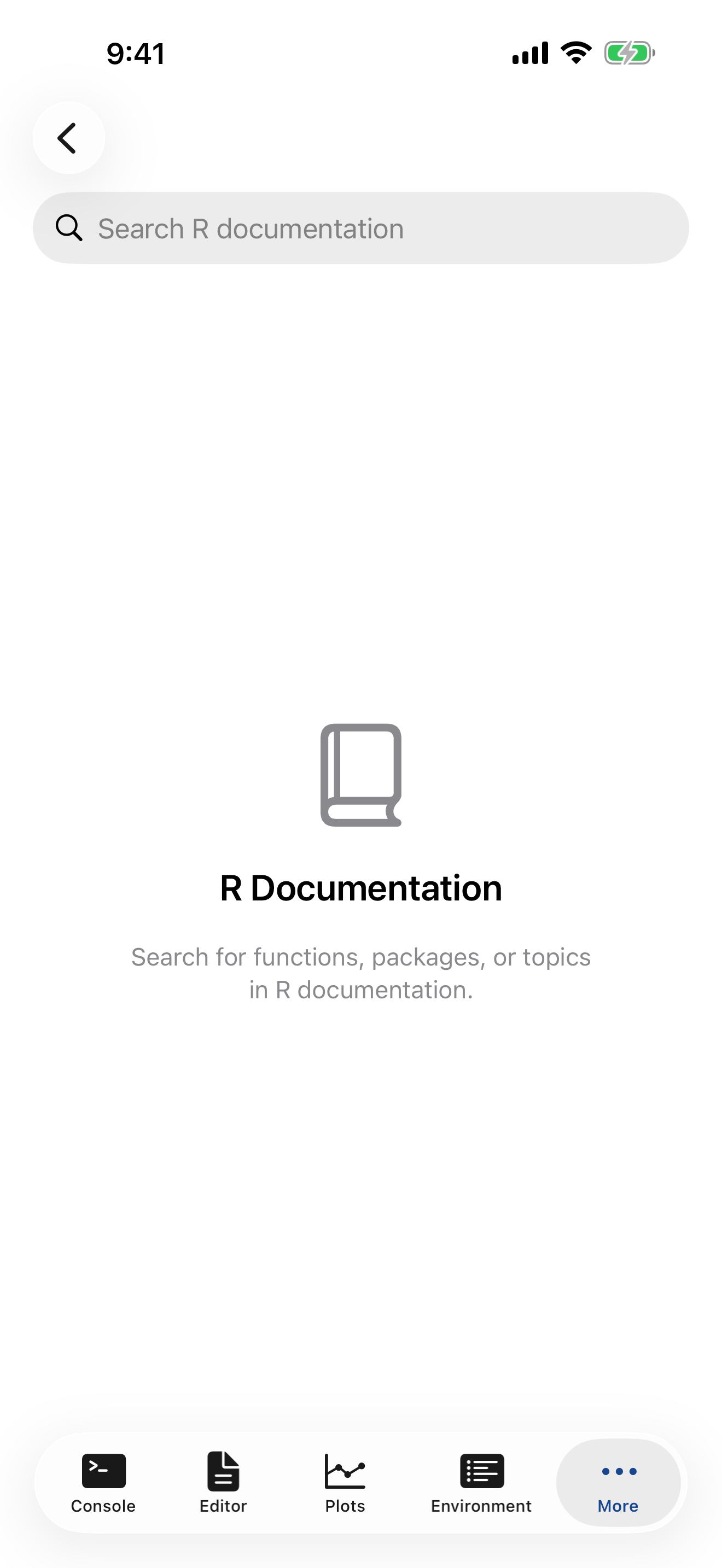
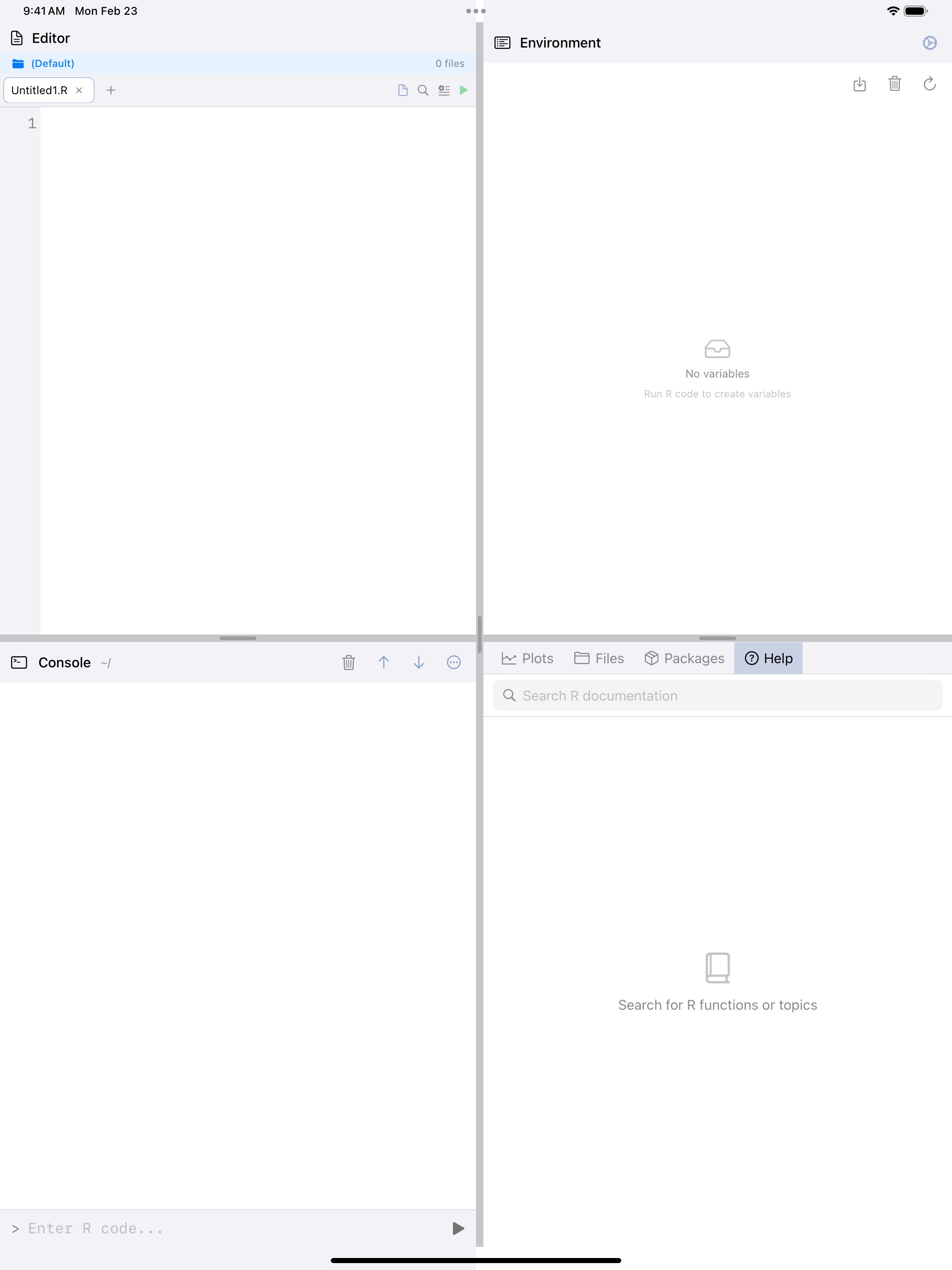
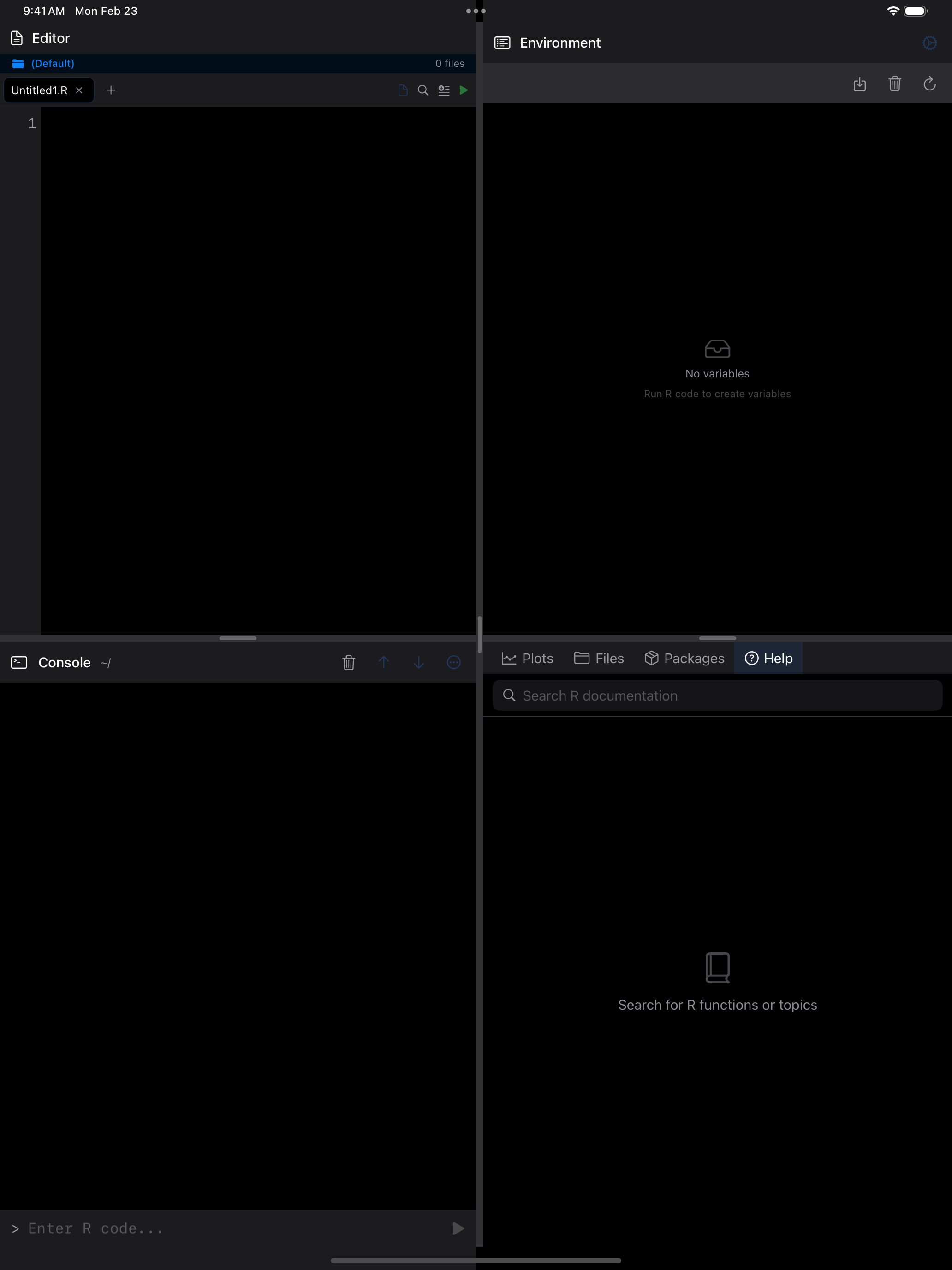
The Help tab is a built-in R documentation browser. Search for any function, package, or topic and read its full help page without leaving the app.
R Documentation Browser
Type a function or topic into the search bar. Search takes what you type literally, so operators such as [[ or + work too.

Viewing Help Pages
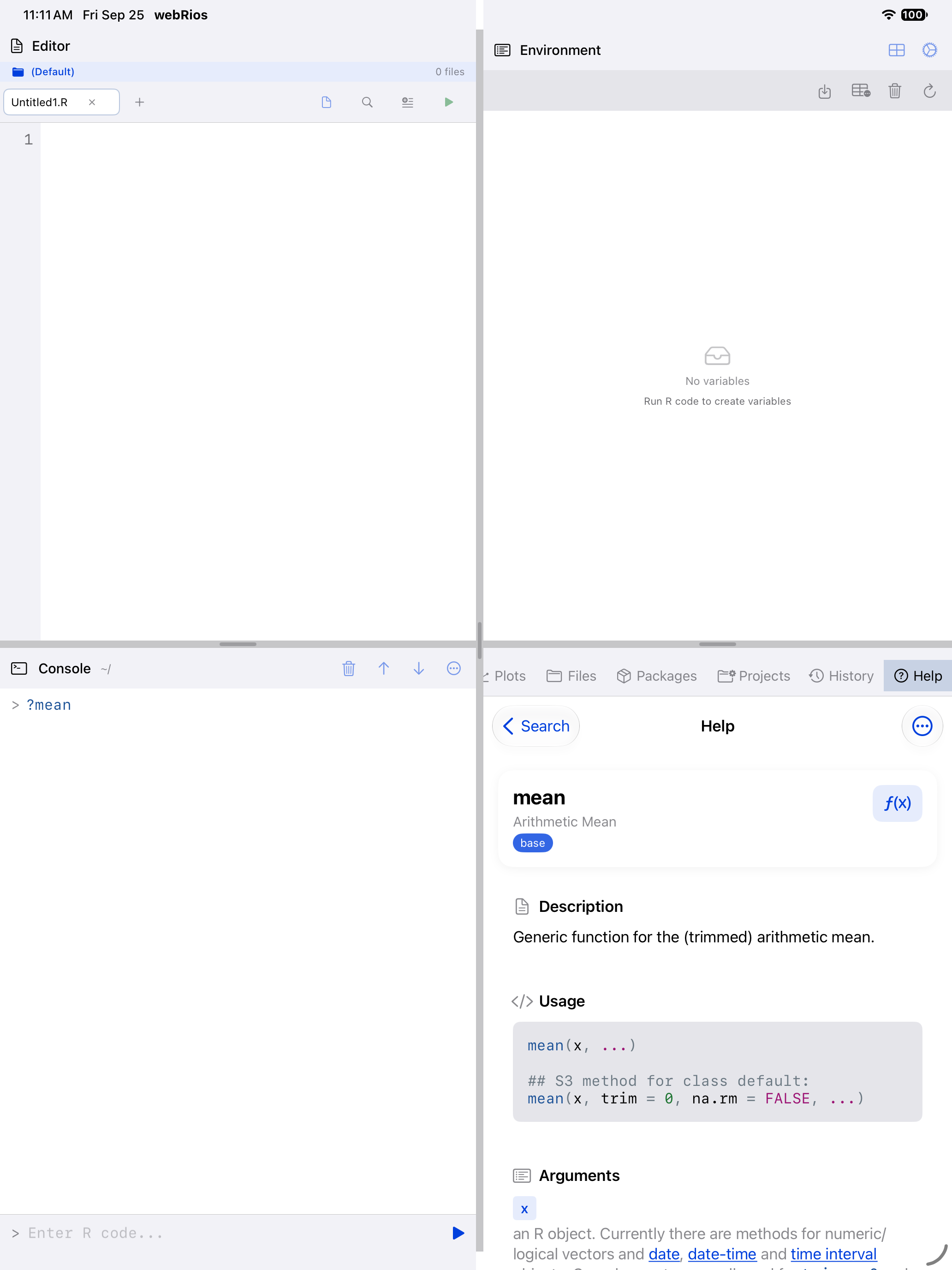
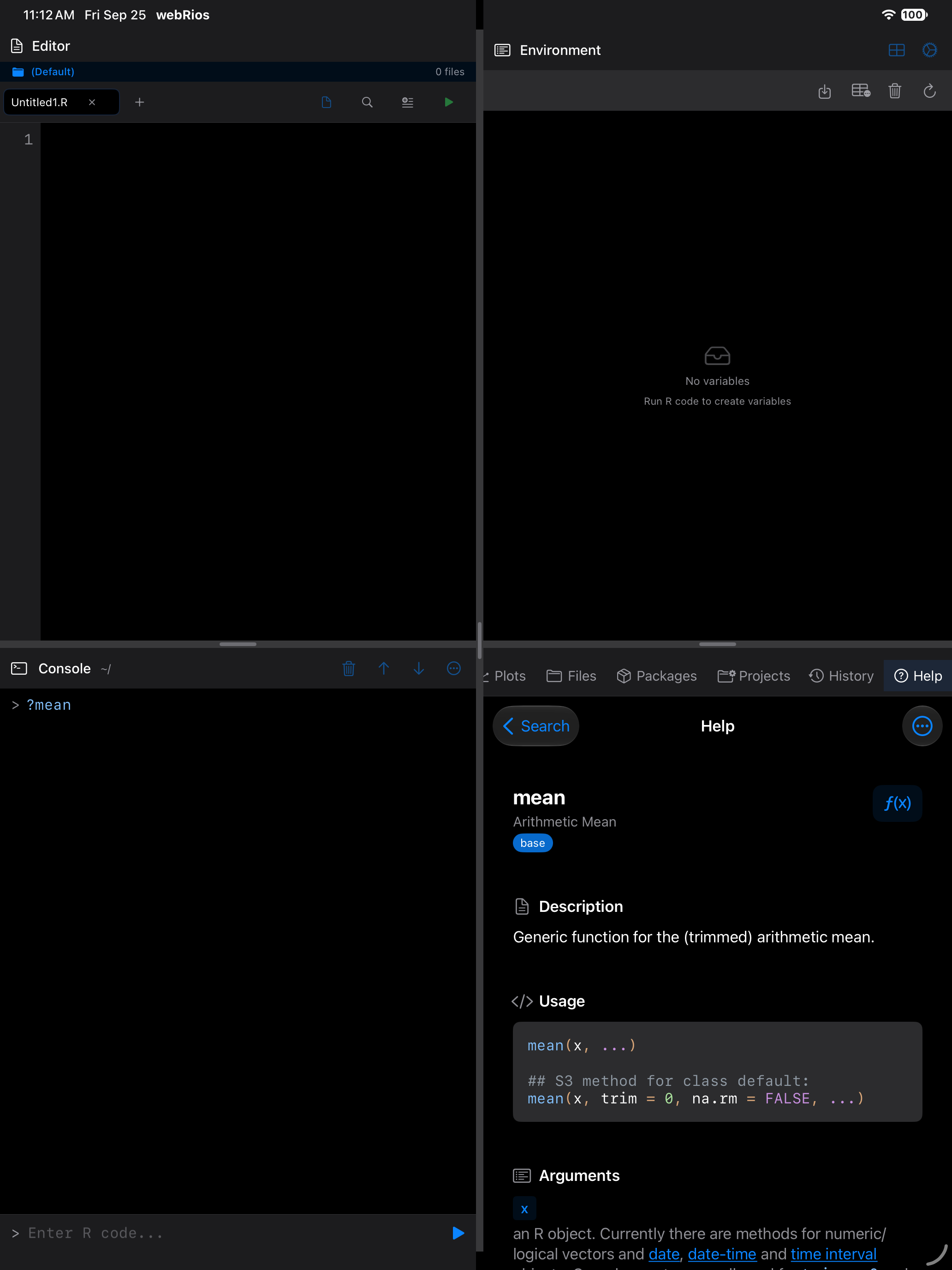
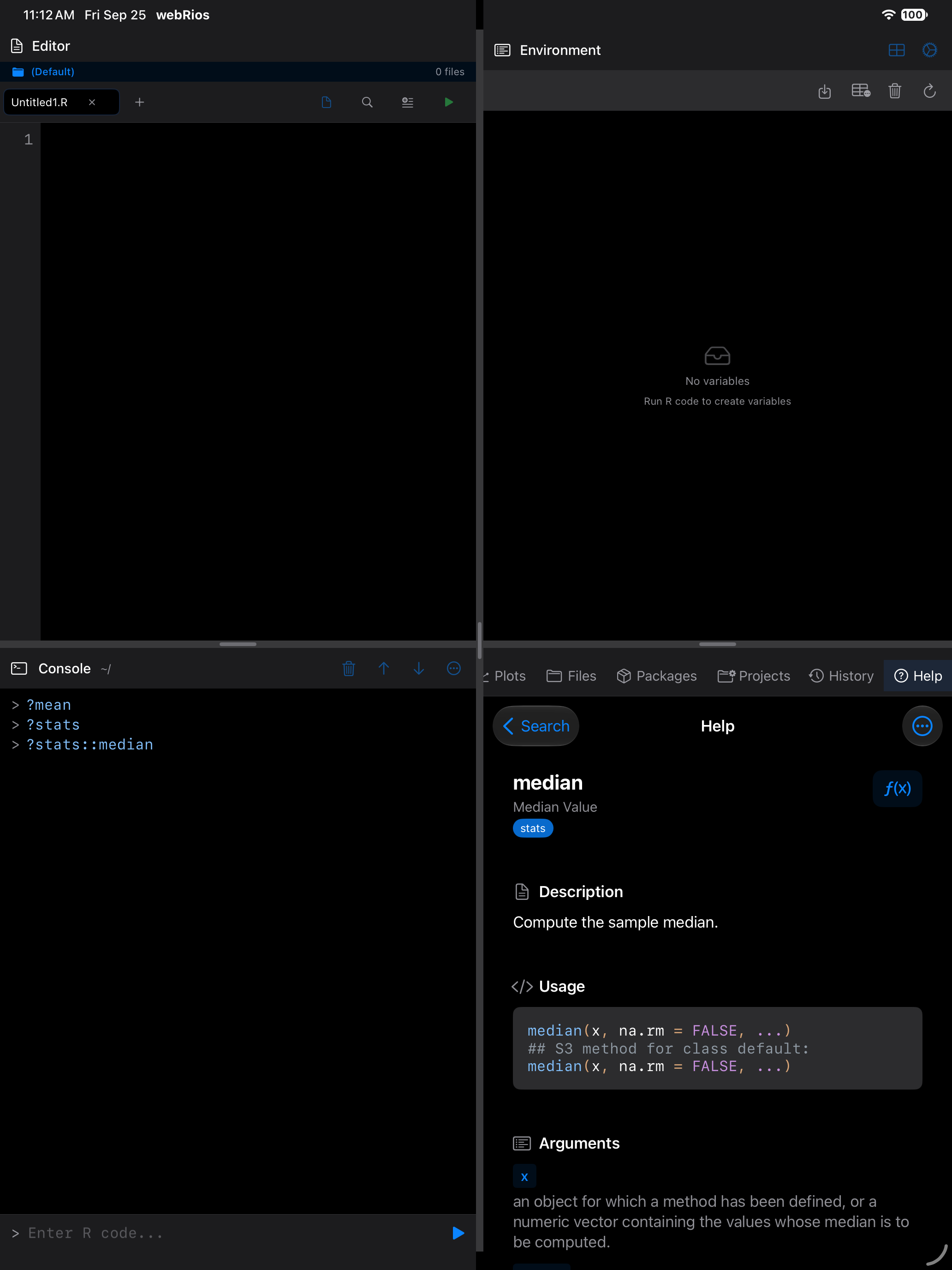
Each help page follows R’s standard documentation layout. Here is what you see when you look up a function like mean:
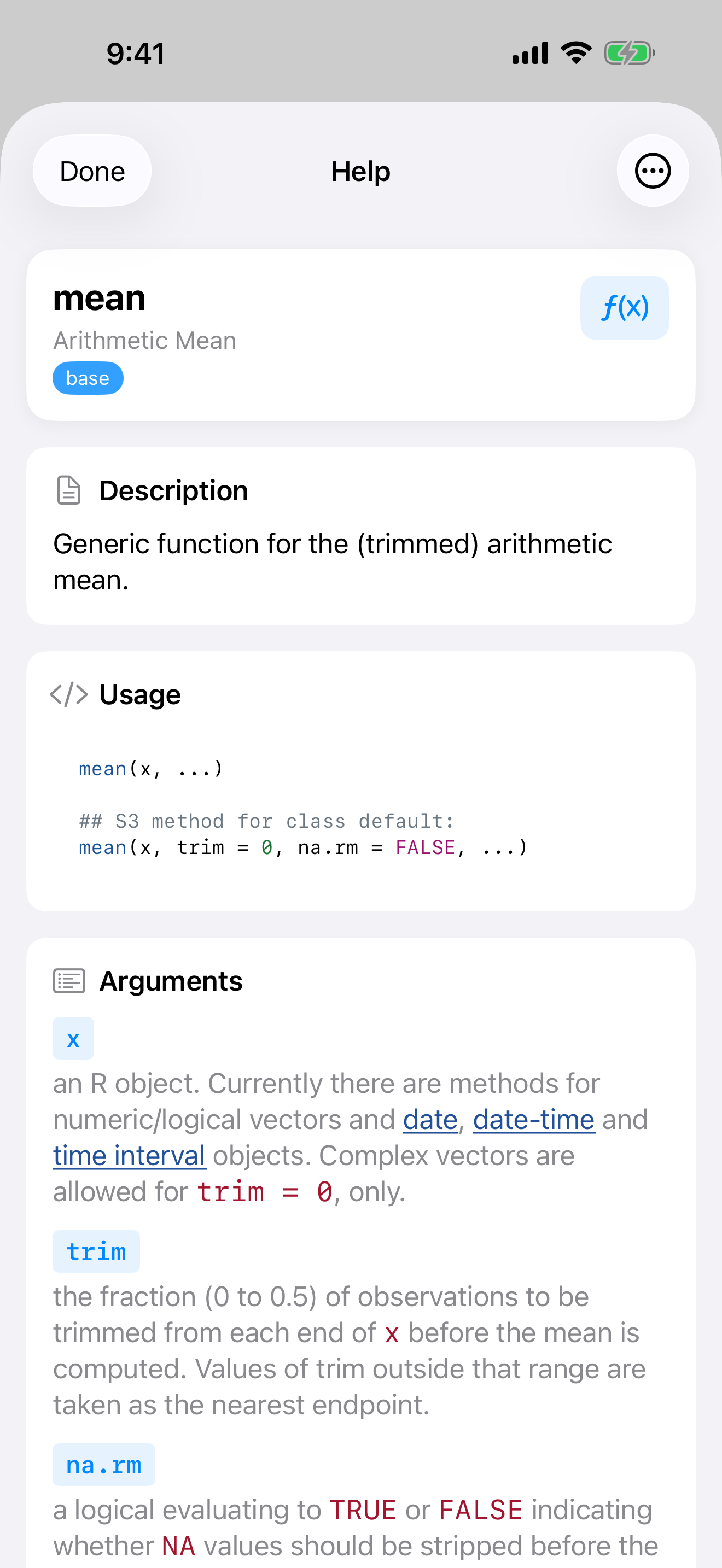
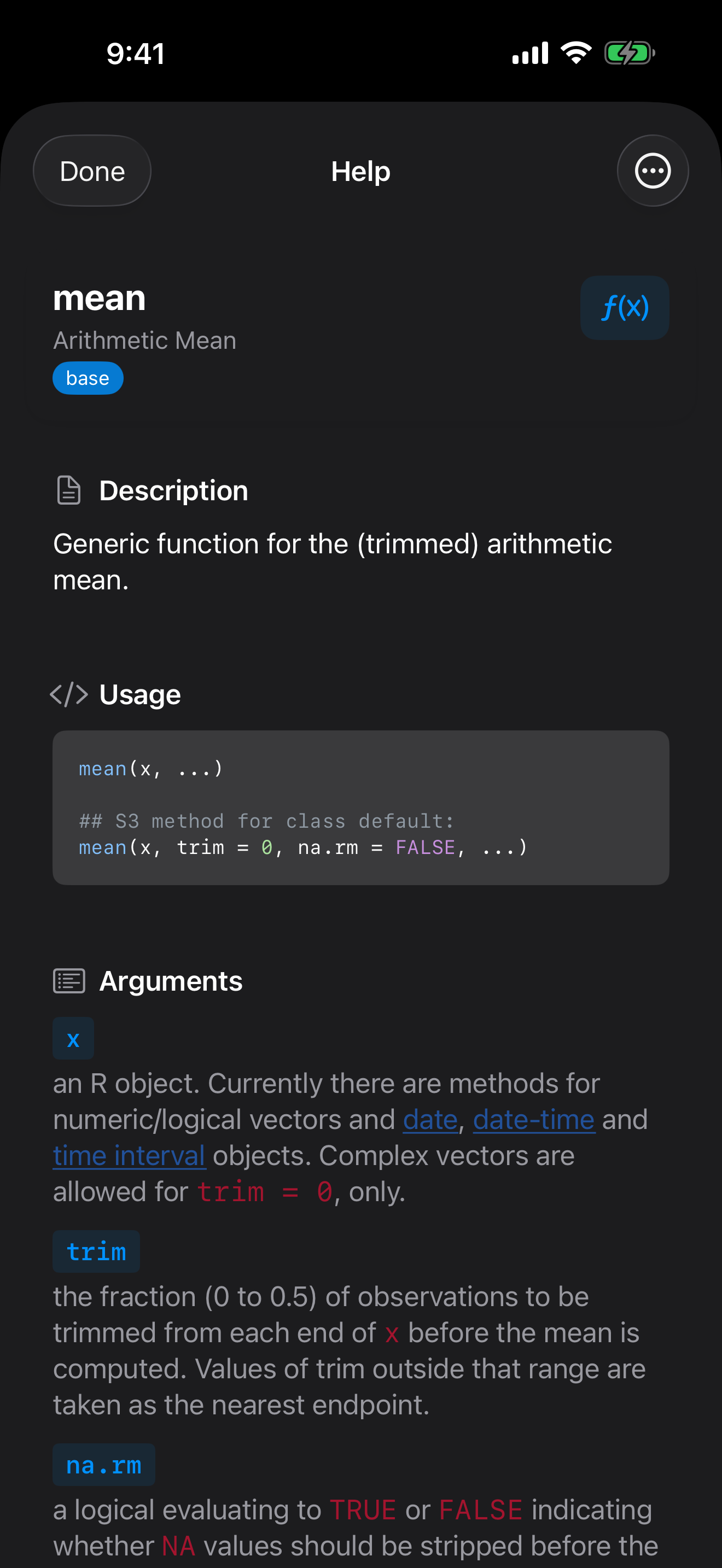
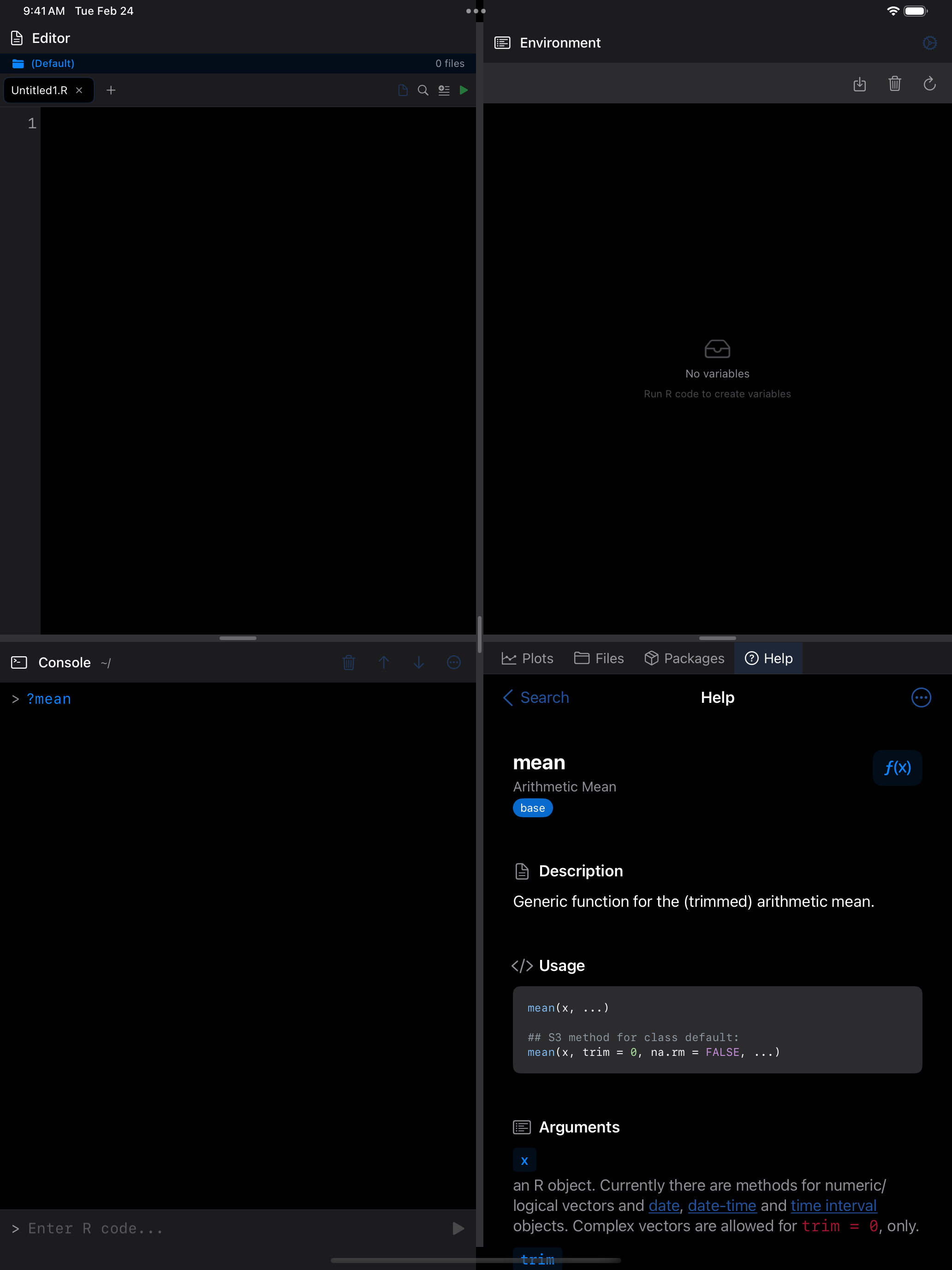
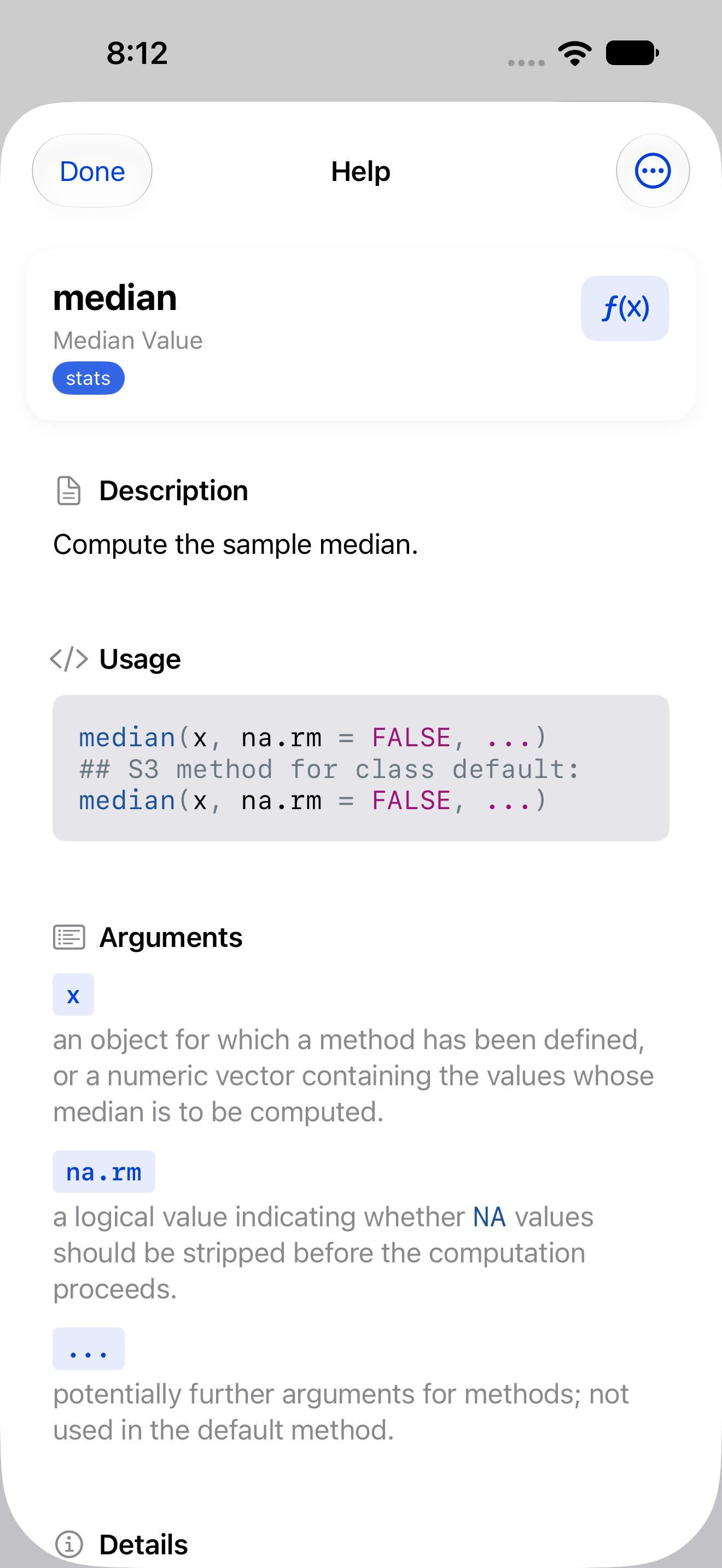
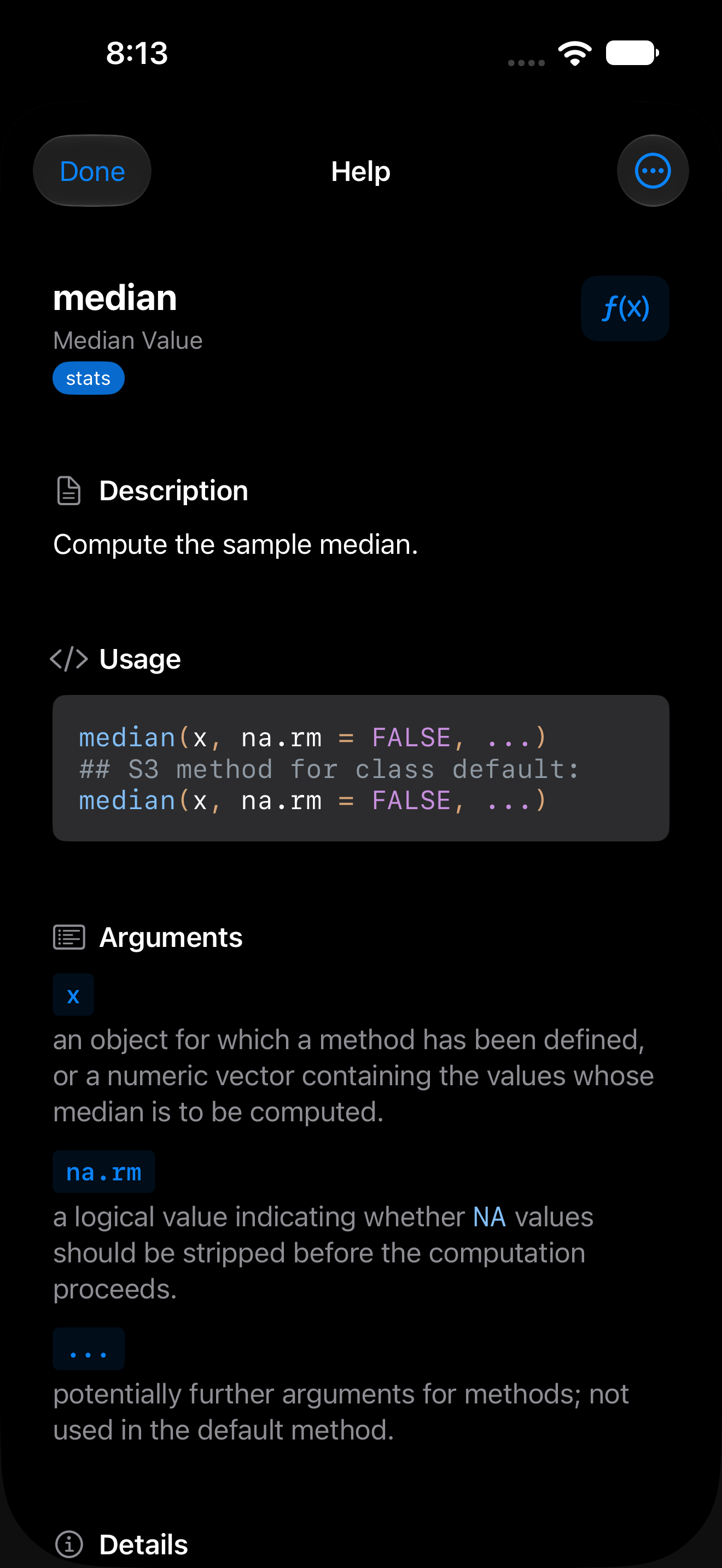
A typical help page includes these sections:
- Title and package badge: the function name and which package it belongs to (e.g.,
mean {base}). - Description: a brief summary of what the function does.
- Usage: the function signature showing all arguments and their defaults.
- Arguments: a detailed explanation of each parameter.
- Details: additional information about behavior, edge cases, and related functions.
- Examples: runnable code showing the function in action. Tap Run to run them in the Console.
Pages also show Value (what the function returns), Format, Note, Author(s), Source and References where they exist. Tables, as in ?mtcars or ?Syntax, are drawn in aligned columns, and web links are tappable.
The … menu copies the topic name, the usage, the examples or the page’s raw text. Done closes the page.
Following links
Links in See Also and elsewhere open the page they name, in any installed package, loaded or not. Each new page starts at the top.
After a link, Back appears at the top left and steps back through up to 50 pages. On a page opened as a sheet, Done moves to the top right; in the iPad 4-Pane Workspace, Back to Search moves into the … menu. A page opened from search or the Console starts the history afresh.
Accessing Help from the Console
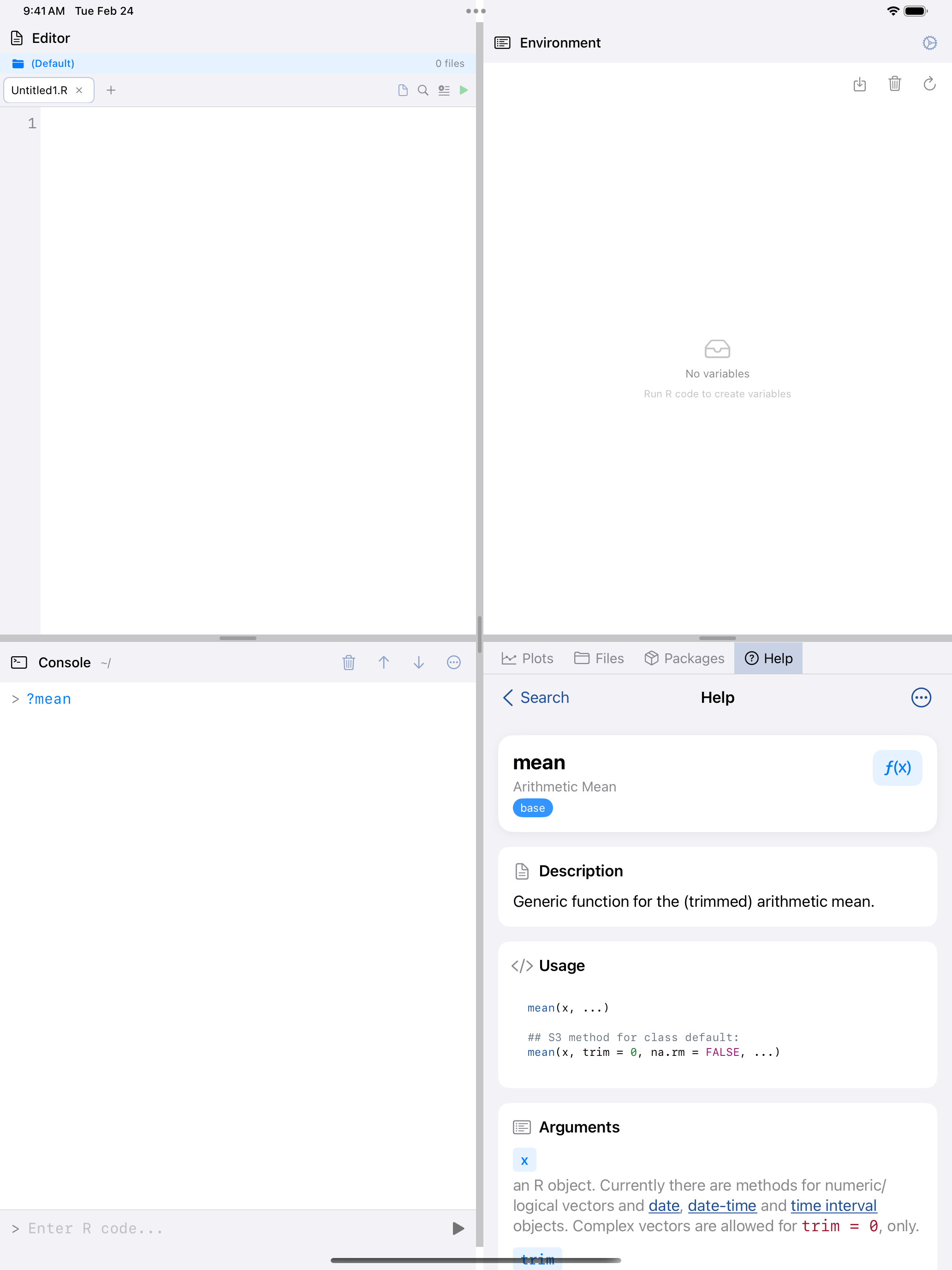
You can open help pages directly from the Console using R’s built-in help syntax:
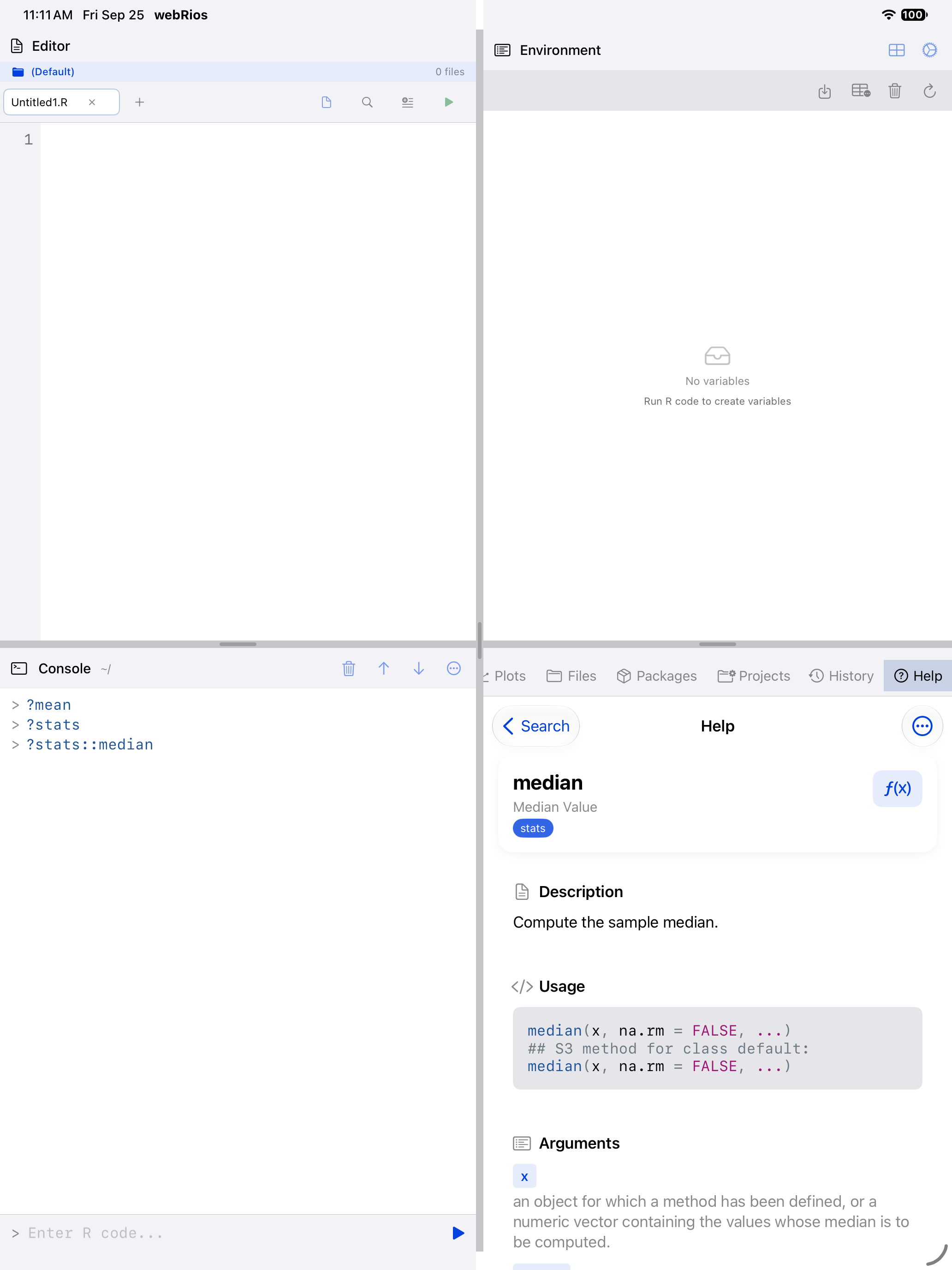
?meanorhelp(mean)opens the help page formean().?stats::medianor?dplyr::filteropens that package’s page, loaded or not. If the package isn’t installed, R says “there is no package called” in the Console.- Topics with dots, such as
?read.csv, work. A topic with no help page prints an error in the Console. ?dplyrshows the package index page listing all its functions.
In the iPad 4-Pane Workspace, help opens in the Help pane. On iPhone, and on iPad with Sidebar Navigation, it opens as a sheet over the Console. The Help tab keeps your page when you switch panes or layouts.
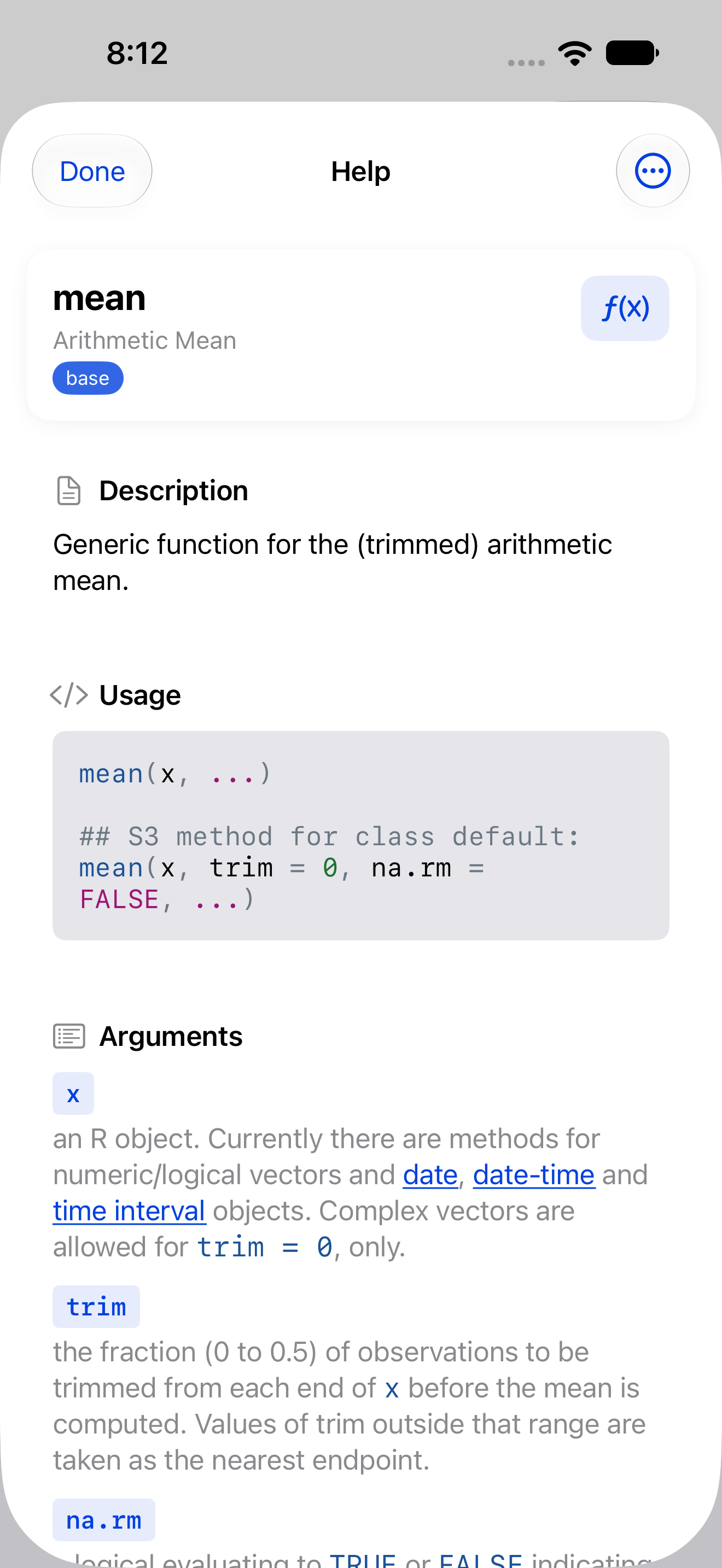
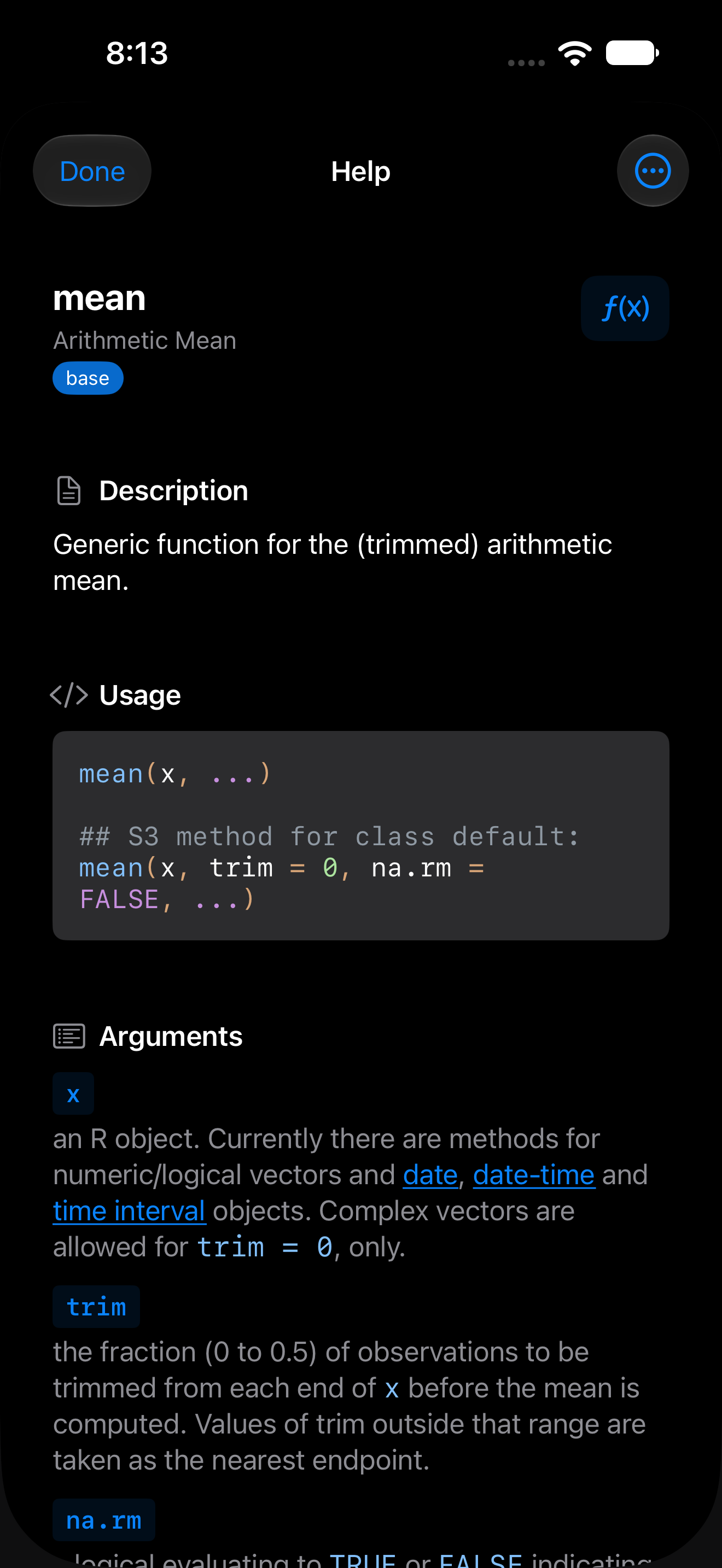
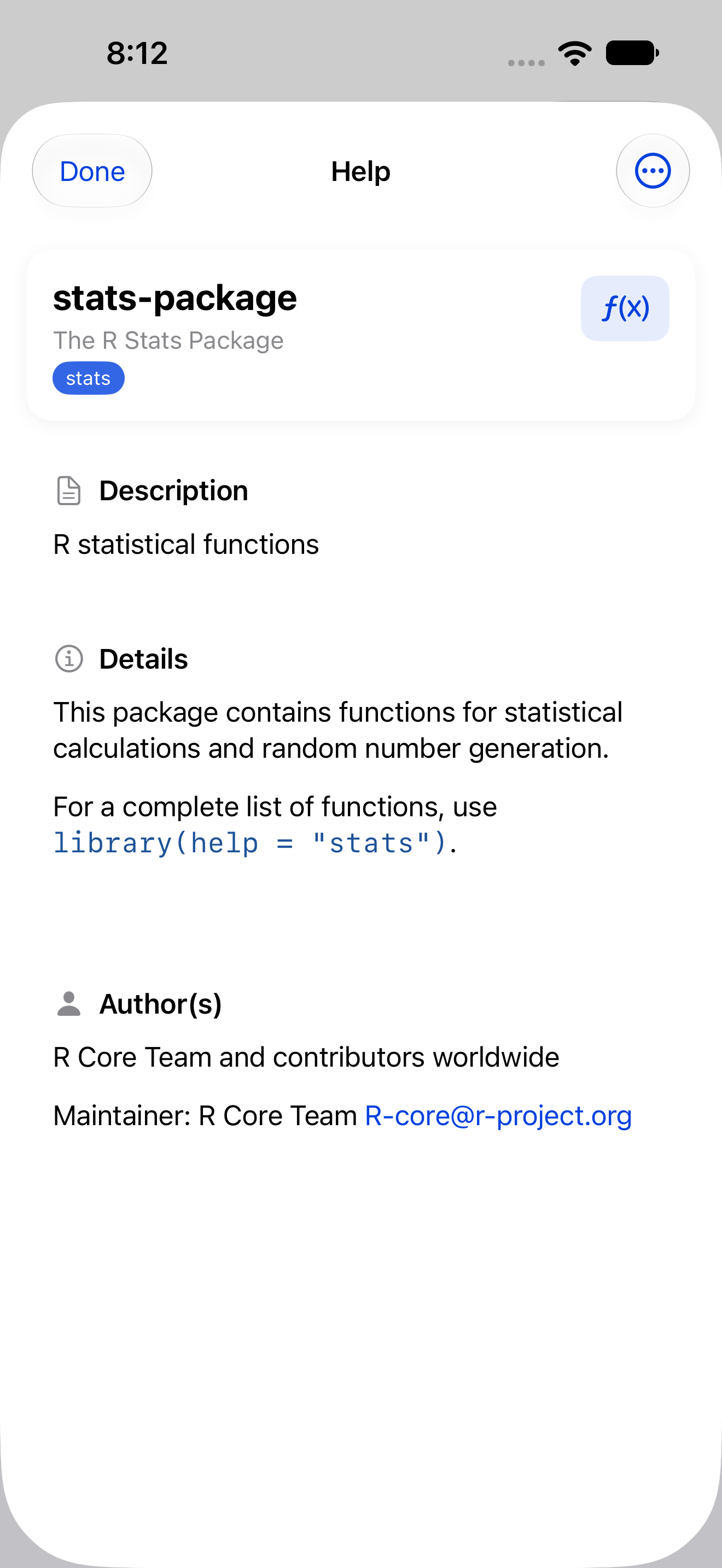
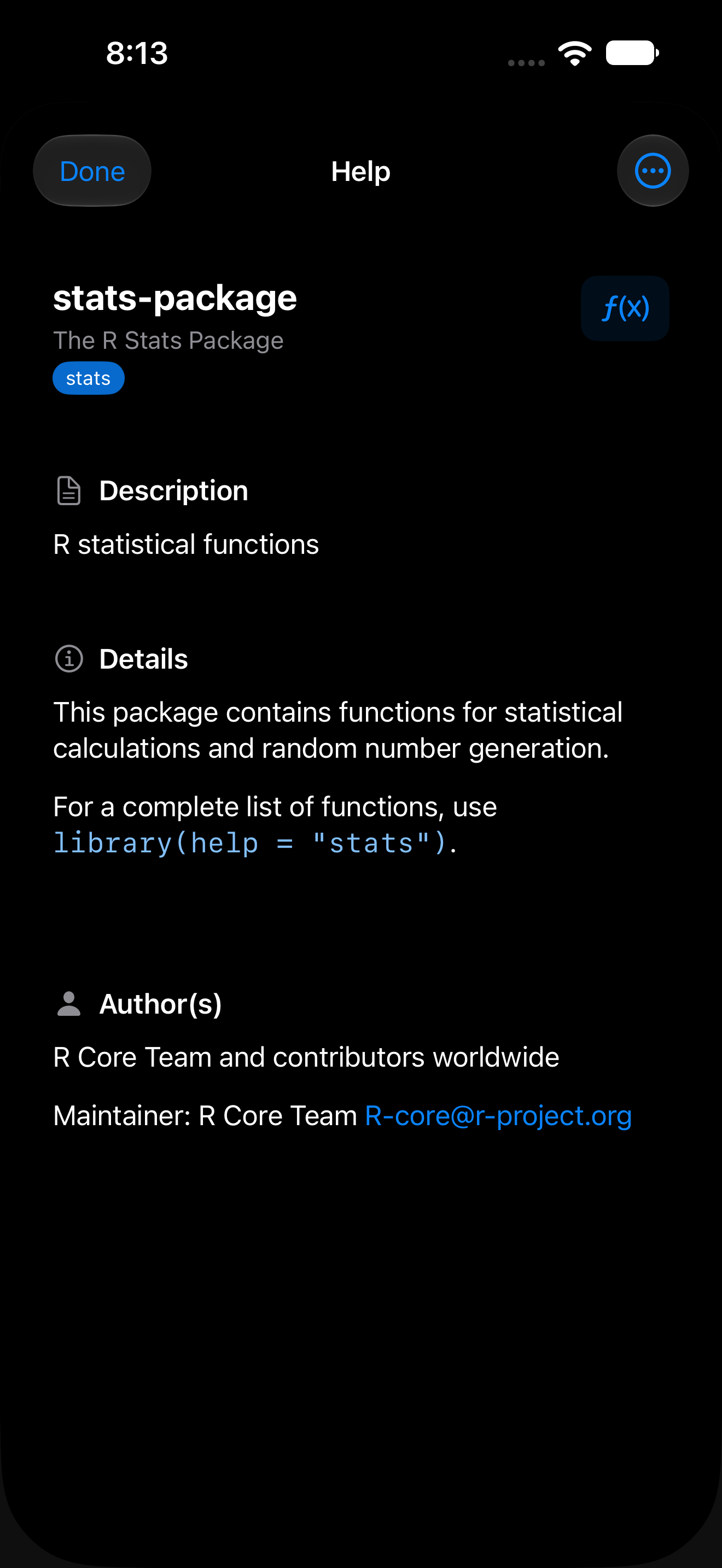
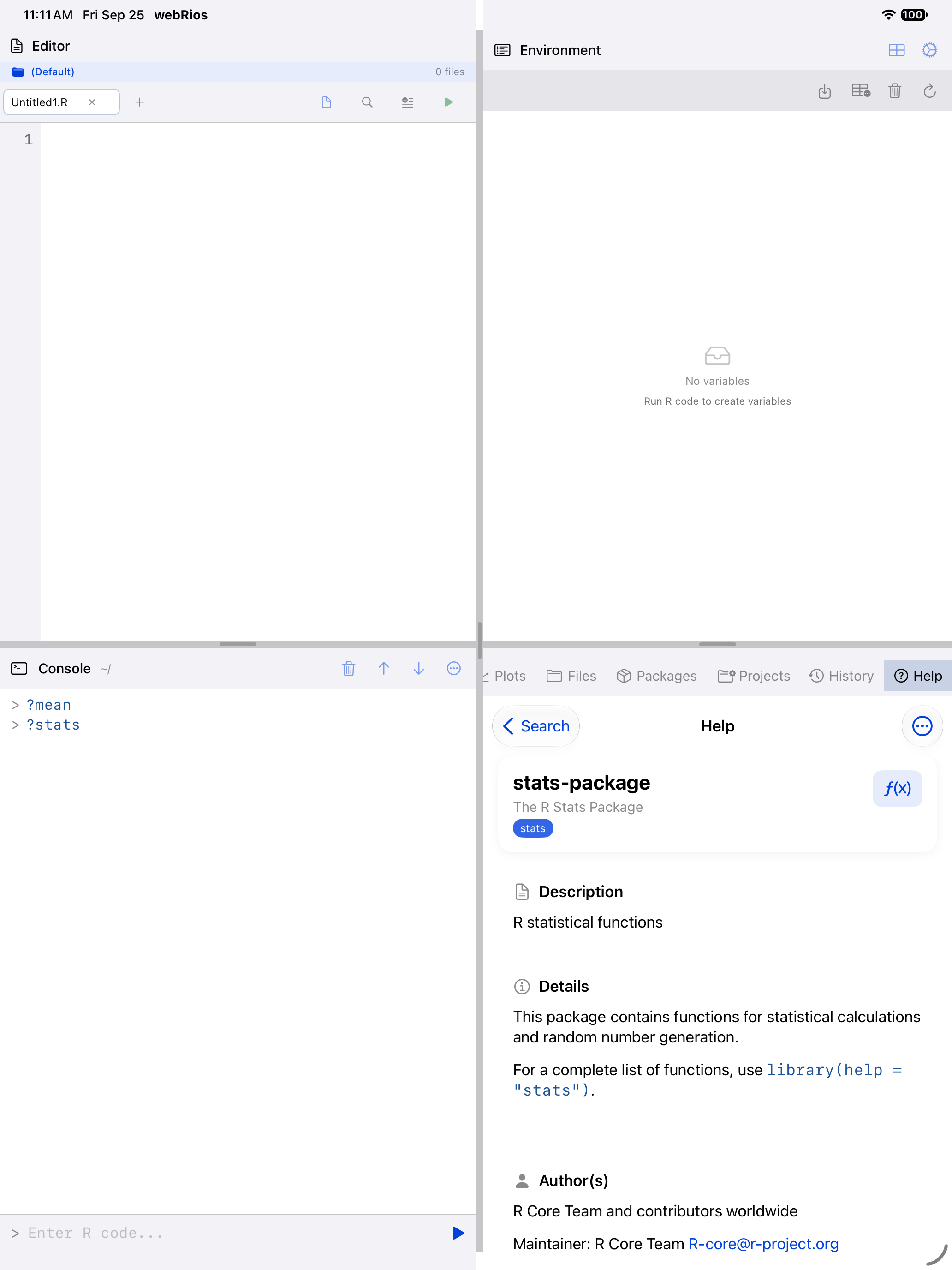
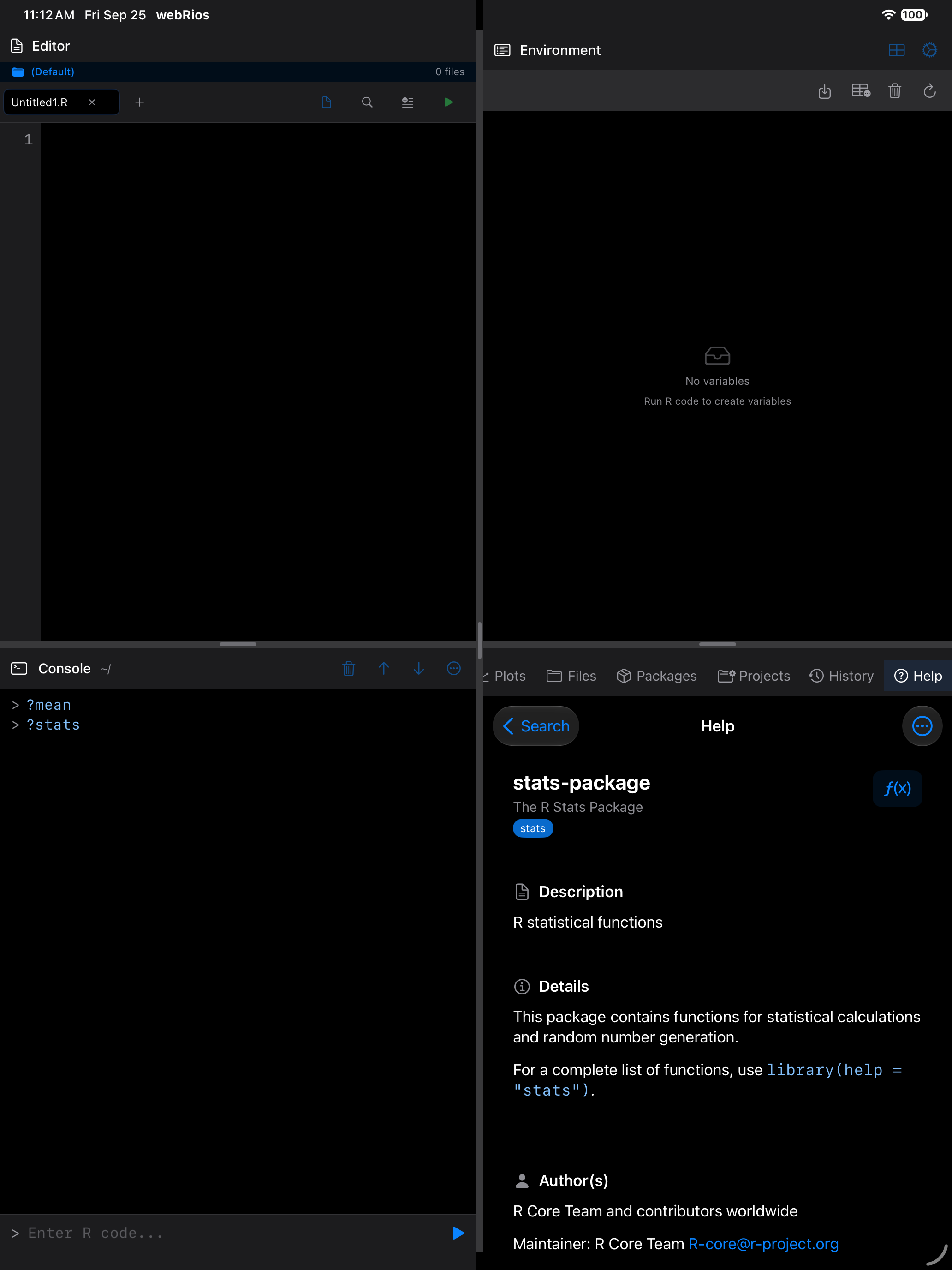
Use ?package_name to browse a package’s full function index. This is a quick way to discover what a package offers.