Packages
Packages extend R with additional functions, data, and documentation. The Packages tab lets you browse, install, and manage them directly on your device.
Finding and installing packages
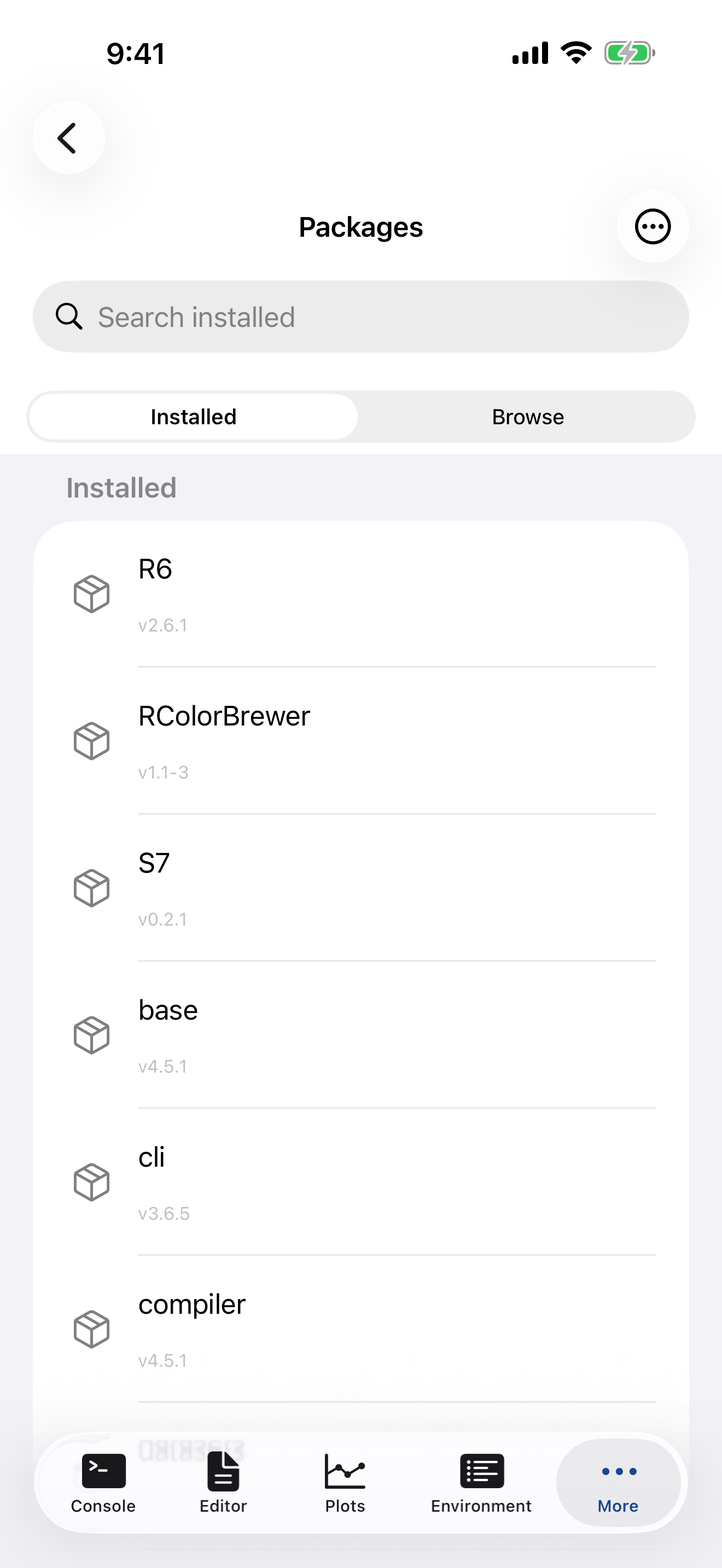
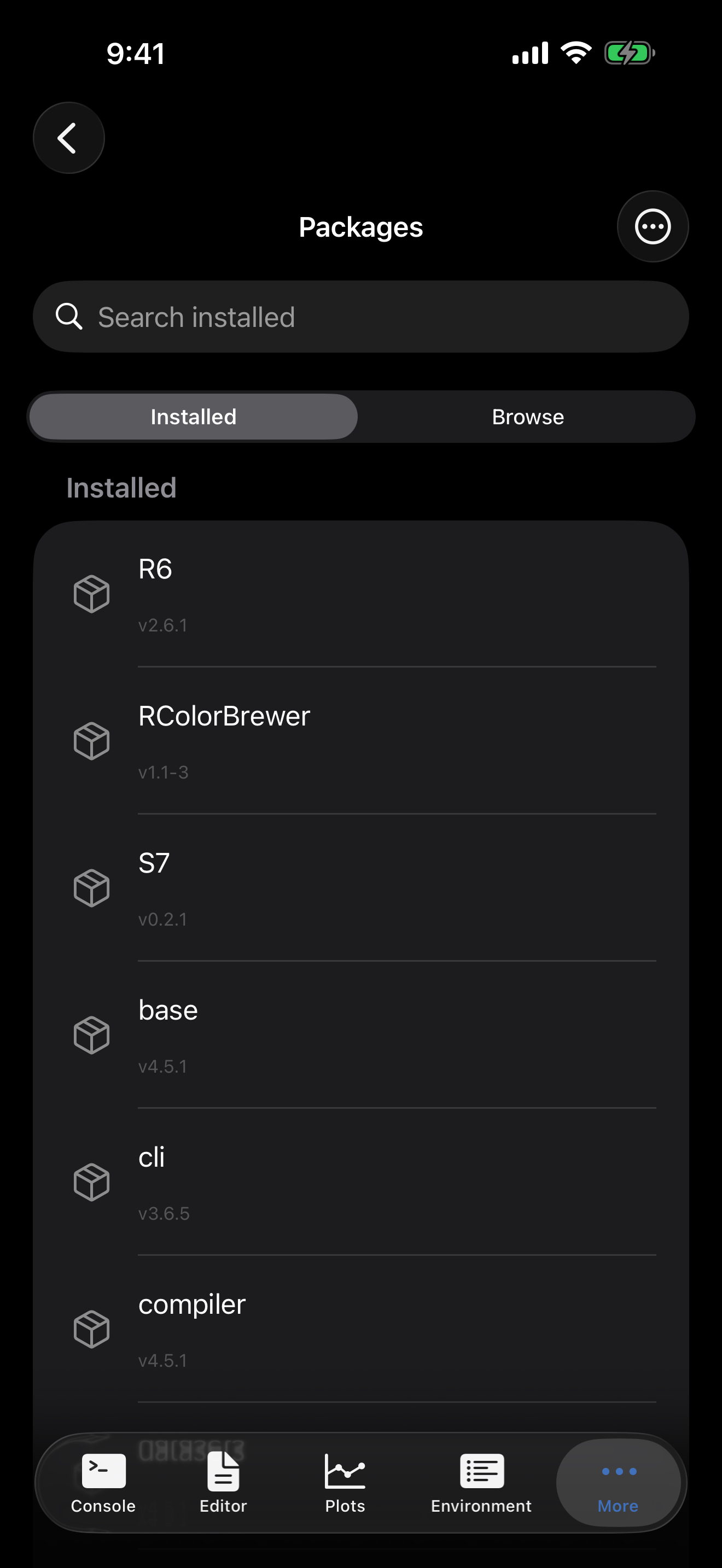
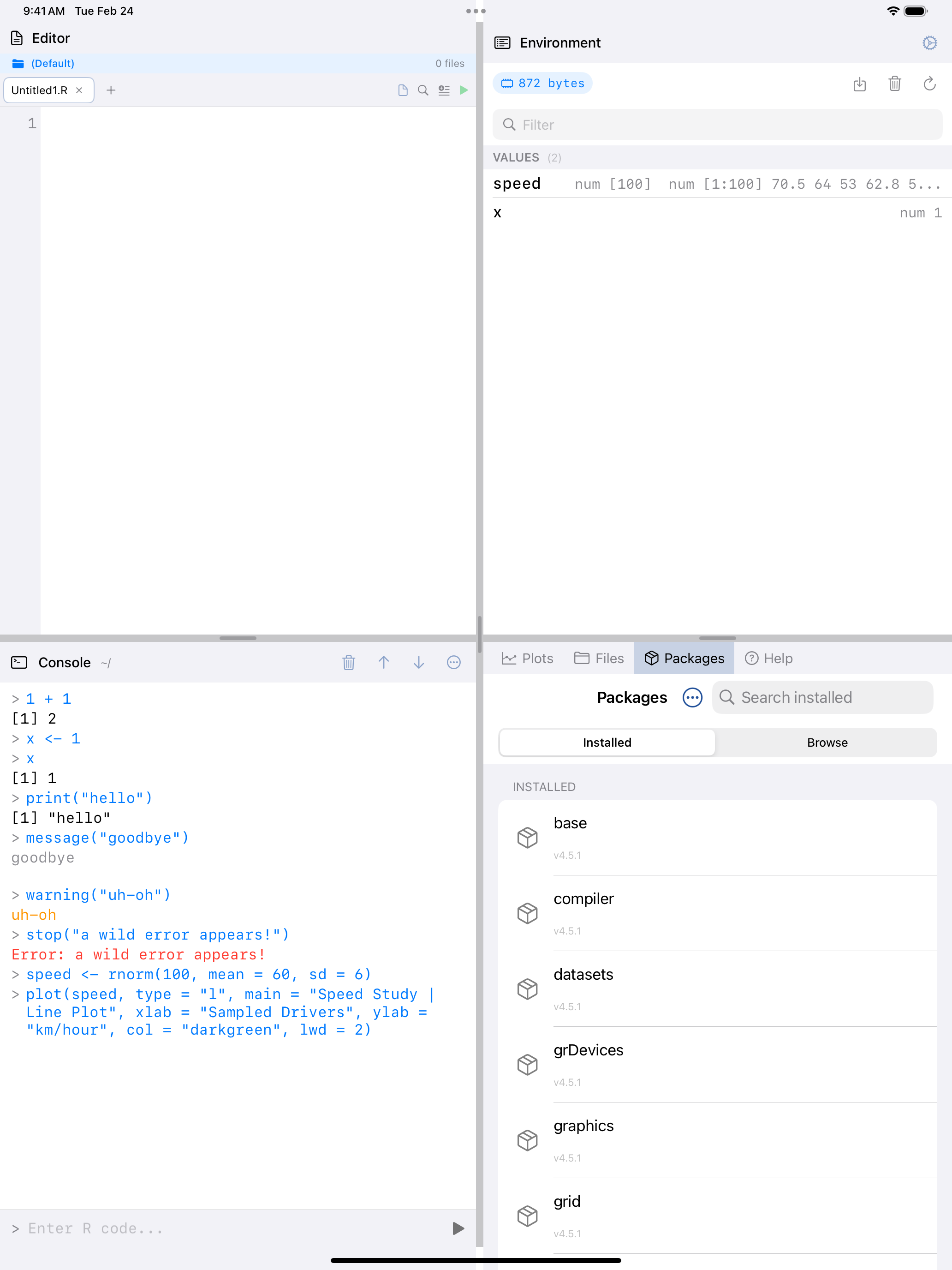
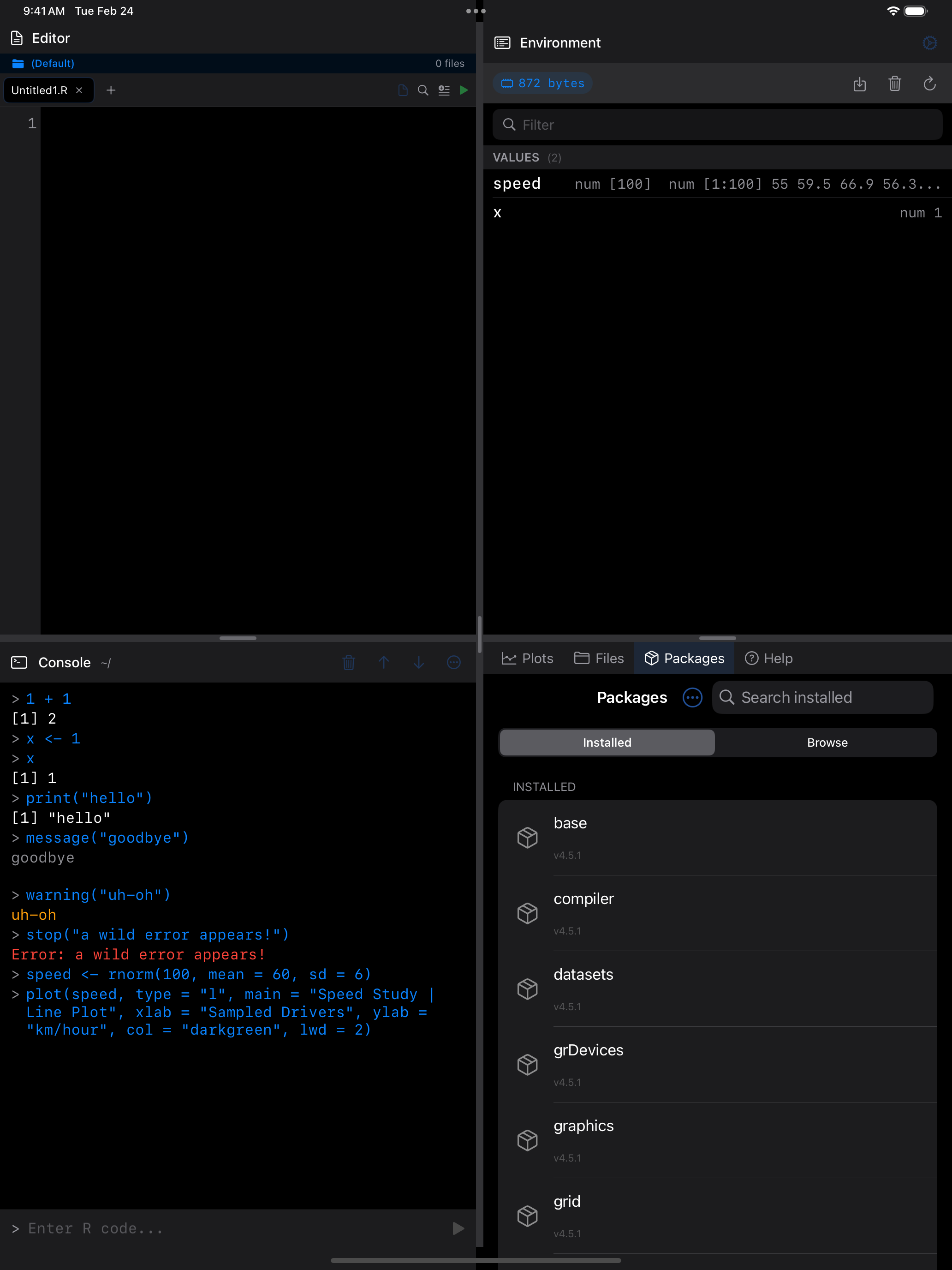
The Packages tab has two views, accessible via the segmented control at the top: Installed (packages already on your device) and Browse (packages available to install from the webR repository).
Installing a single package
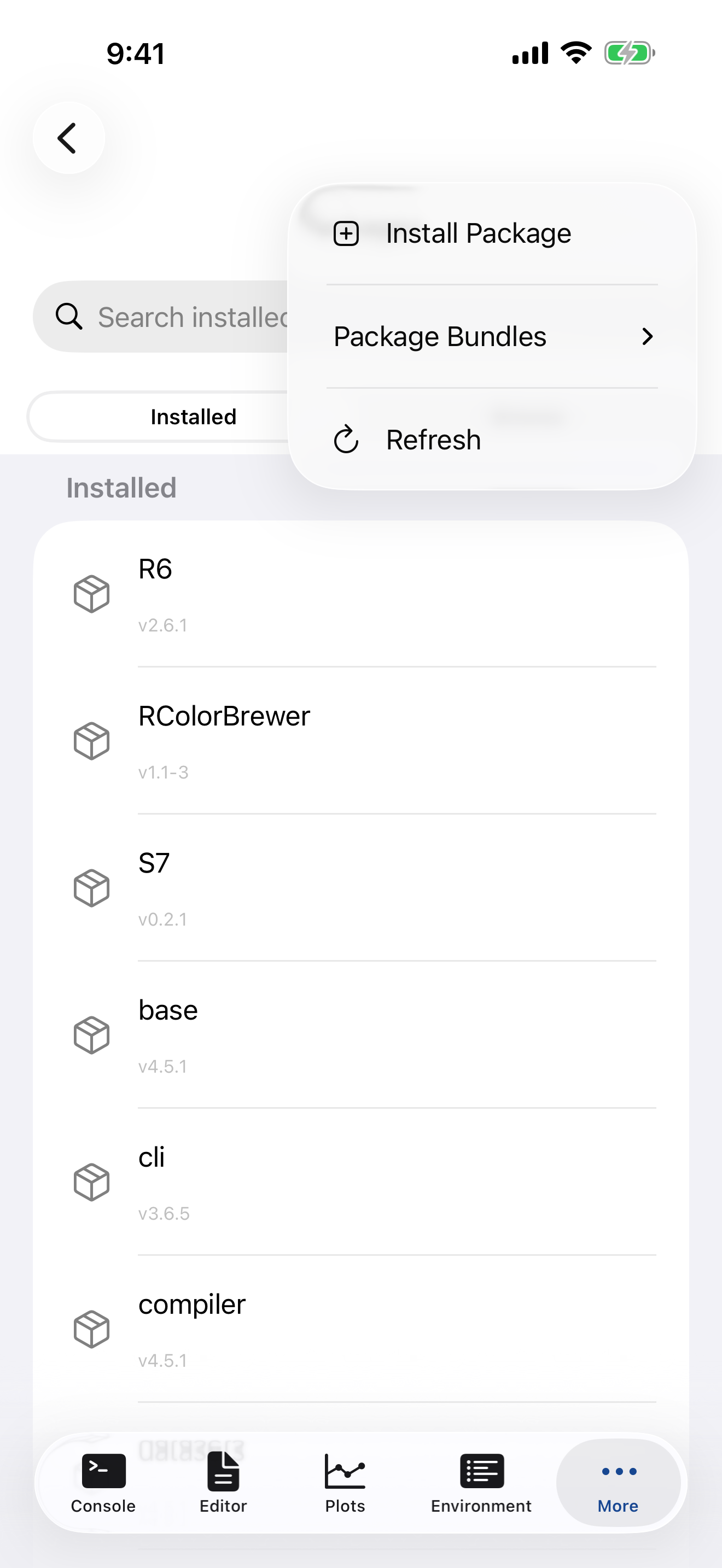
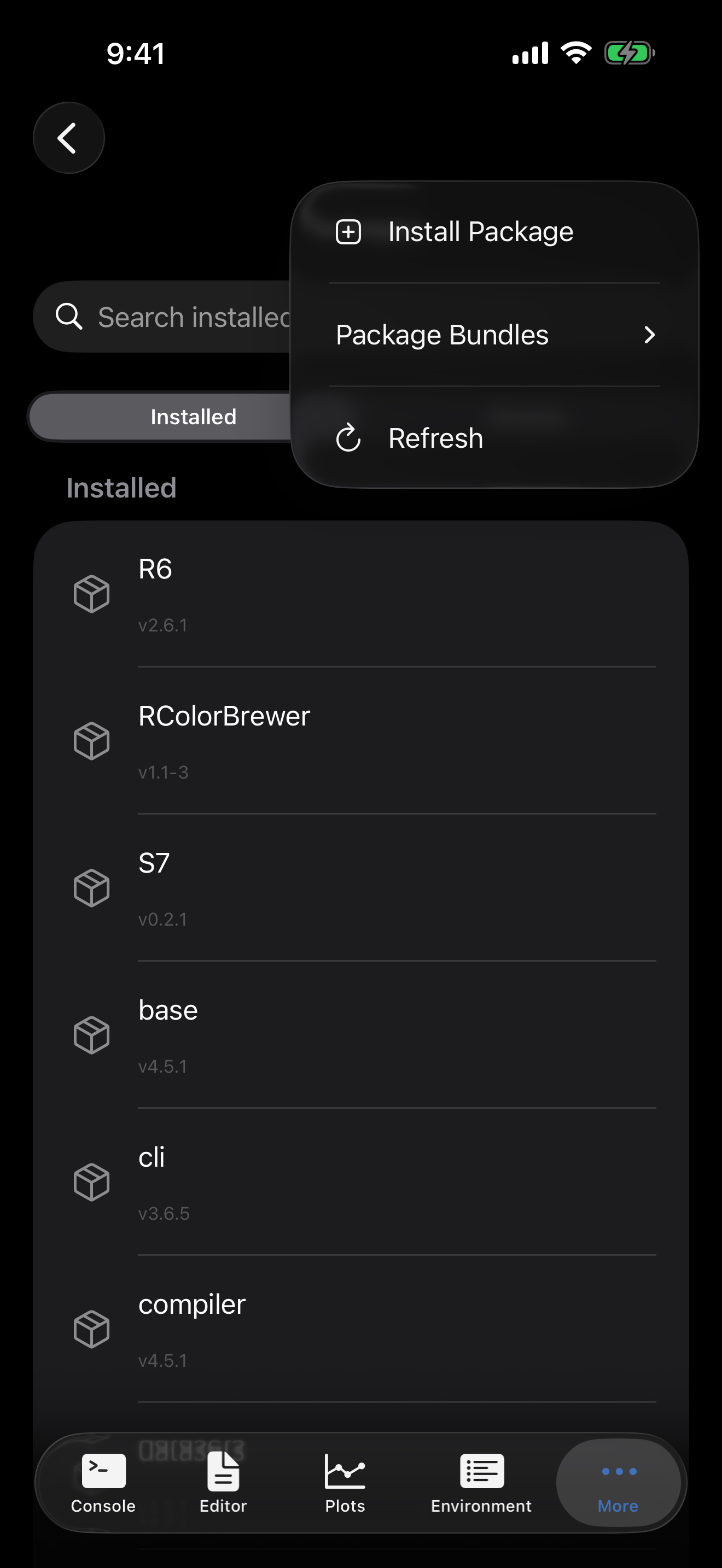
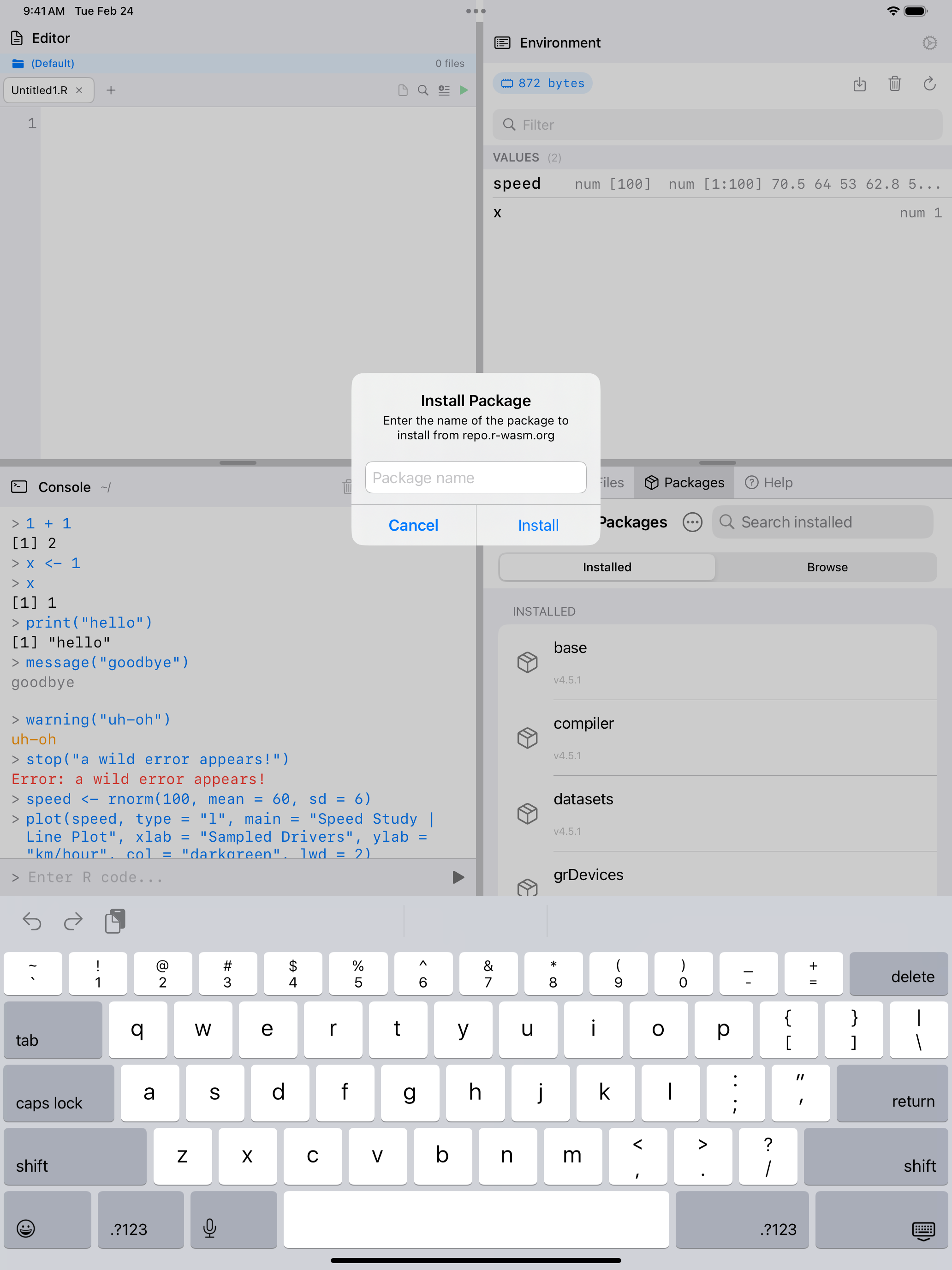
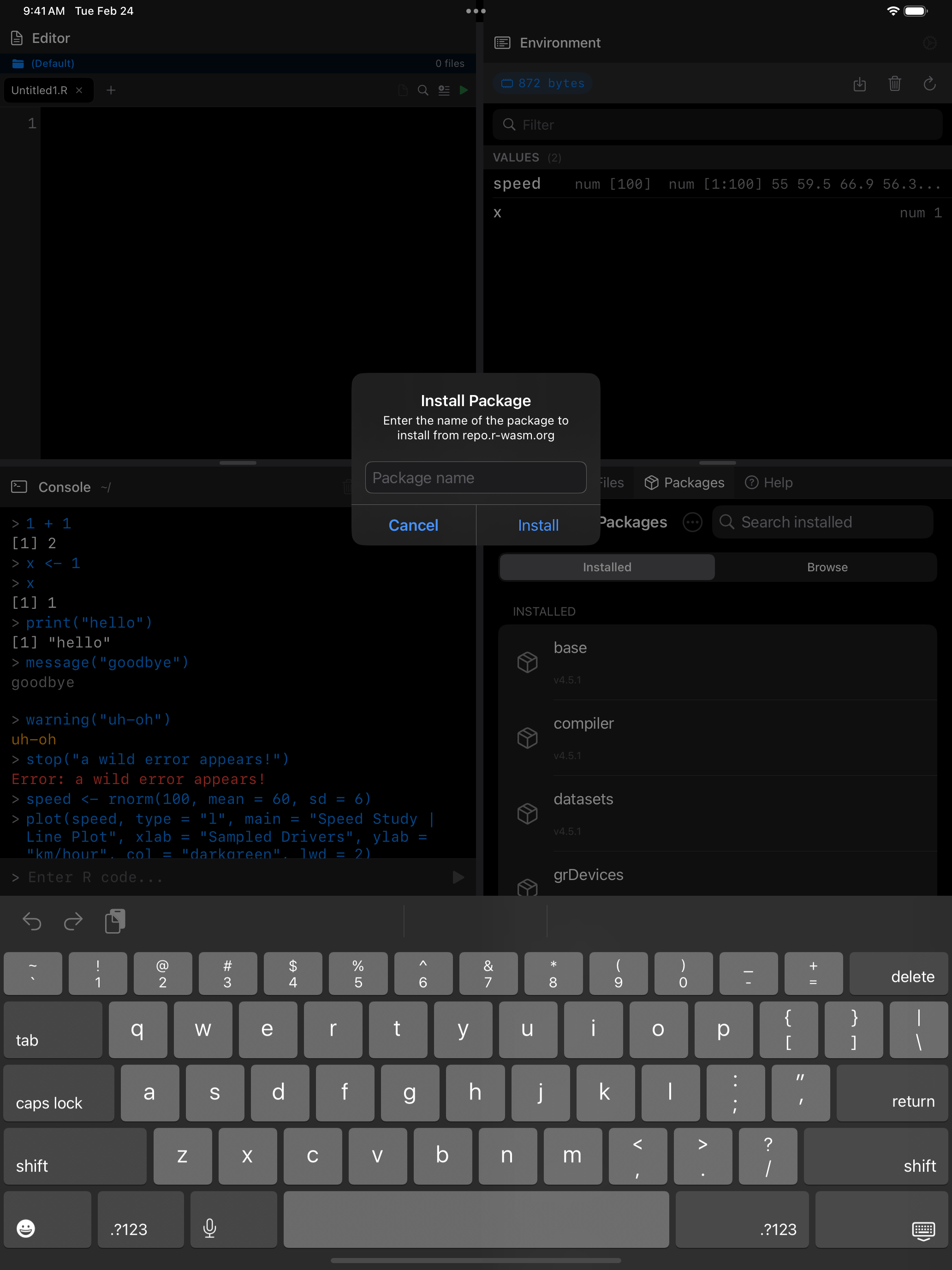
To install a specific package by name:
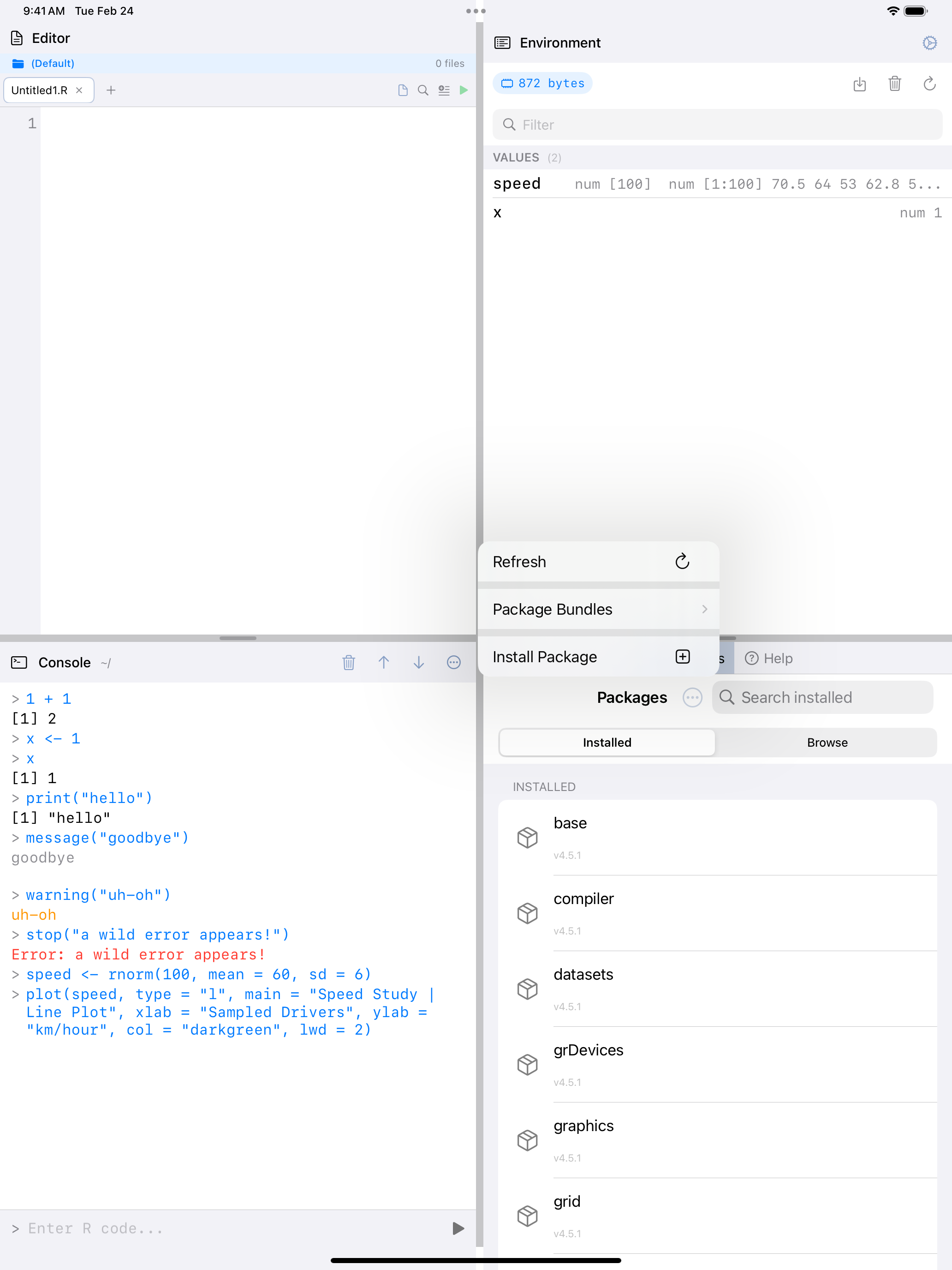
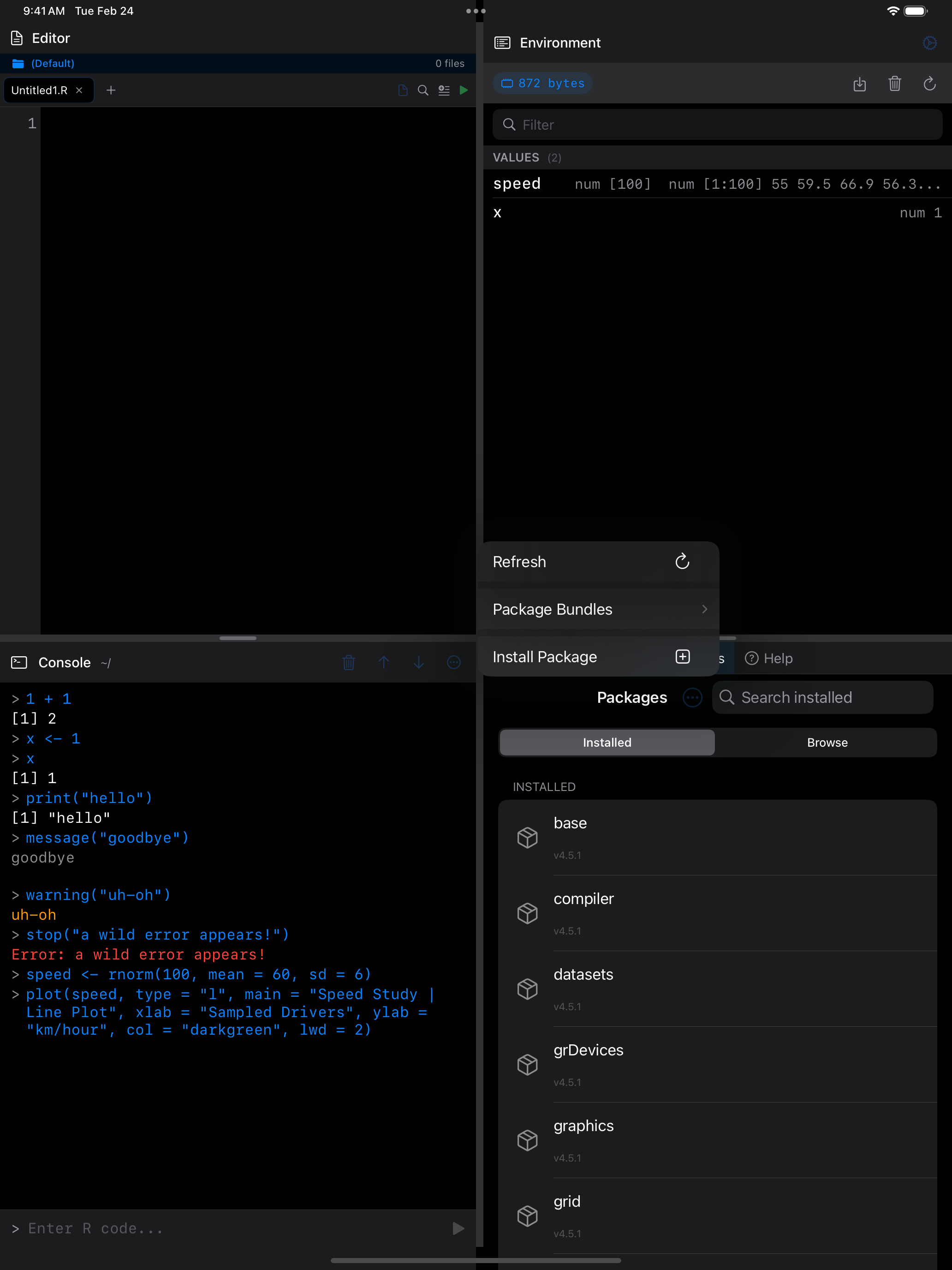
- Tap the menu button (
...) in the top-right corner. - Choose Install Package.
- Type the exact package name (for example,
jsonliteordplyr). - Tap Install.
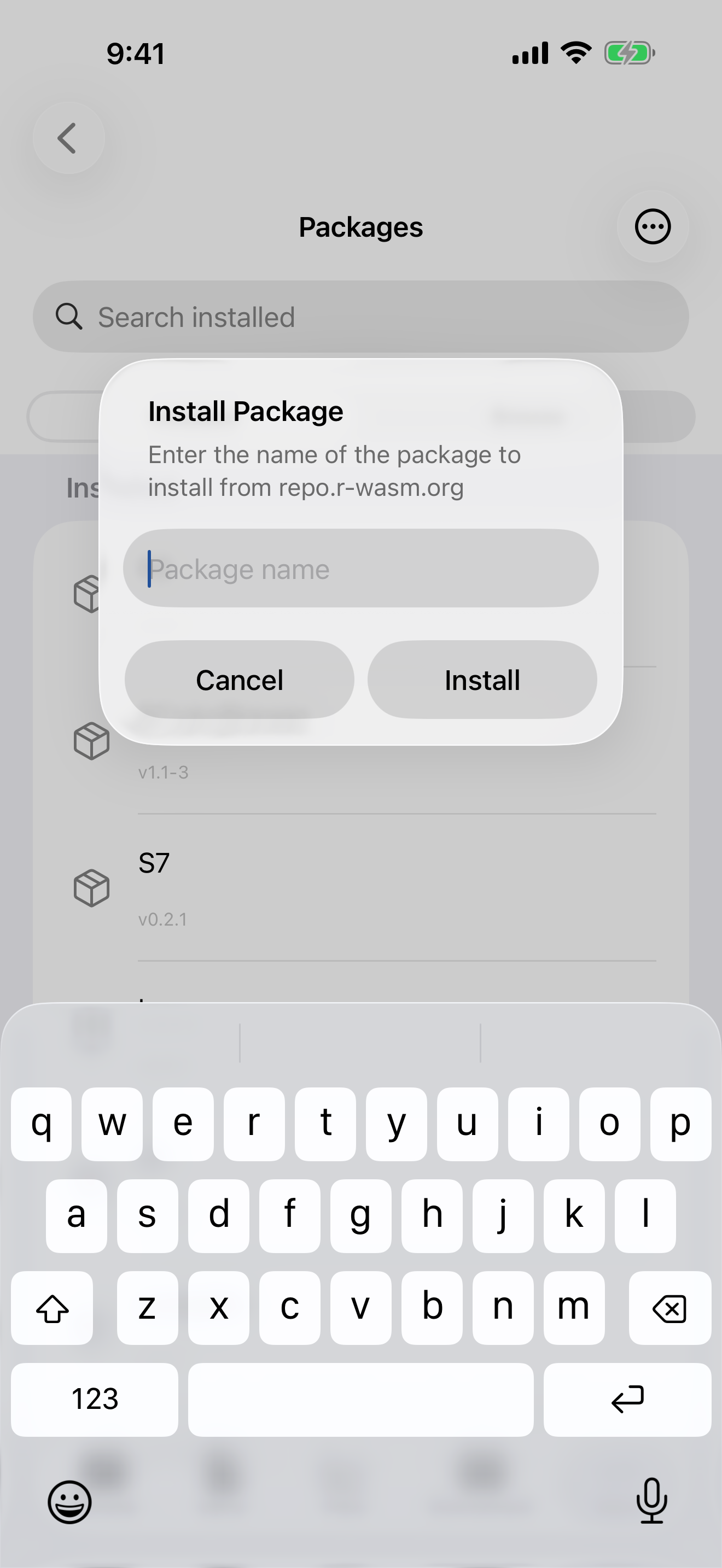
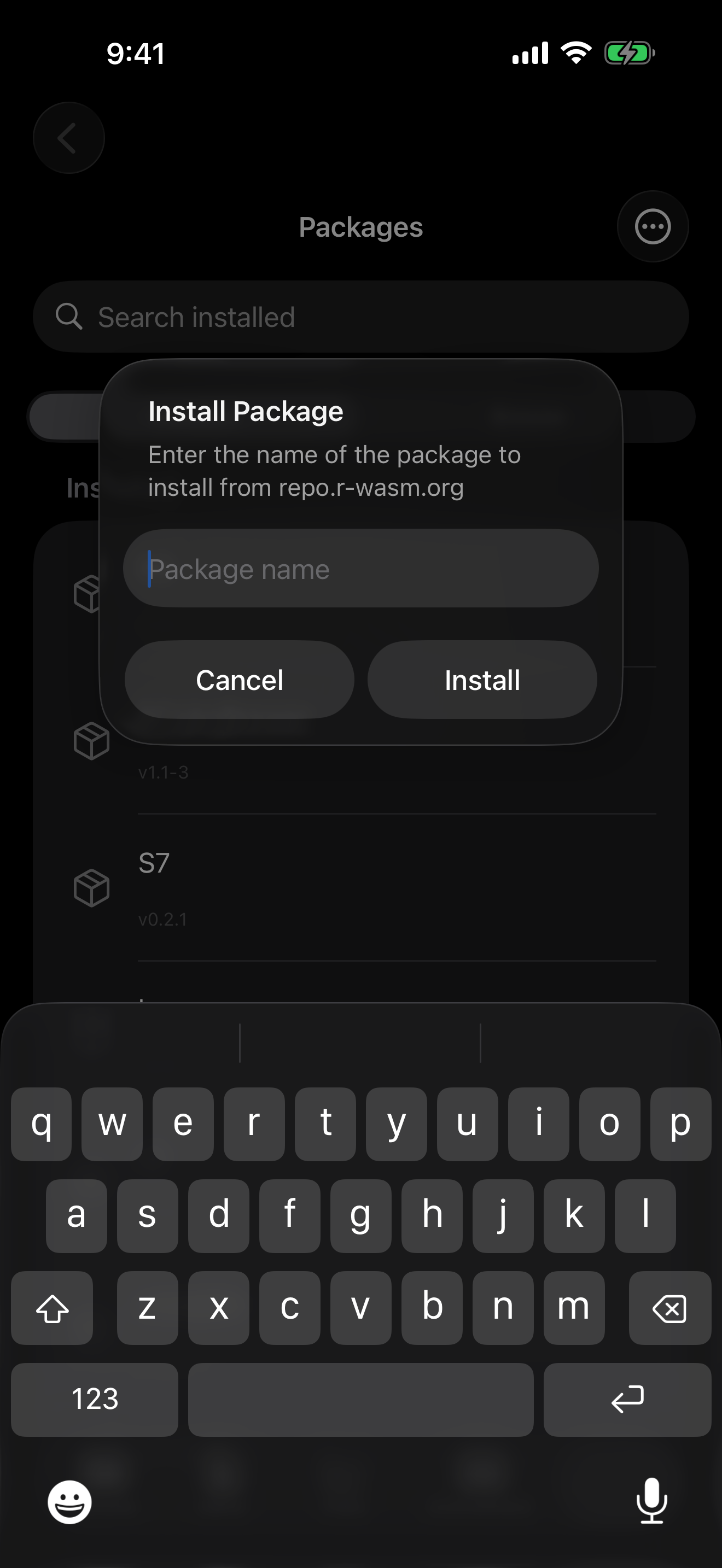
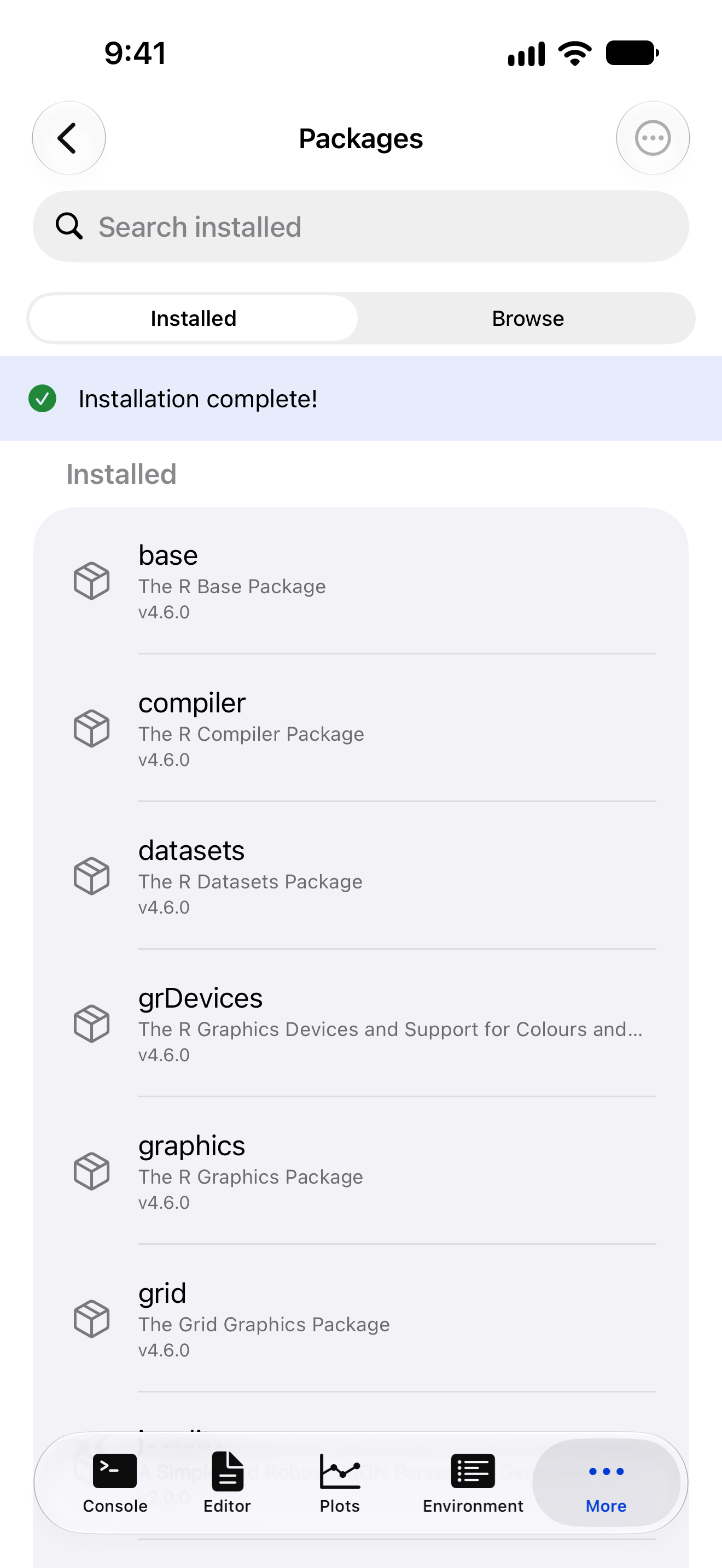
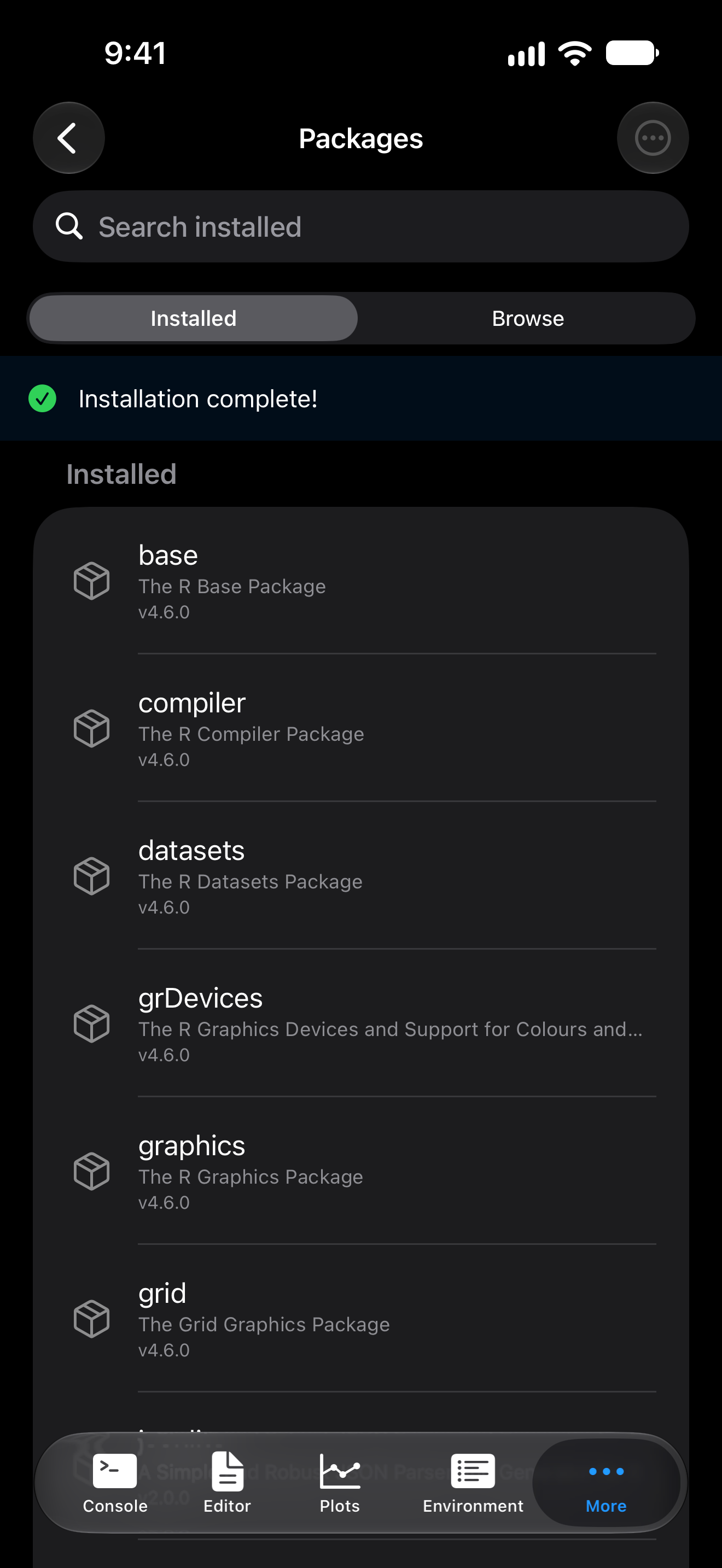
A banner shows progress. When the install finishes, the list updates and “Installation complete!” appears with a checkmark, which VoiceOver announces:
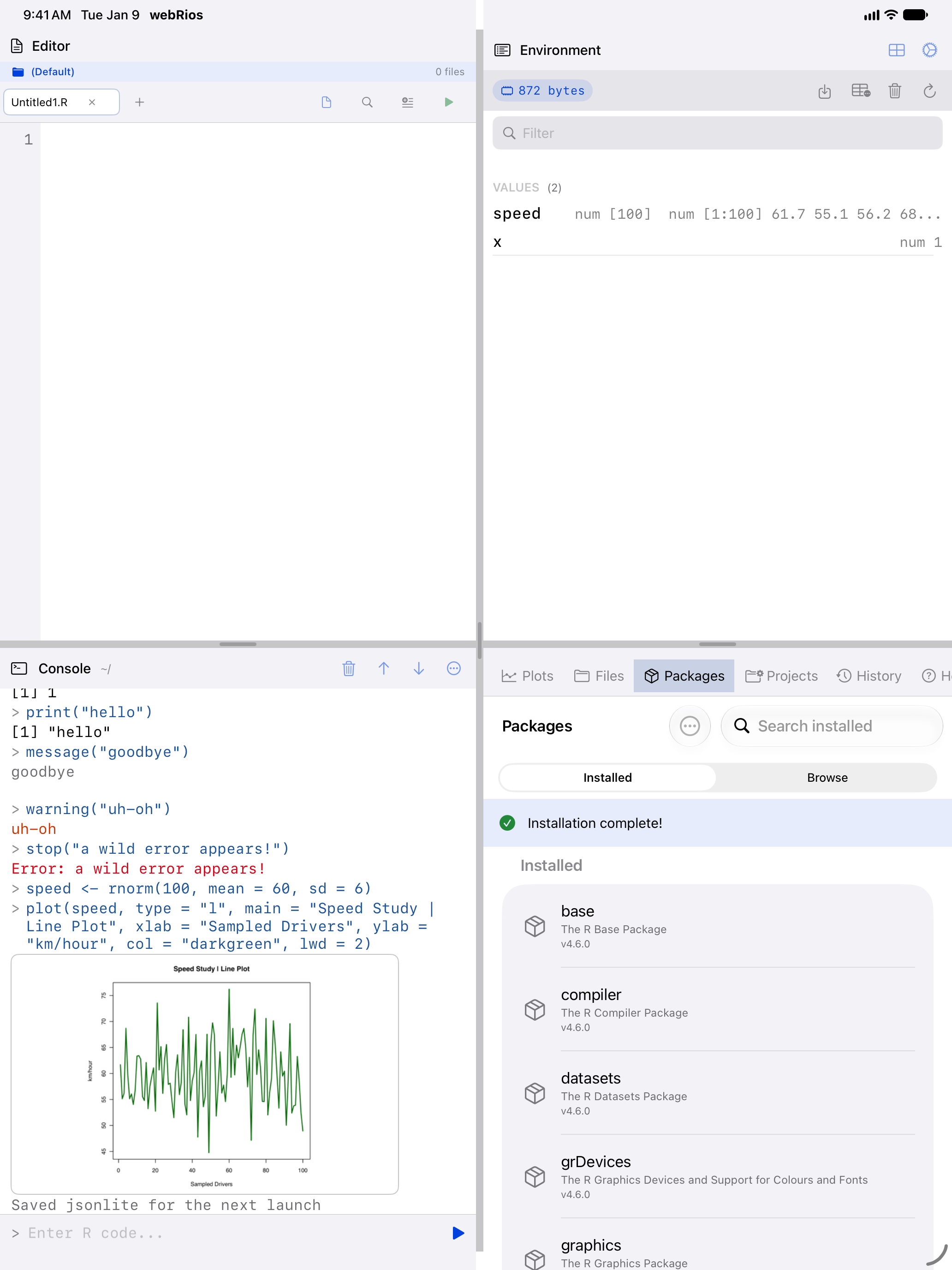
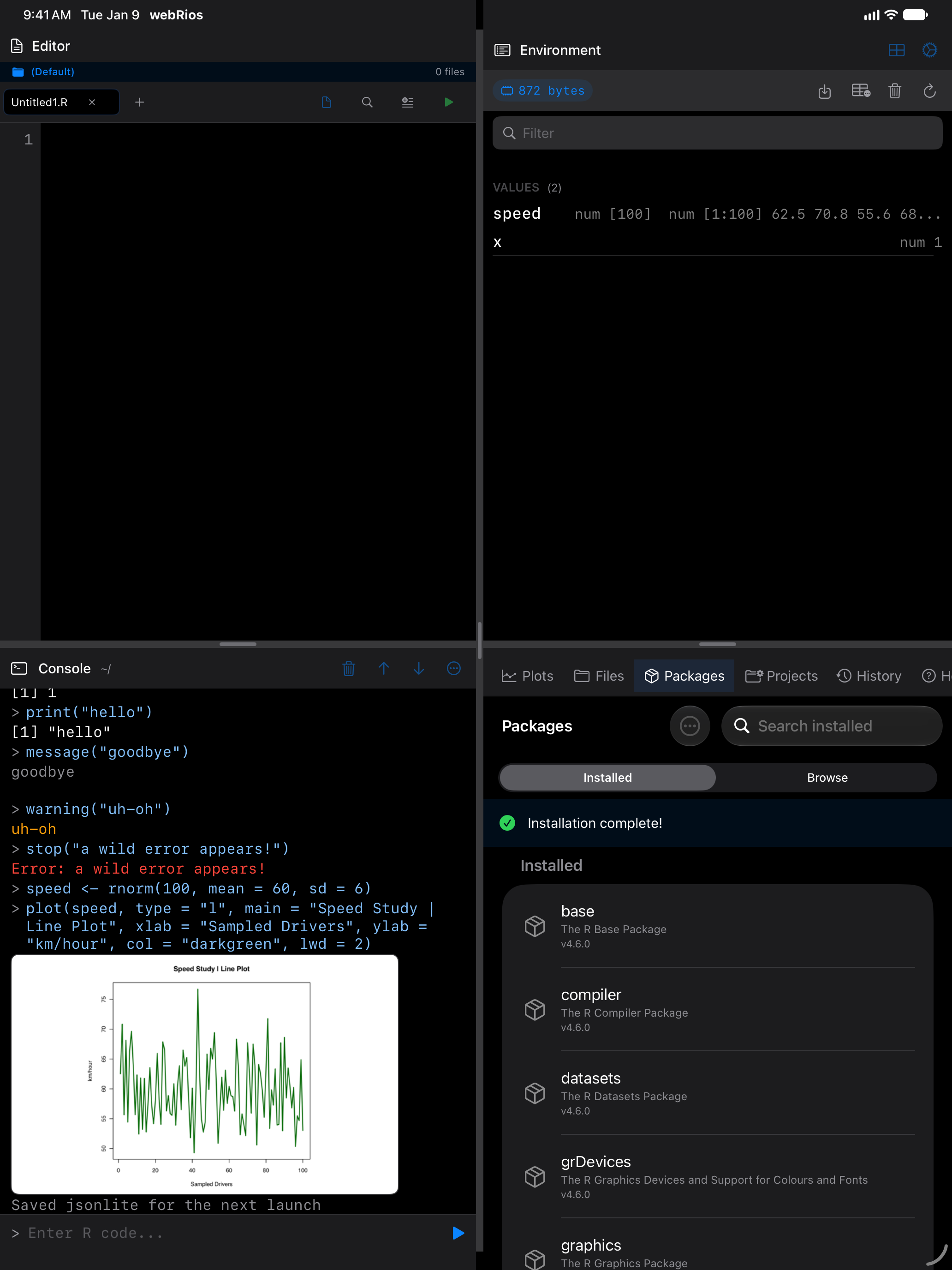
If some names in a request aren’t in the repository, the rest still install and the error names the ones that didn’t.
Browsing available packages
Browse lists every package in the webR repository; the first time, tap Load Packages. Each row has a one-line description, and search matches descriptions as well as names, so “regression” finds packages that don’t say it in their name. To install, tap the download arrow at the end of a row; the row itself opens nothing.
The list is kept on your device, so Browse opens at once, offline too. webRios checks for a newer list at most daily; pull down to check now. Descriptions come from CRAN, bundled with the app, so a package added since this release shows its name only.
The arrow opens a sheet with Install and a count of every package the install brings, dependencies of dependencies included, less those you have: on a fresh install, gapminder reads “10 missing dependencies will be installed”.
What installing a package actually looks like
webRios ships base R and nothing else. Every other package (ggplot2, dplyr, and the rest) is downloaded the first time you ask for it. The honest starting point is the error:
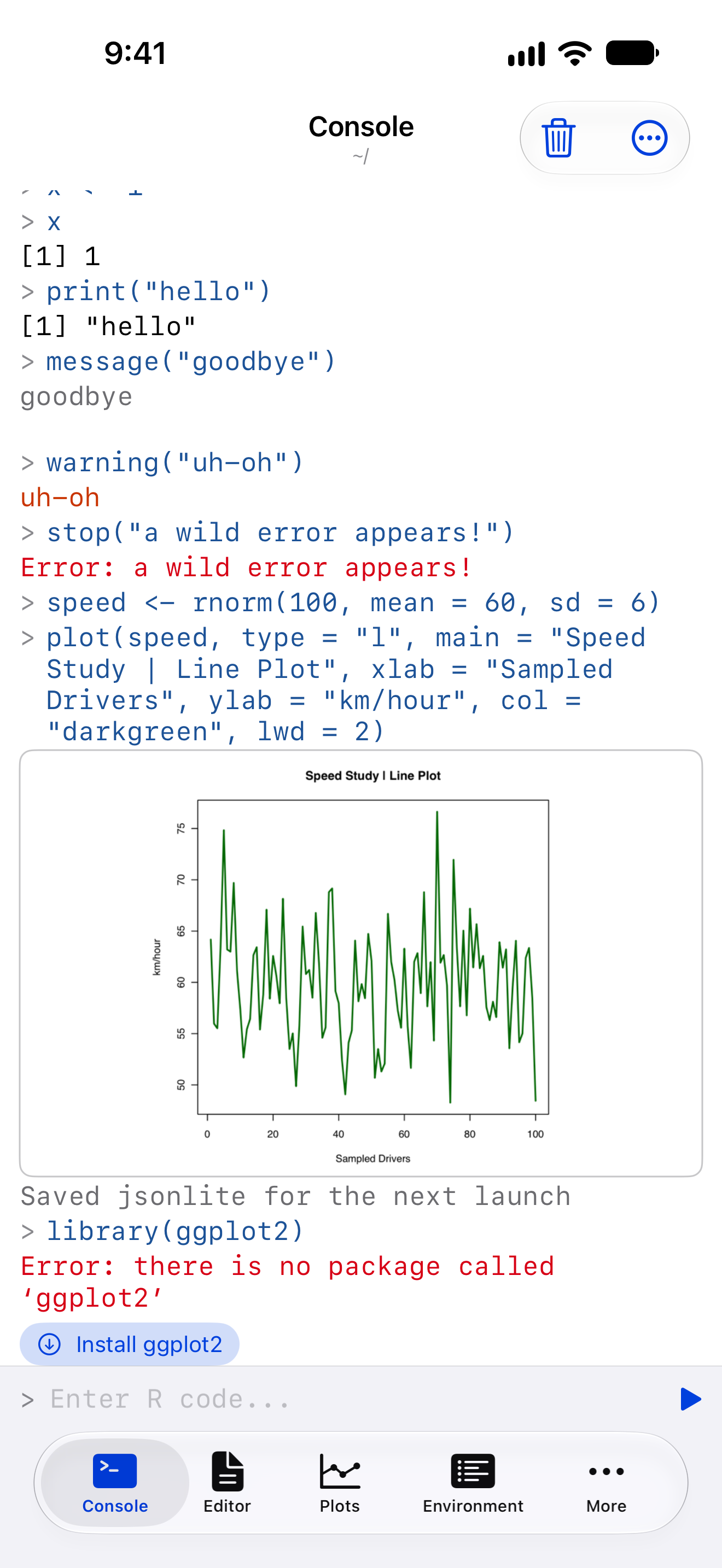
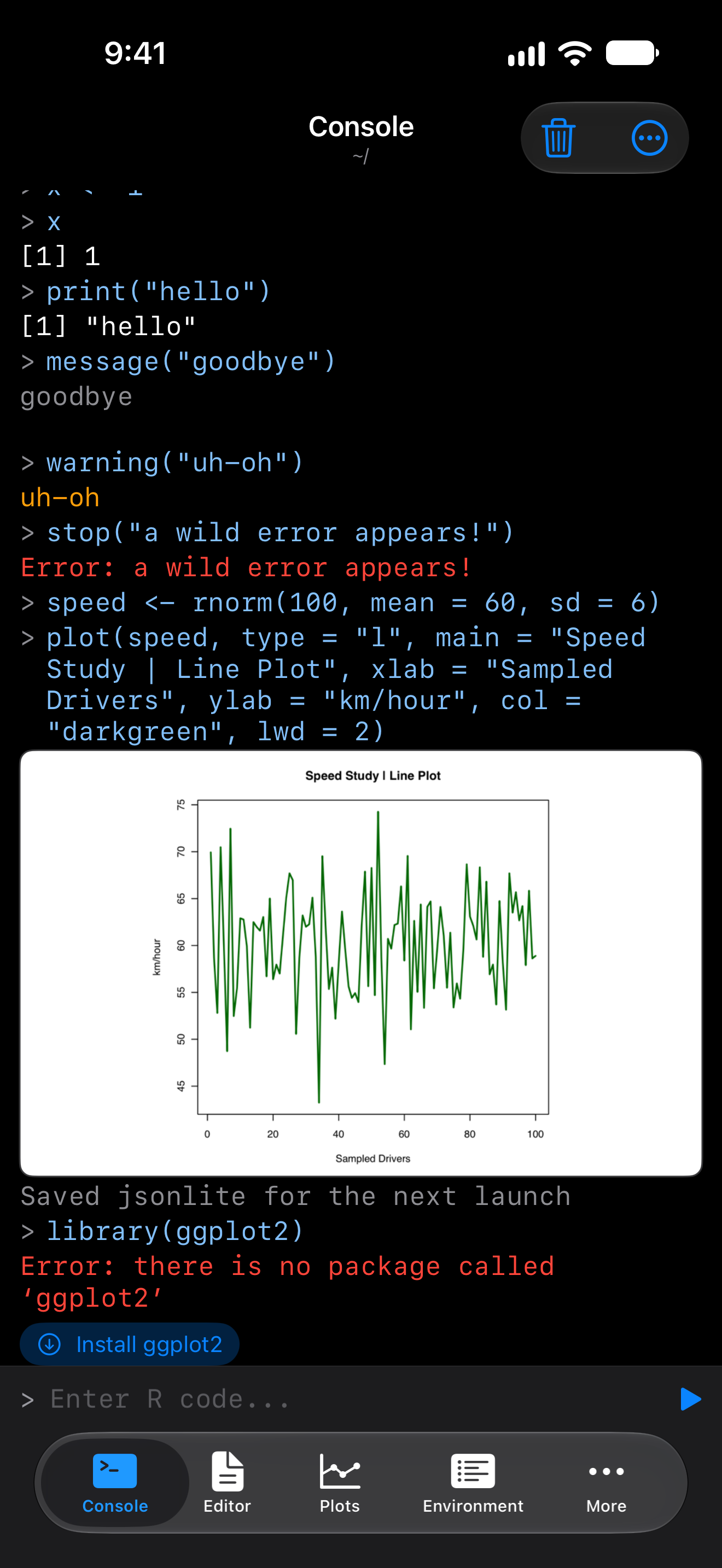
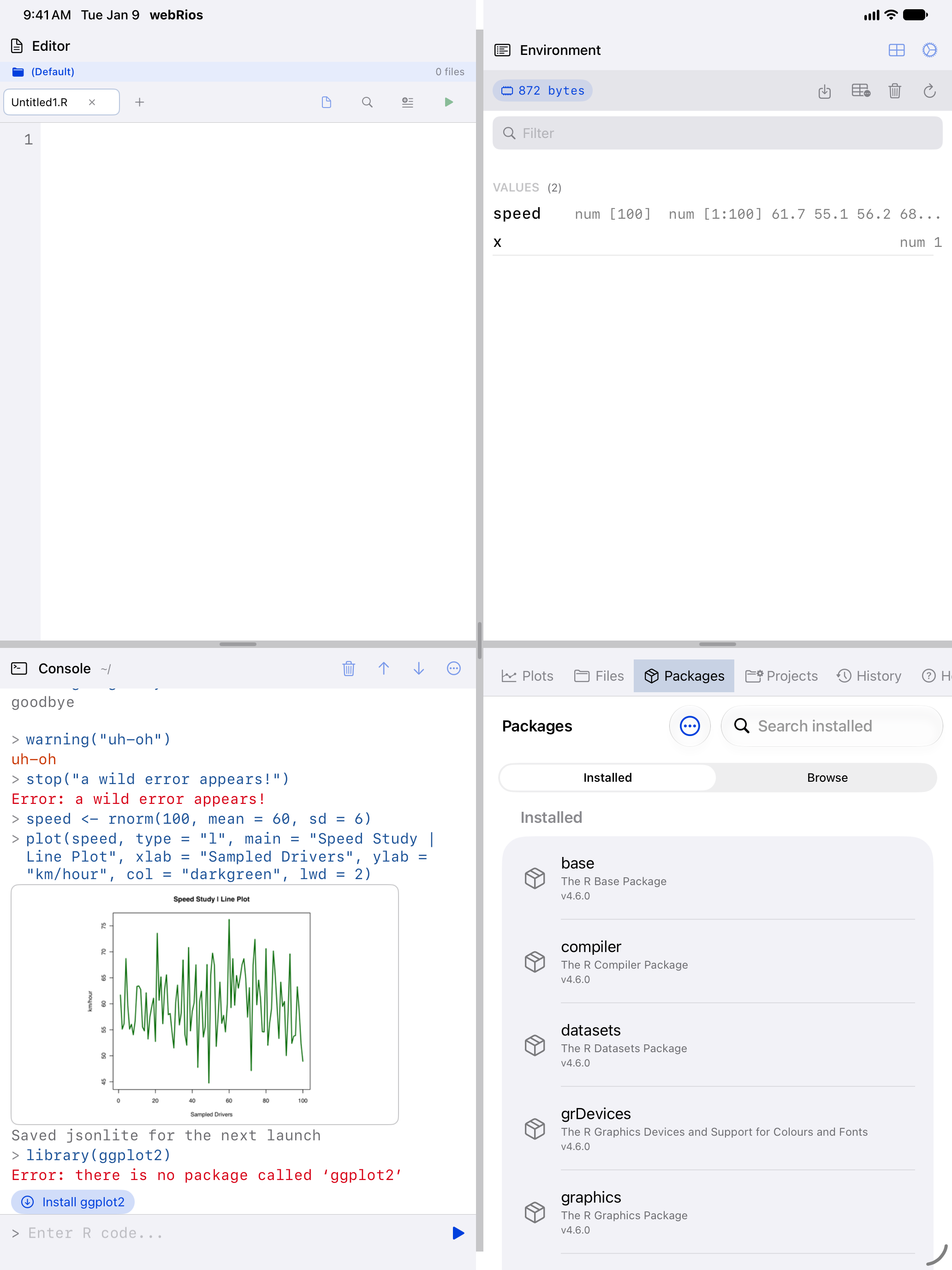
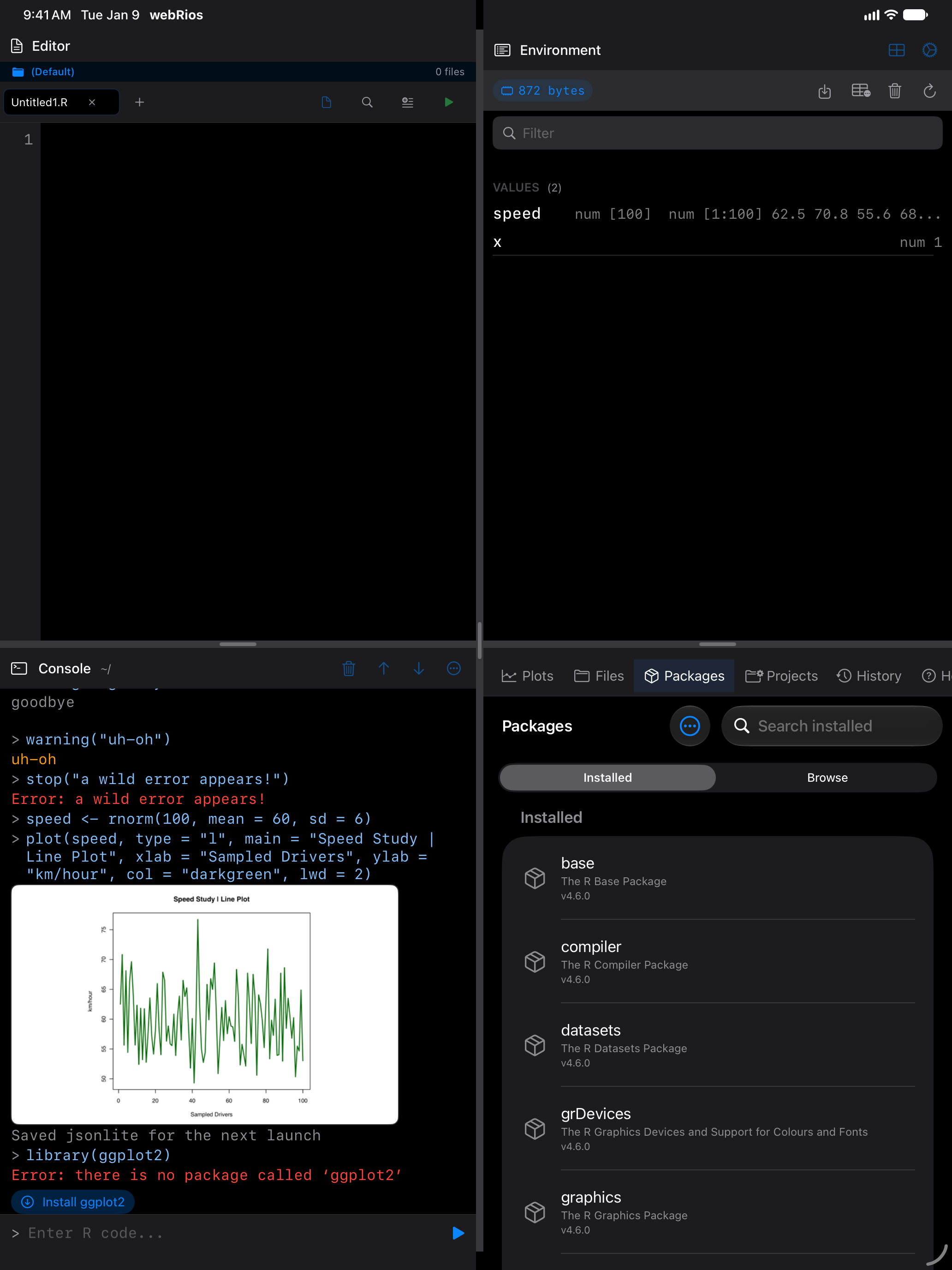
Not a fault: the package hasn’t been fetched yet.
Tap Install ggplot2 under the error, or run install.packages("ggplot2"). Its dependencies come too, each reported as it downloads, and the Console then lists what was installed:
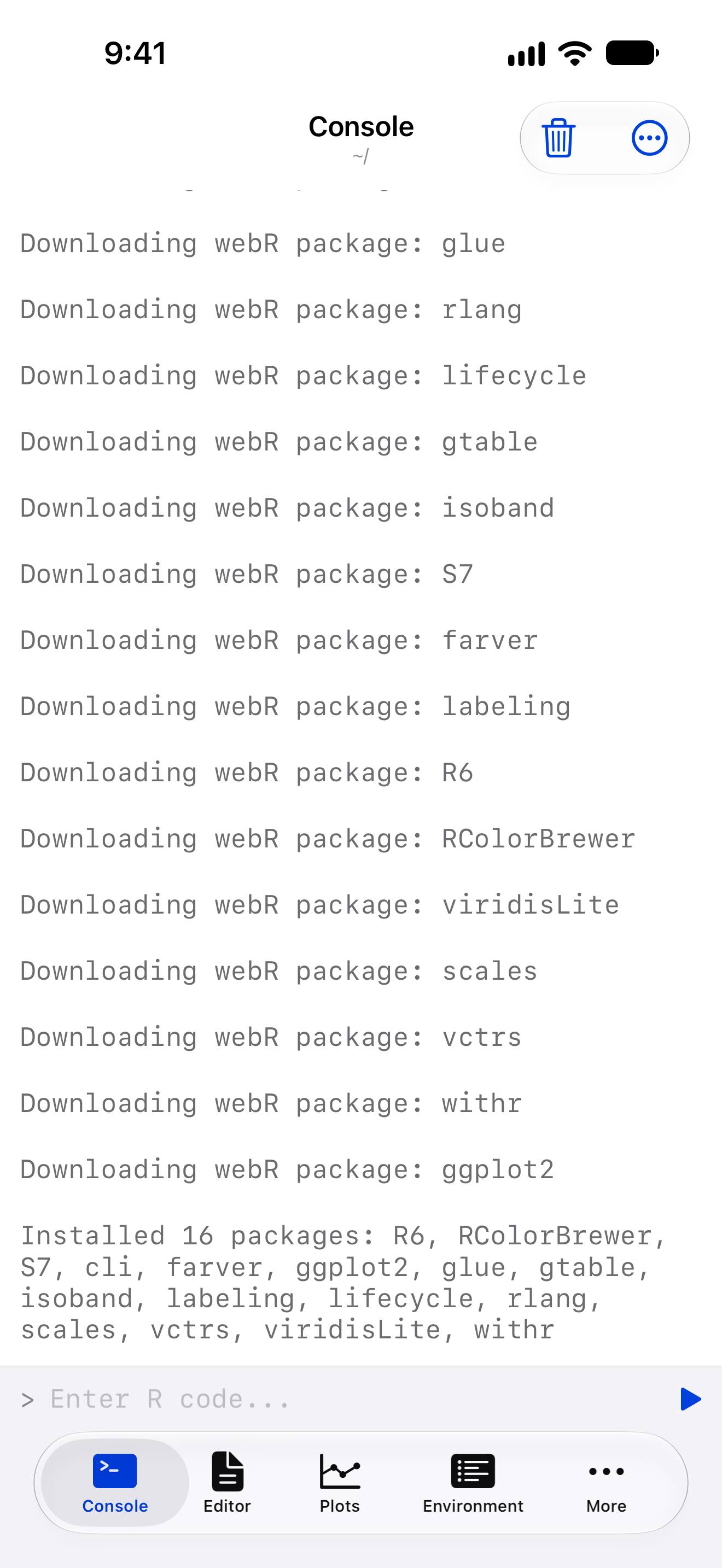
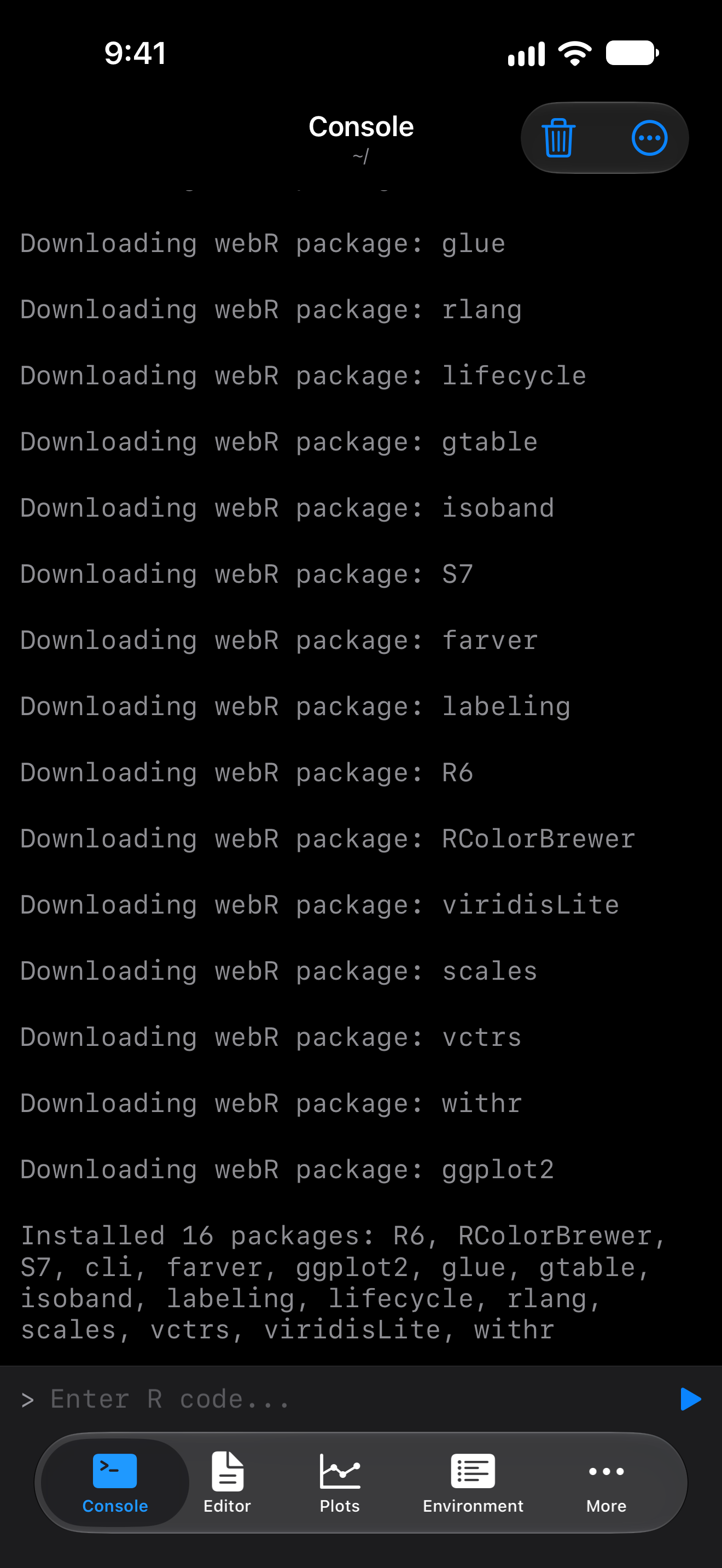
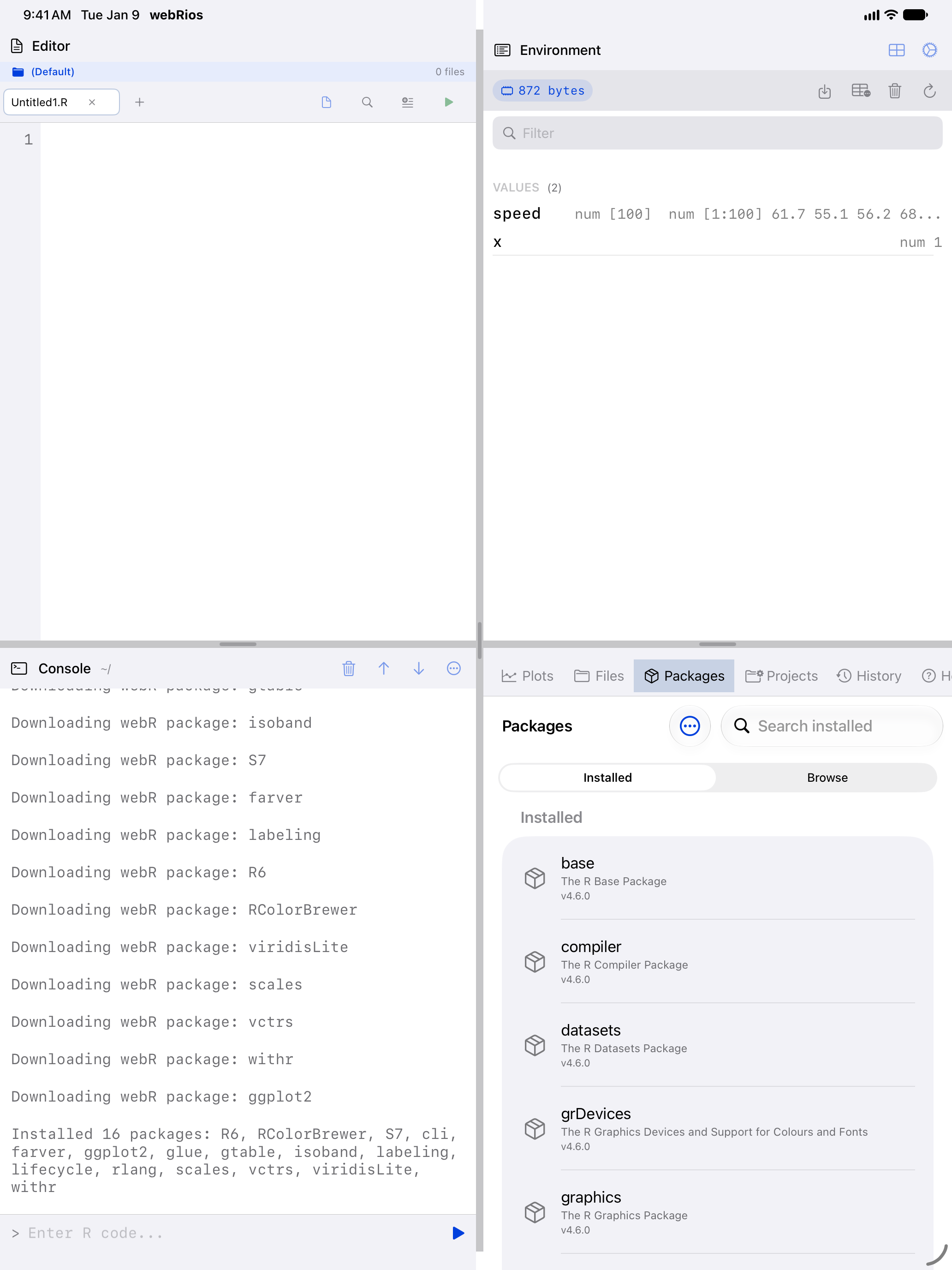
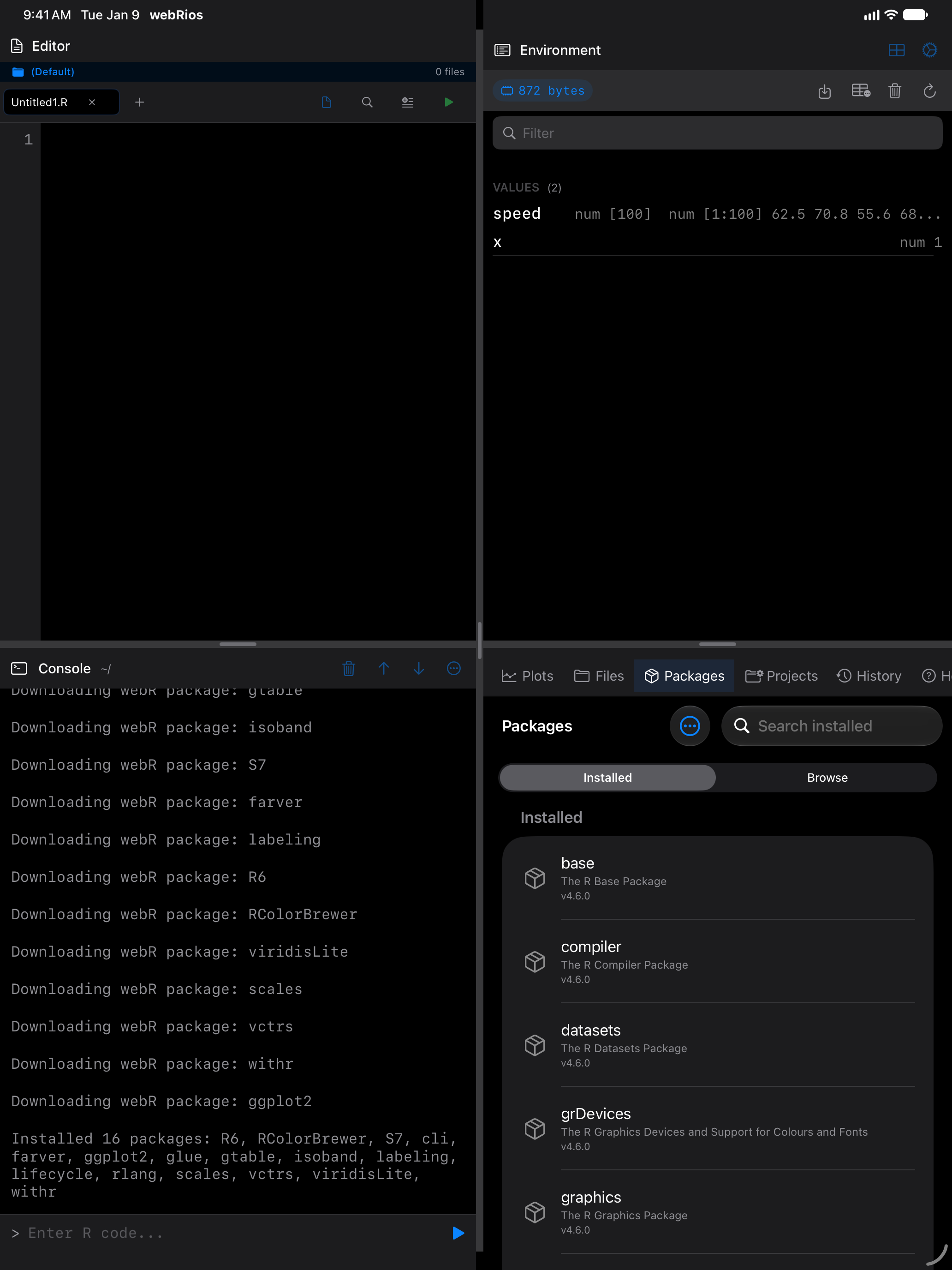
Then webRios saves each package for the next launch, one line apiece:
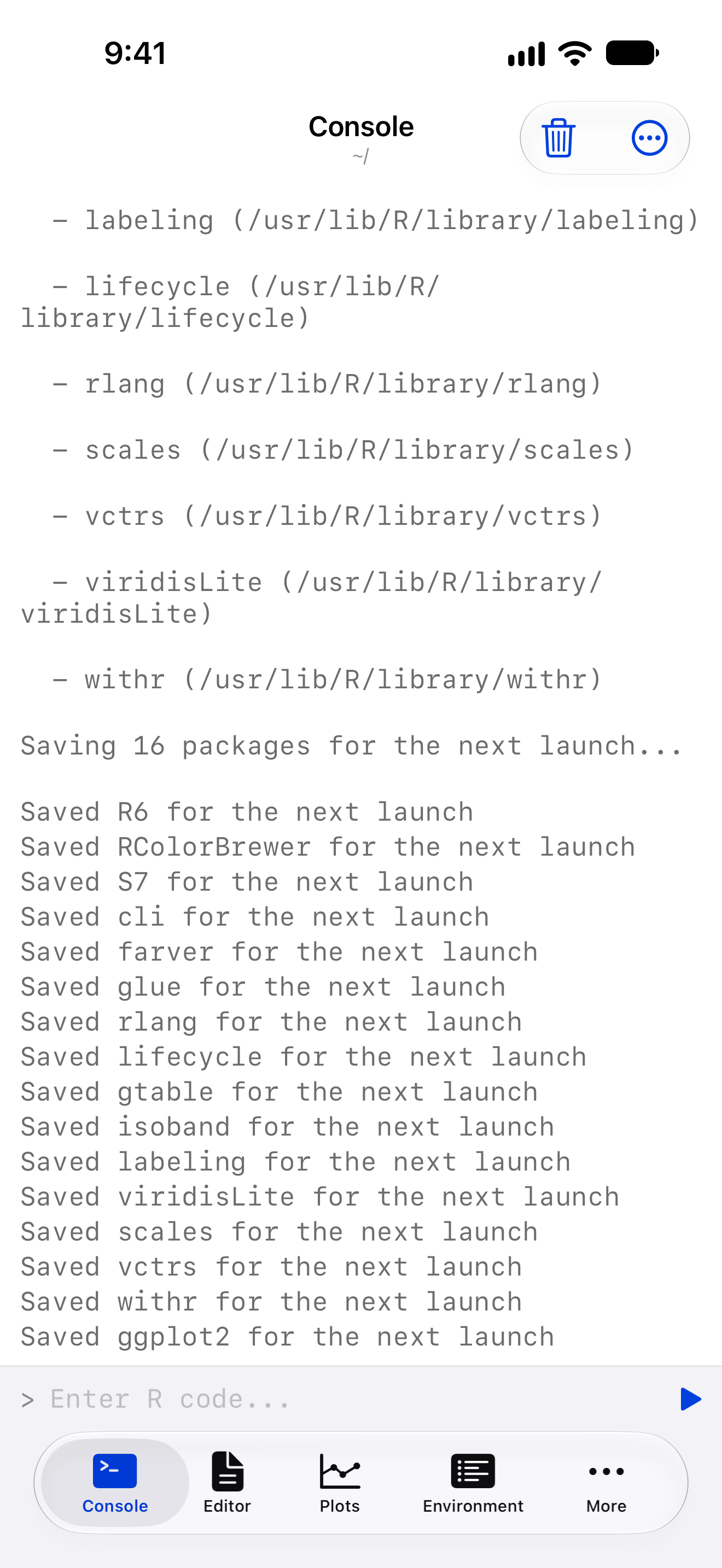
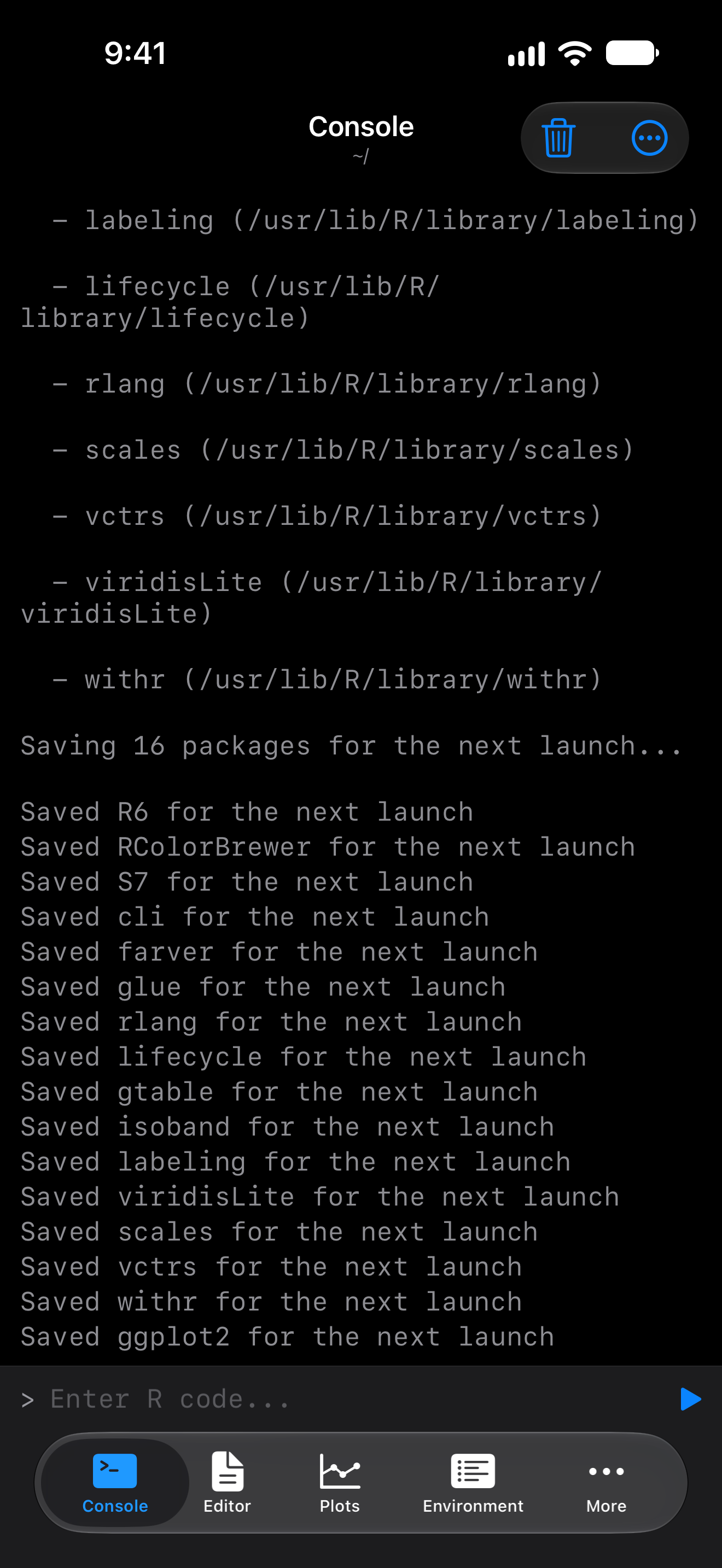
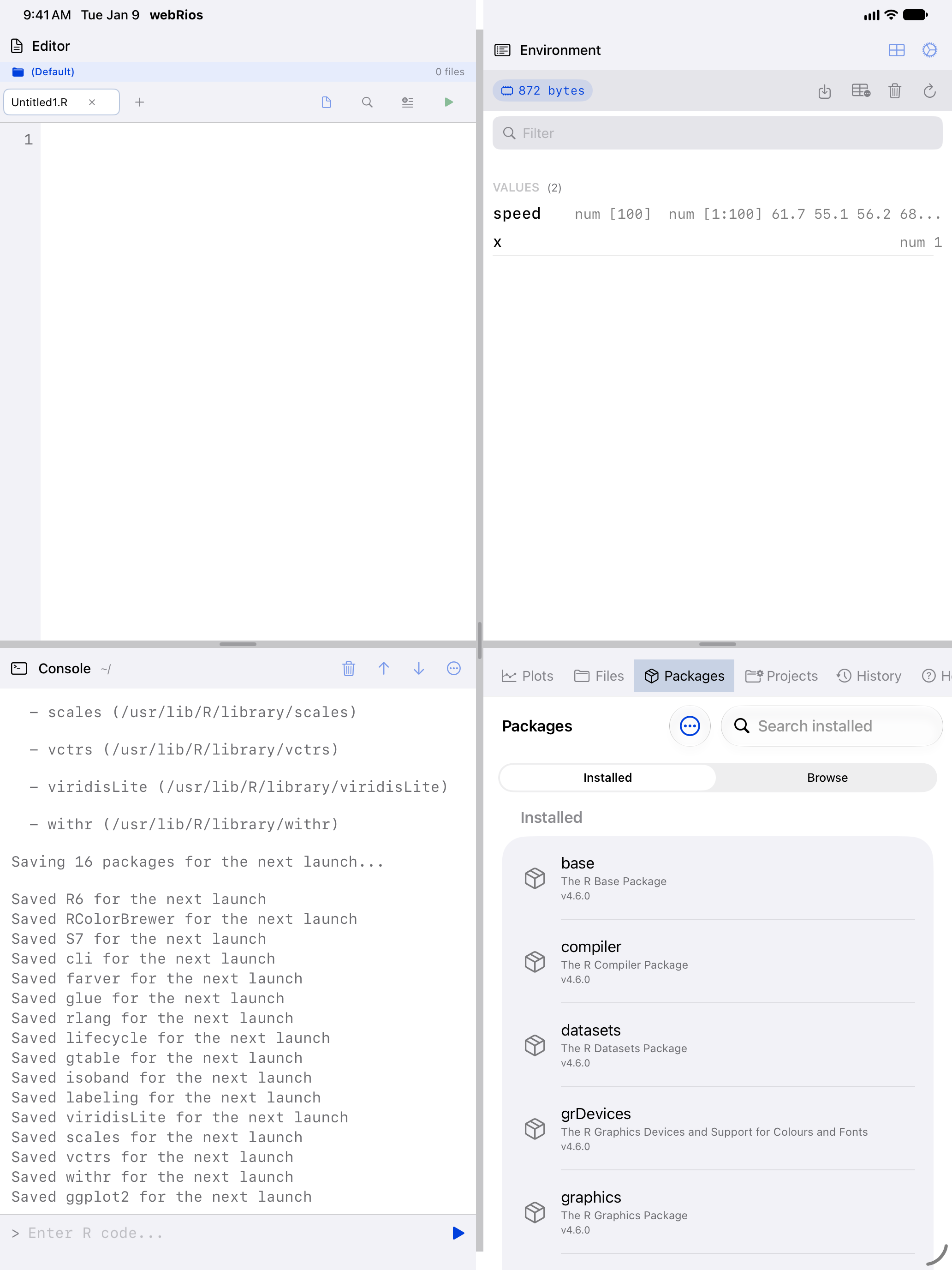
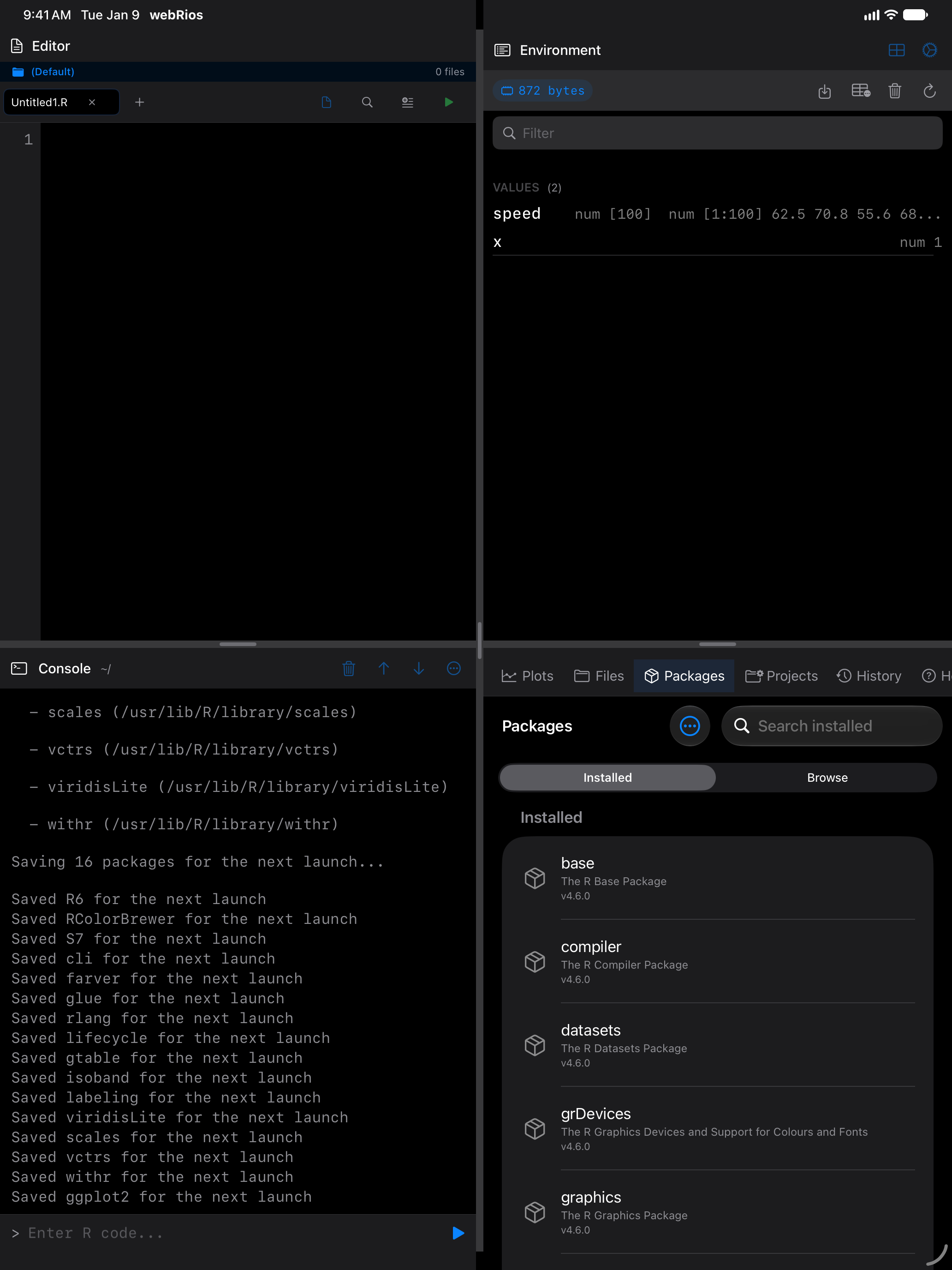
webr::install() installs too, but for this session only: it saves nothing.
Now the same two lines that failed a moment ago work, and the chart renders in the console where you typed them:
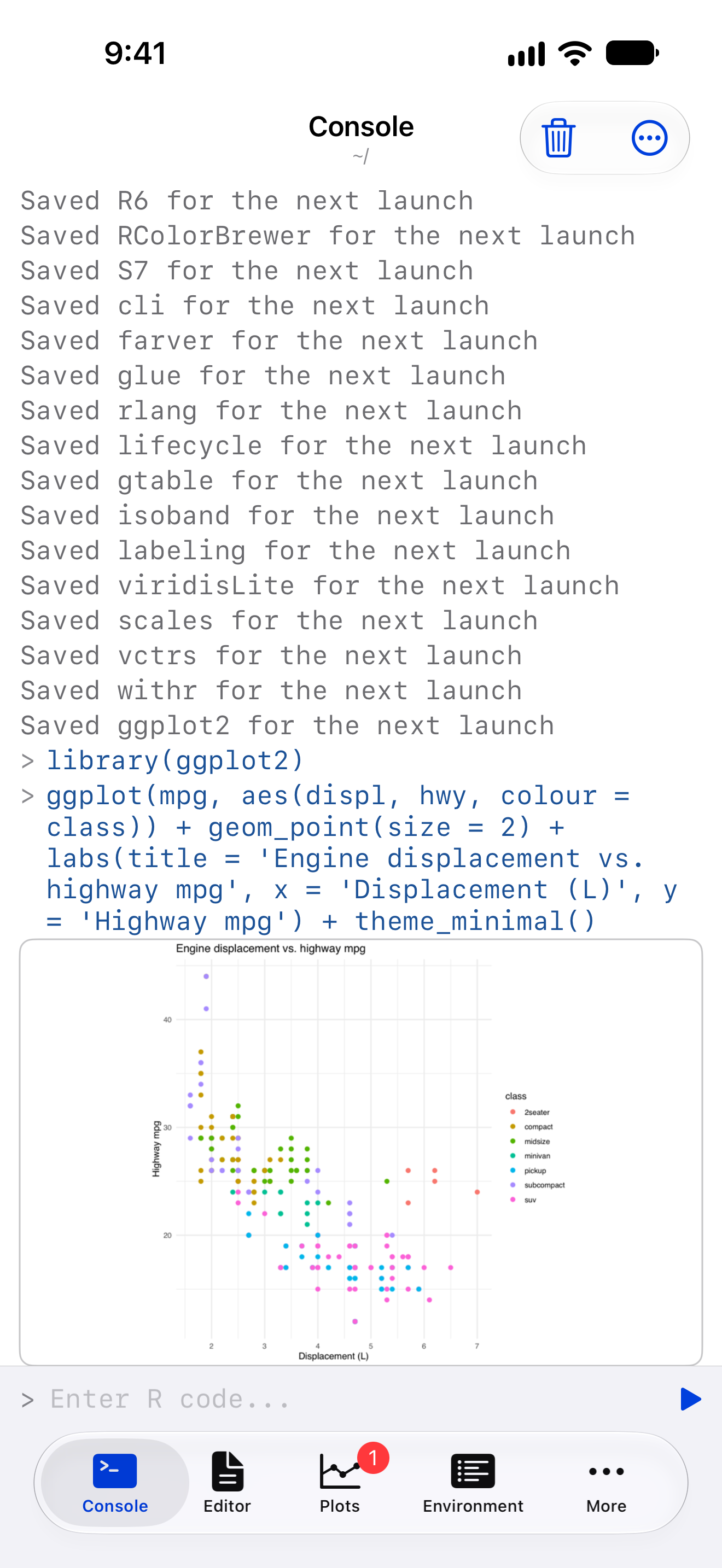
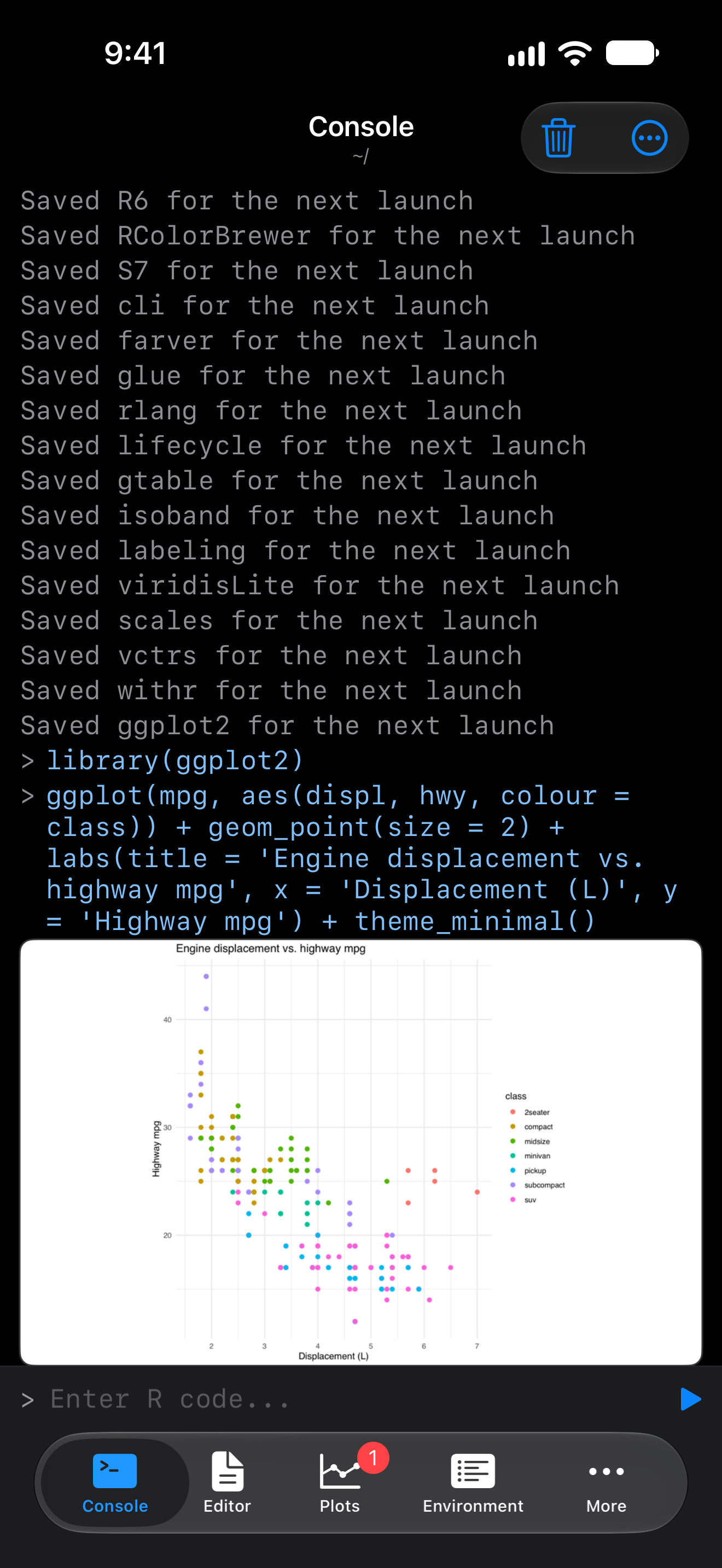
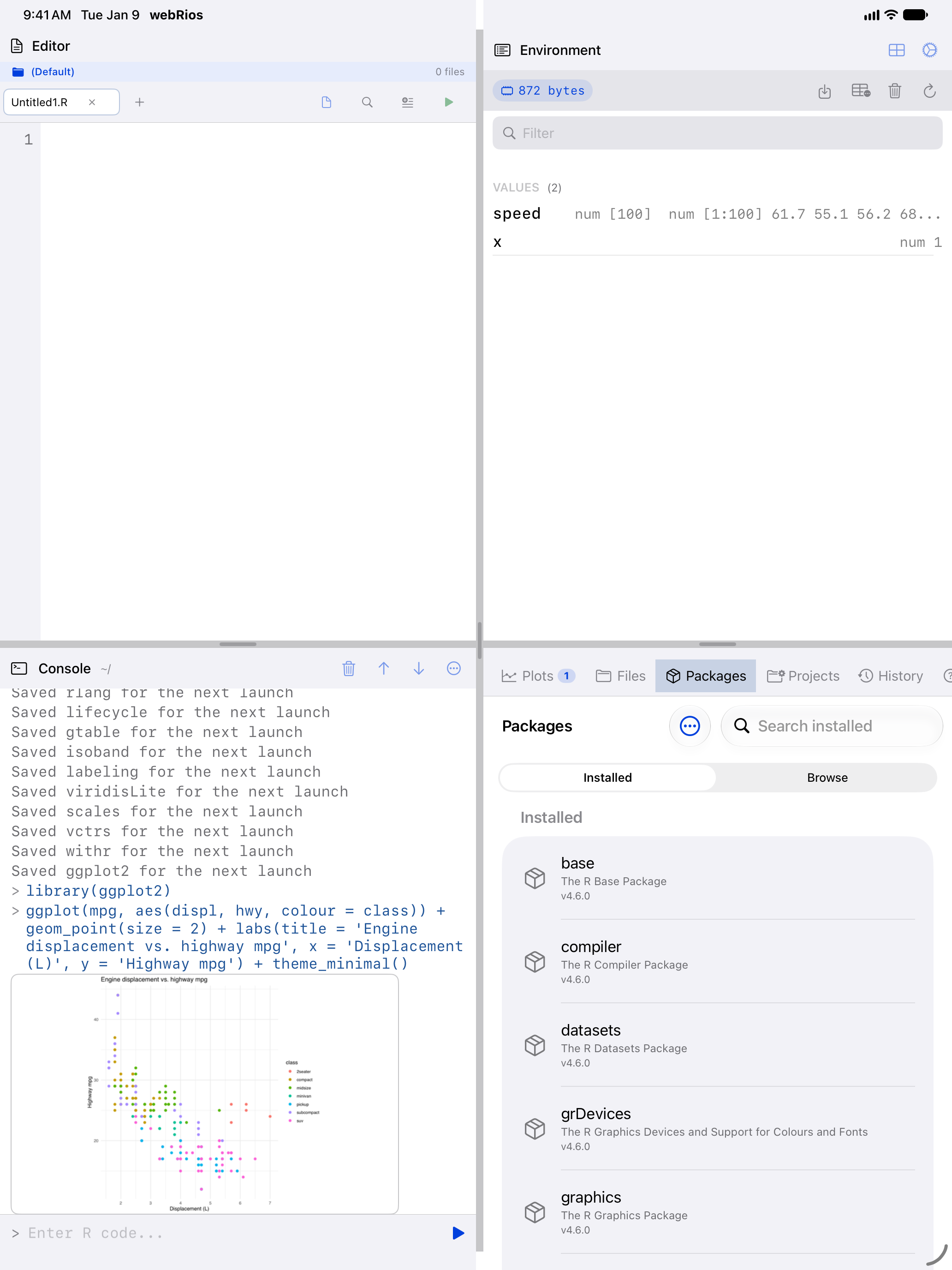
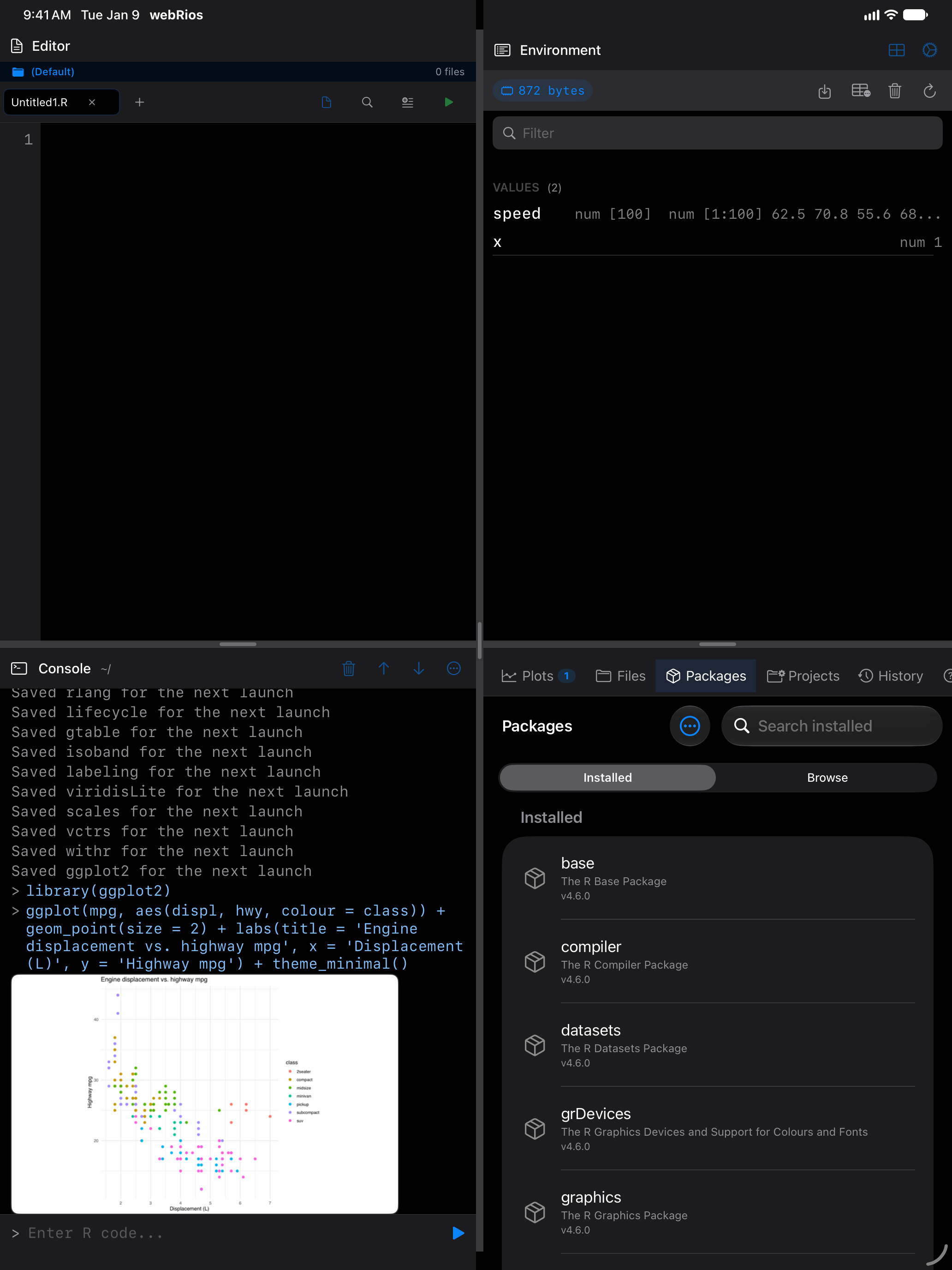
Every chart also goes to the Plots gallery, to revisit, zoom or export:
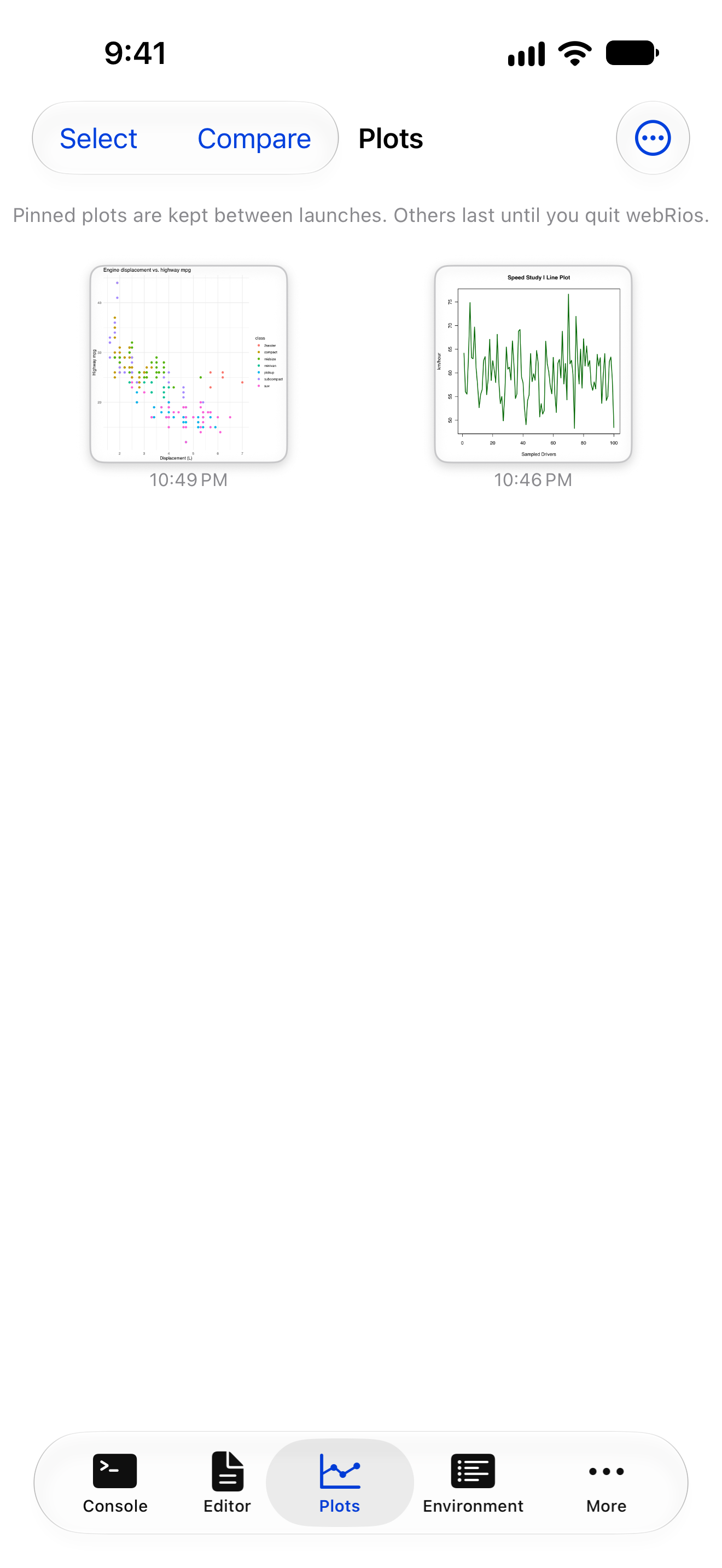
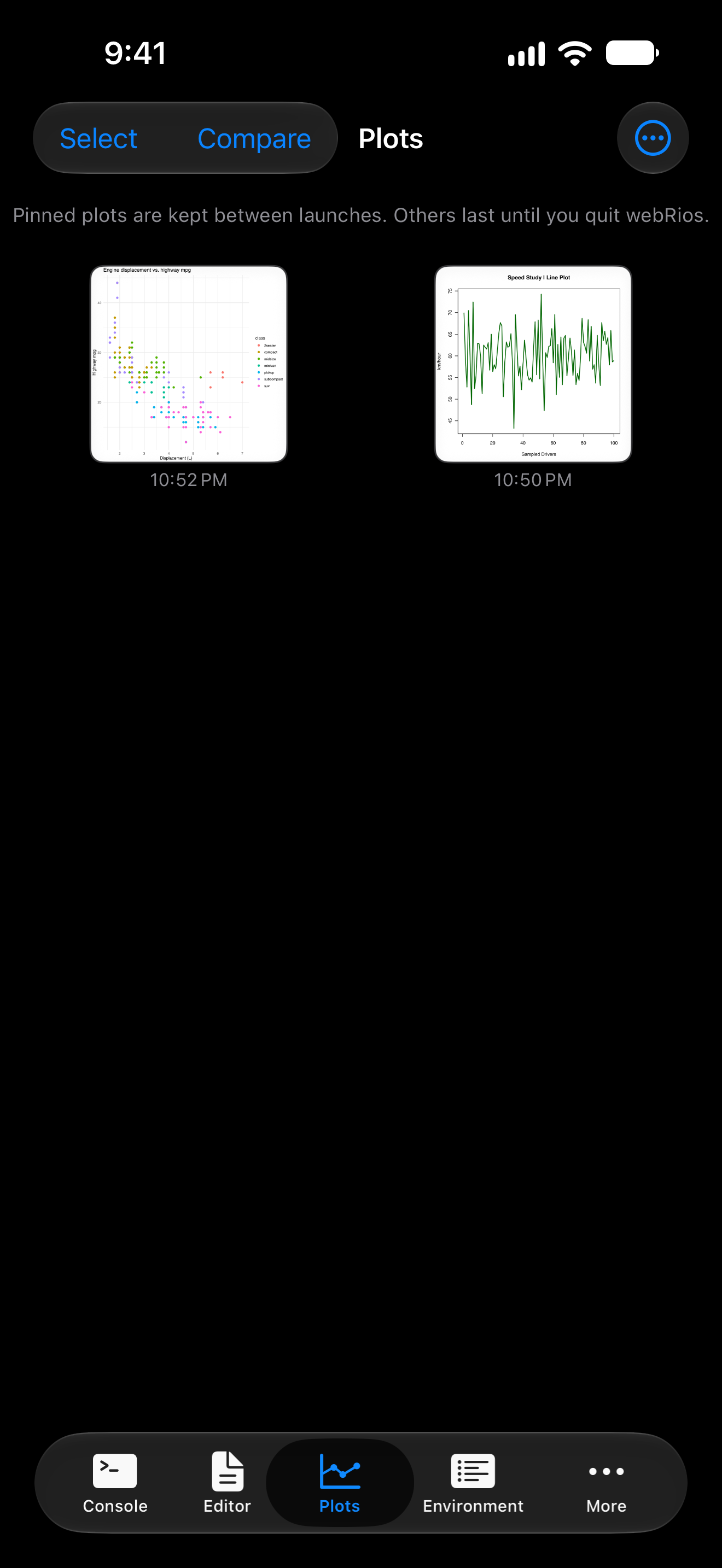
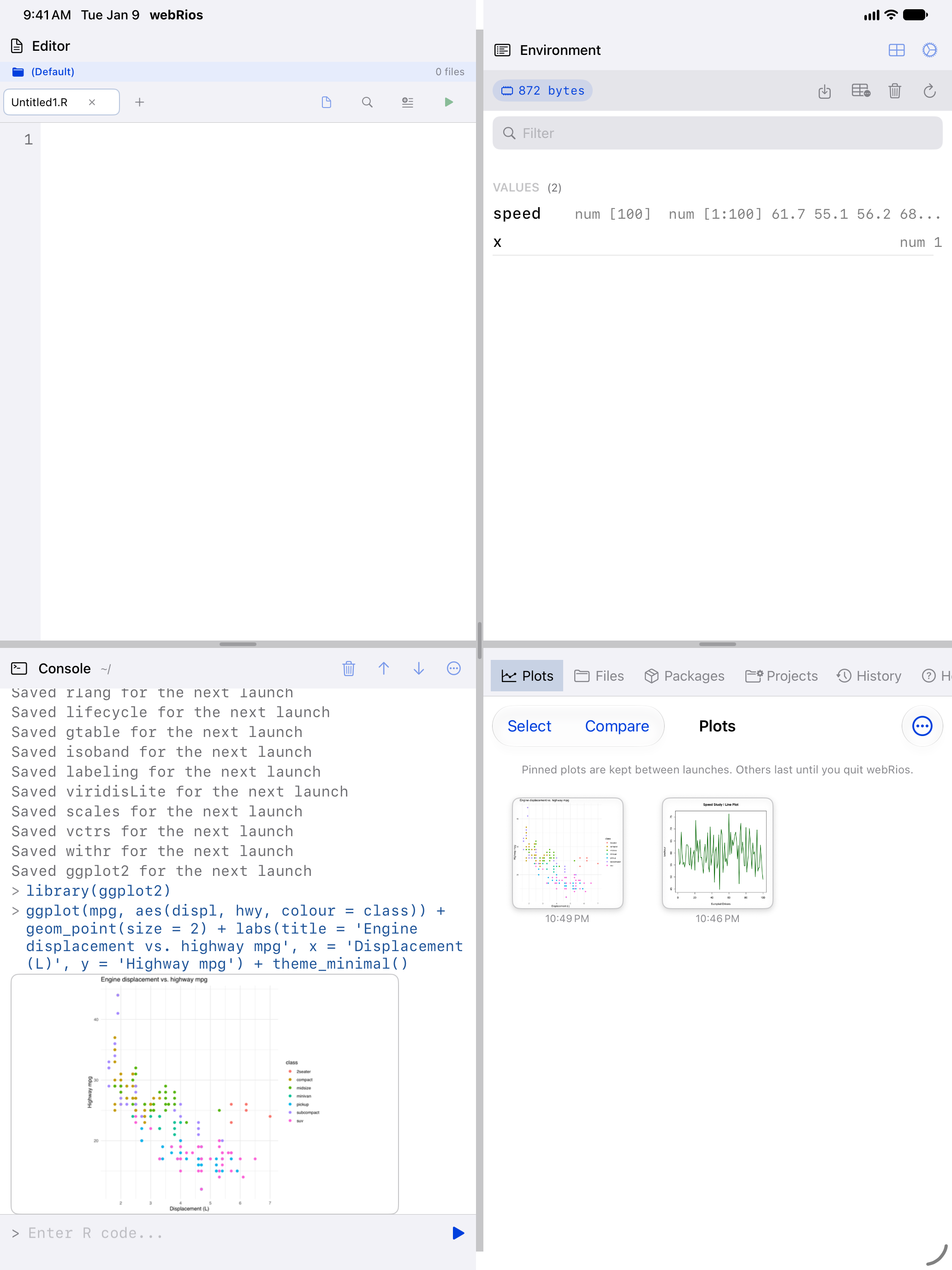
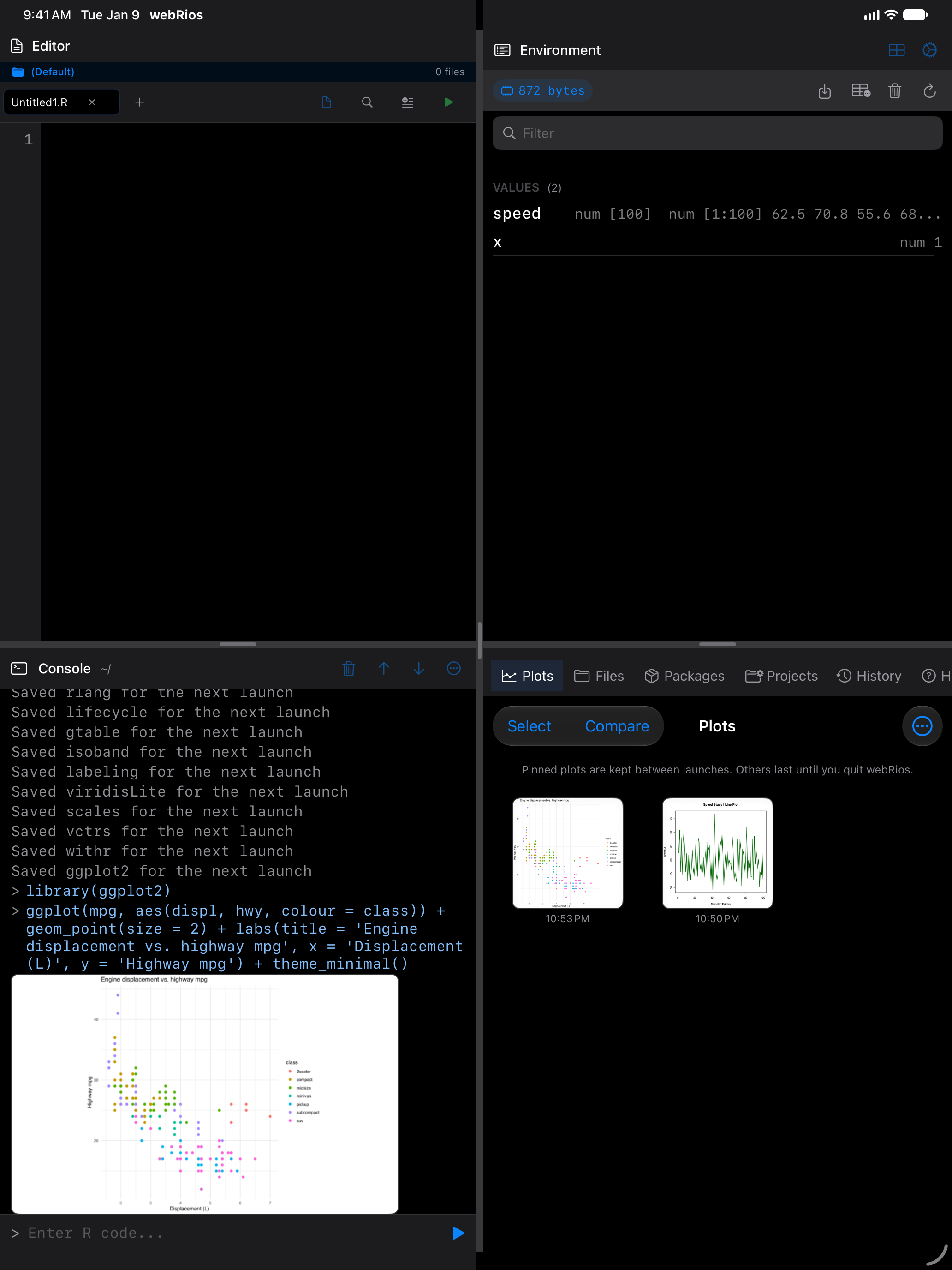
Packages installed with the Install button or install.packages() stay installed between launches. They are tied to webRios’s R version, so a release that upgrades R asks you to download them again; see After an update.
Package bundles
If you are not sure which packages to start with, the app includes pre-built bundles that install a group of related packages in one tap. Open the menu (...) and choose Package Bundles to see the options:
Core Tidyverse: the essentials for modern data work. Includes dplyr (data manipulation), ggplot2 (plotting), tidyr (data reshaping), and readr (reading CSV and other flat files). If you are coming from RStudio, these are probably the first packages you would install.
Data Science: everything in Core Tidyverse plus stringr (string operations), lubridate (dates and times), and jsonlite (reading and writing JSON). A great all-around starter kit.
Statistics: focused on statistical modeling. Includes MASS (classic statistical methods), survival (survival analysis), nlme (mixed-effects models), and lme4 (advanced mixed models).
Loading packages after installation
Installing a package downloads it, but you still need to load it before you can use its functions (same as in desktop R). Two ways to load:
- Swipe right on a package in the Environment tab’s Packages segment and tap Load. The package icon turns green and a “loaded” badge appears.
- Use R code in the Console:
library(ggplot2)orlibrary(dplyr).
To unload a package, swipe right again and tap Unload. This detaches it from the search path.
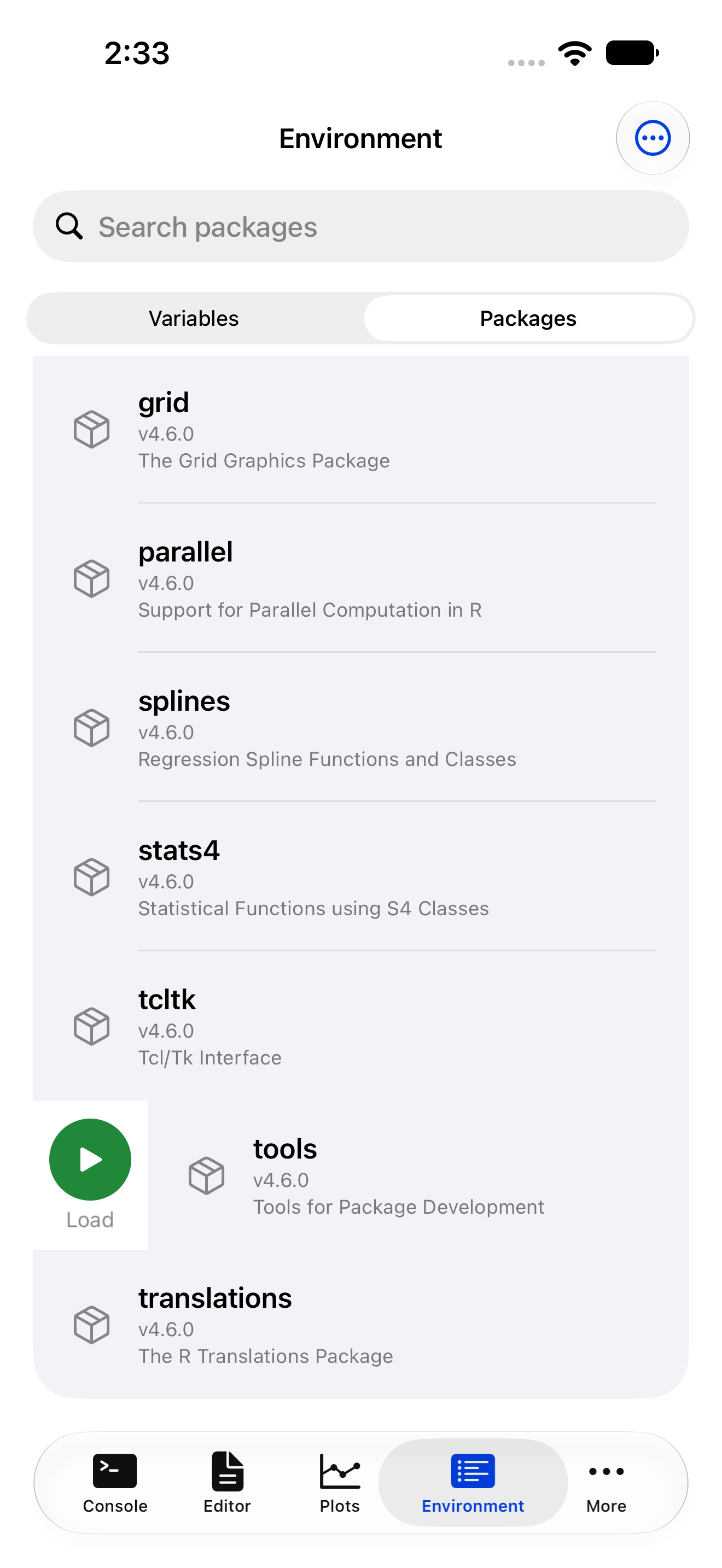
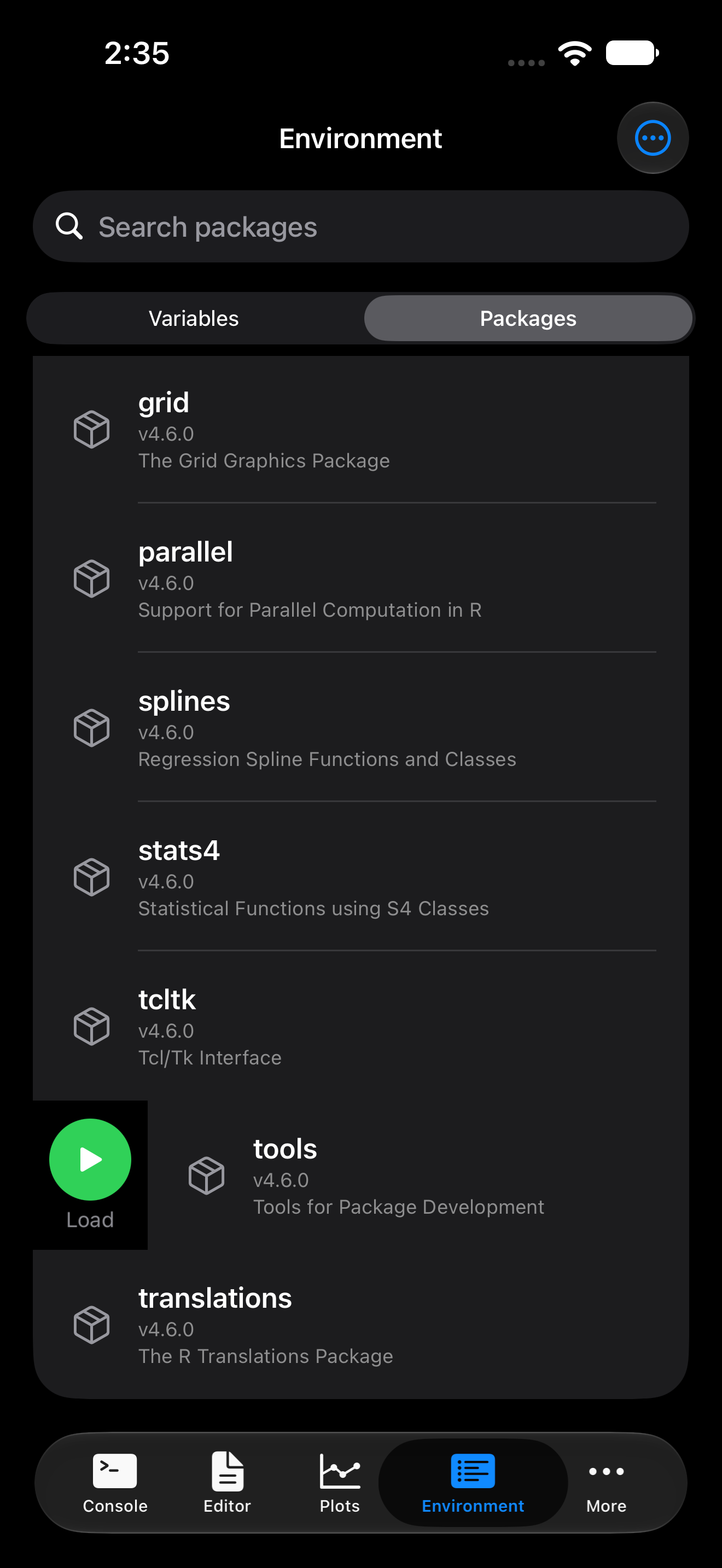
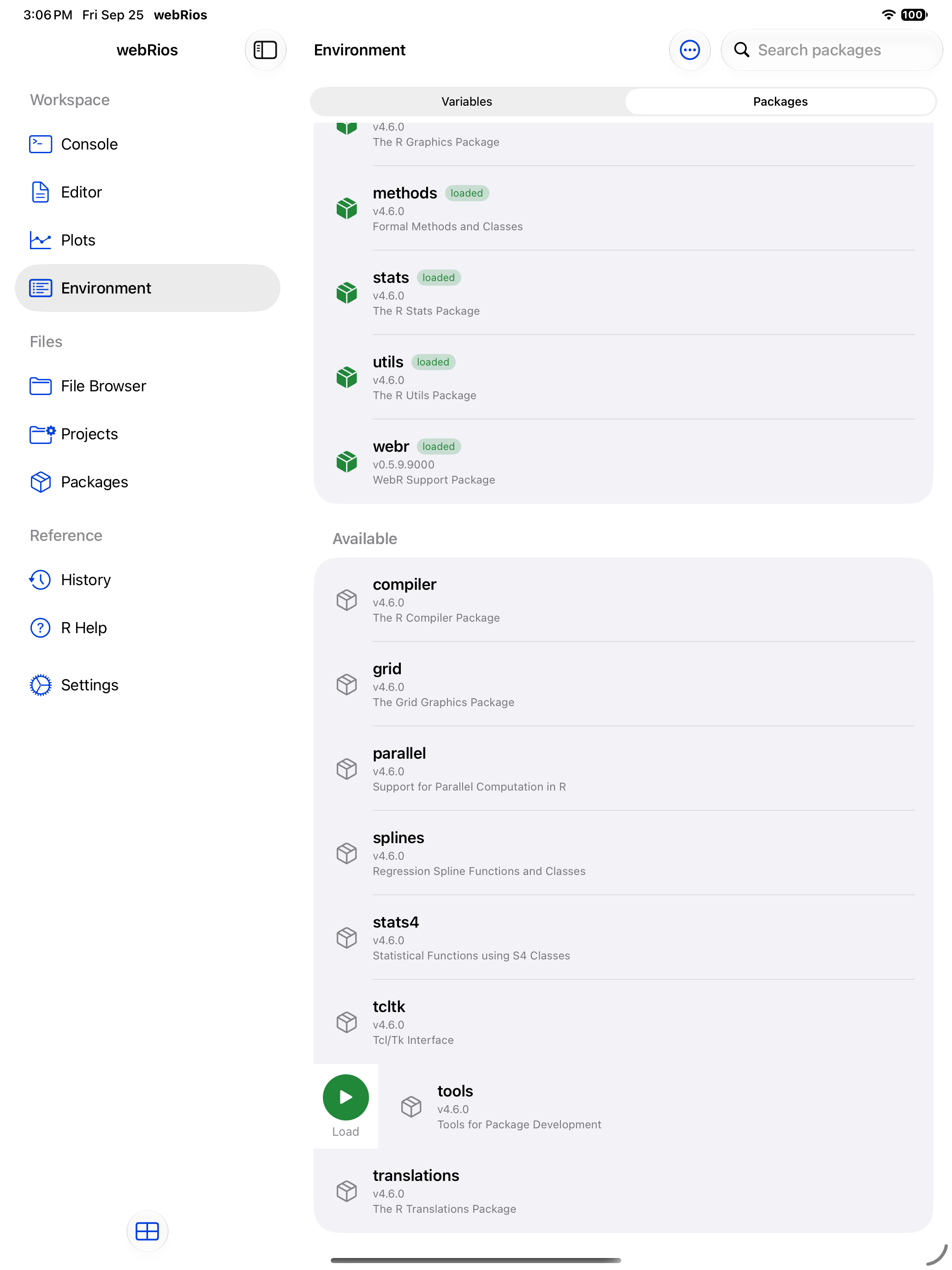
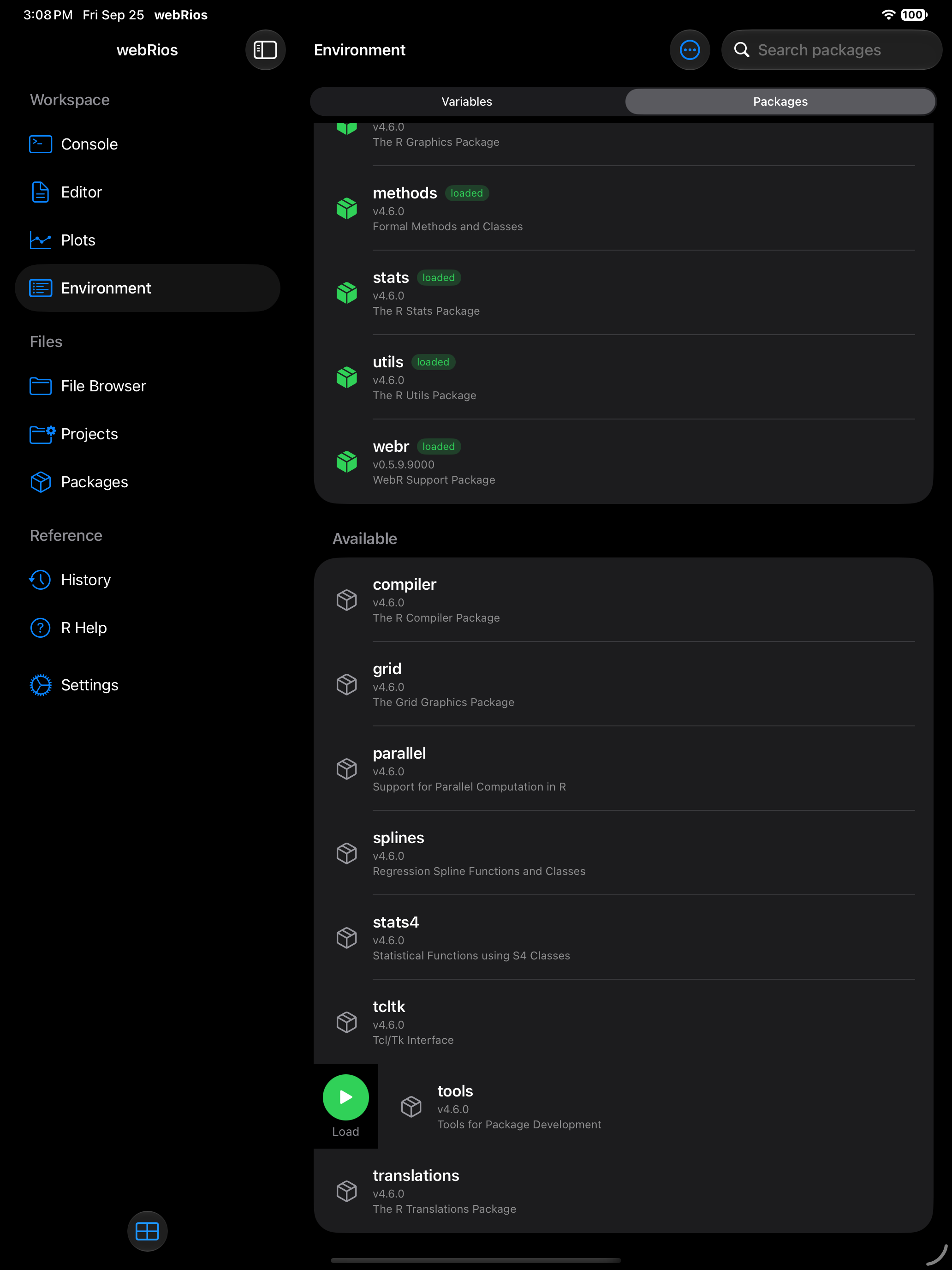
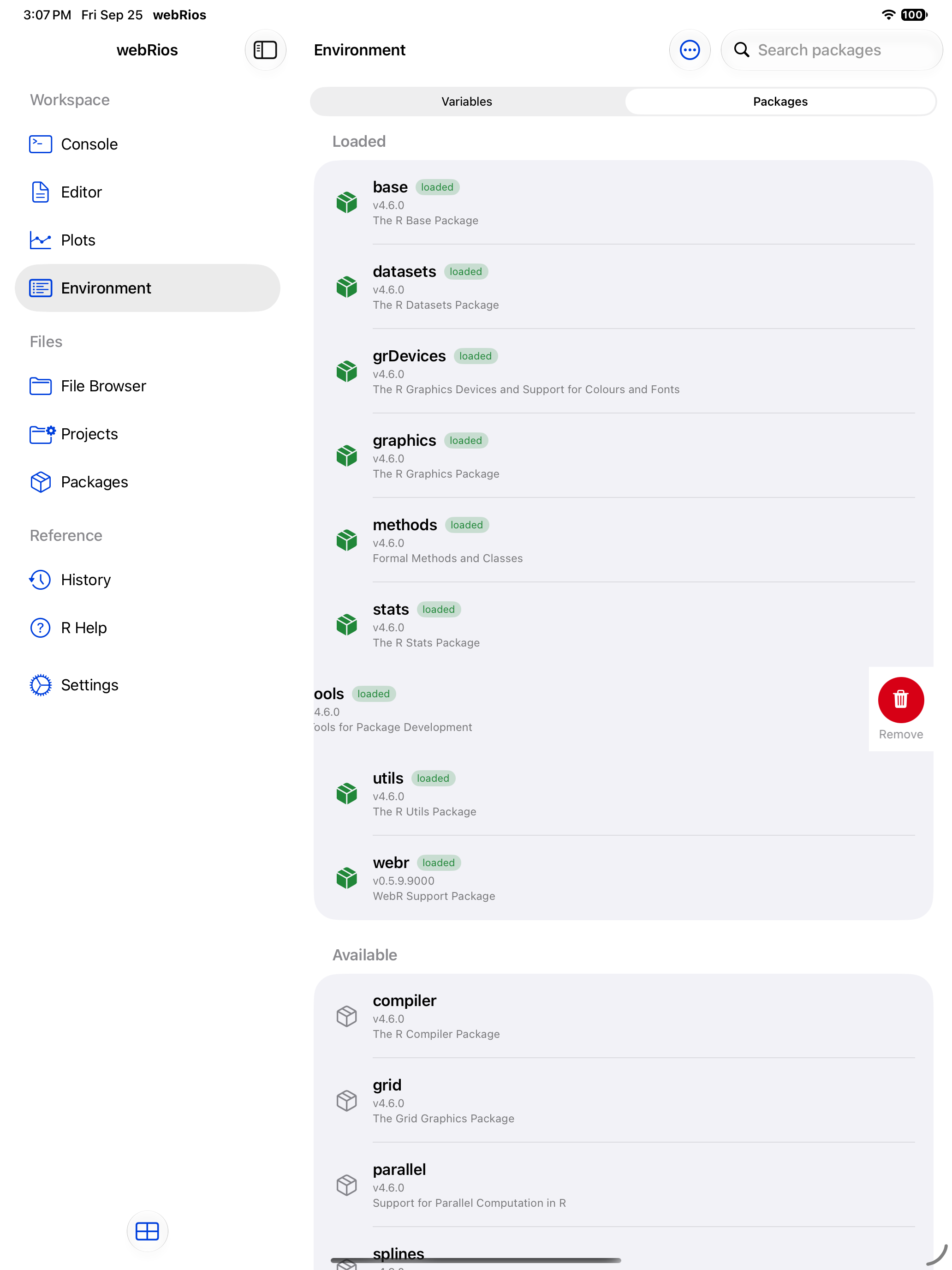
A loaded package shows a green icon and a badge, so you can tell at a glance what is attached:
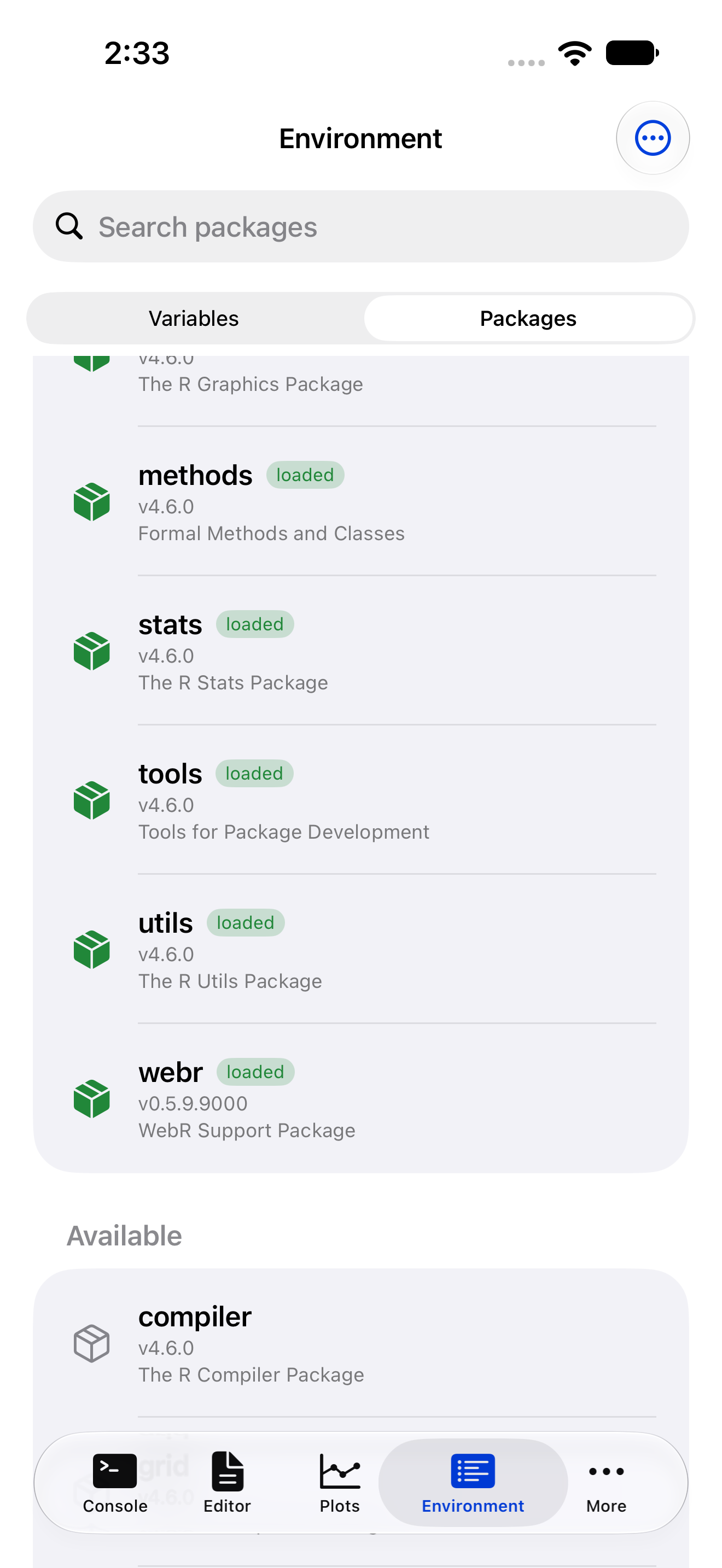
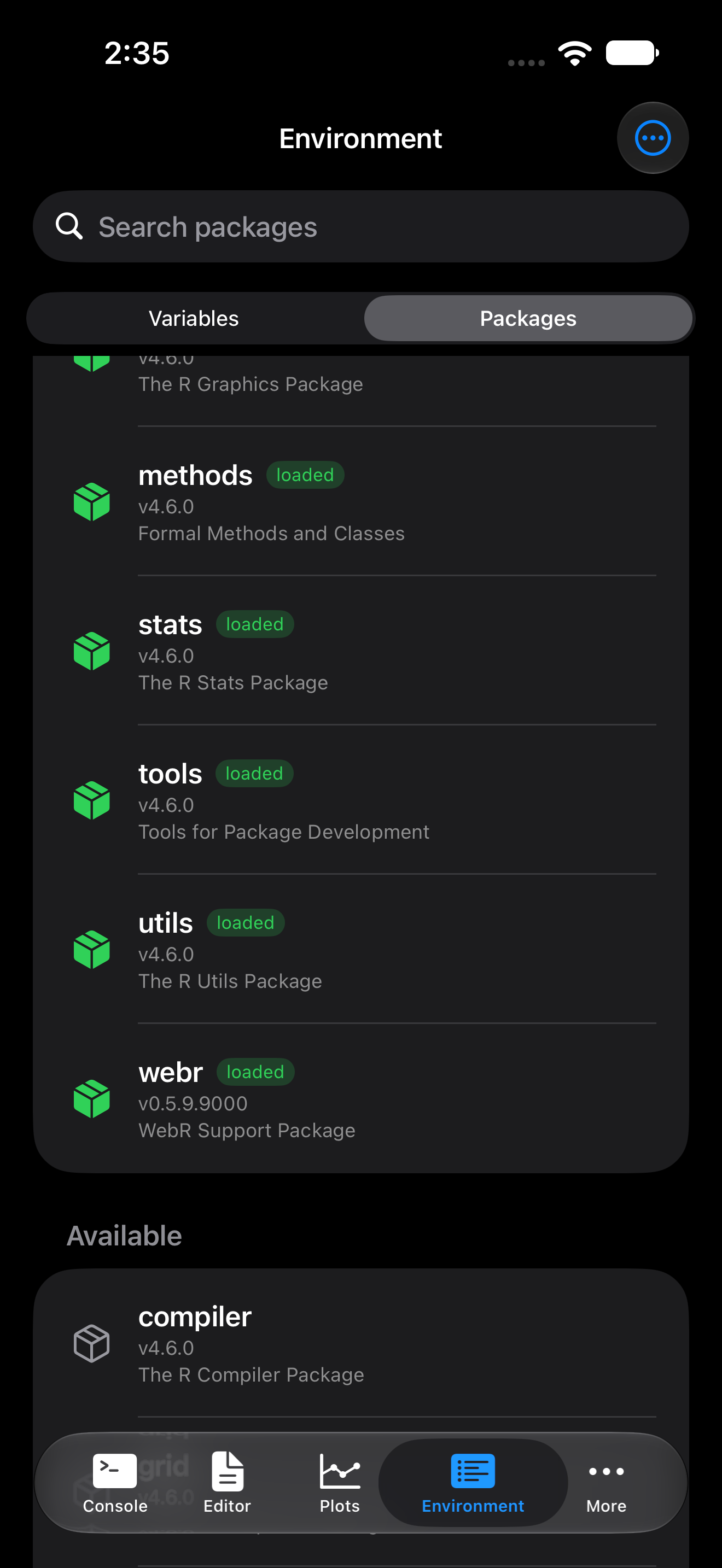
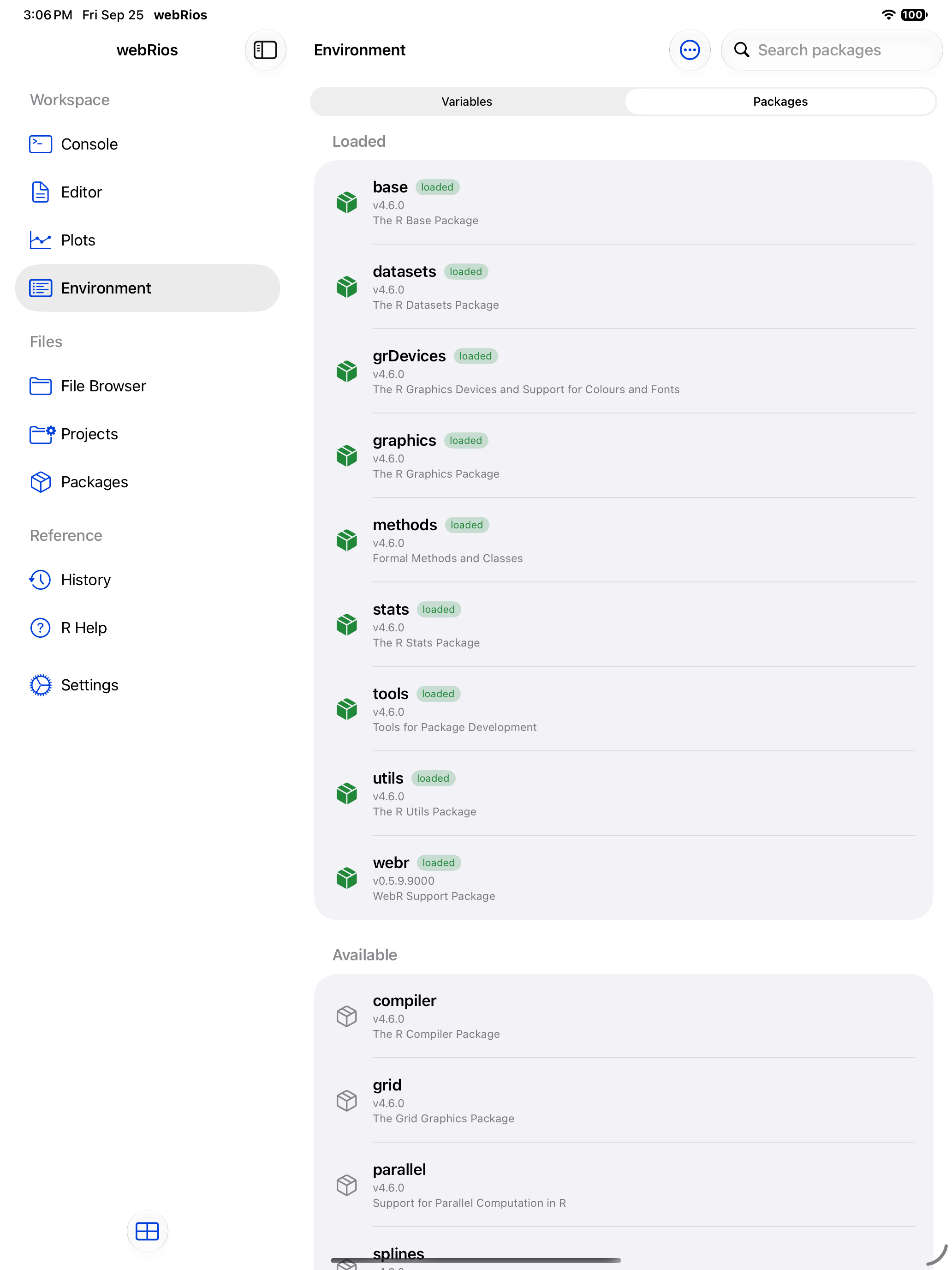
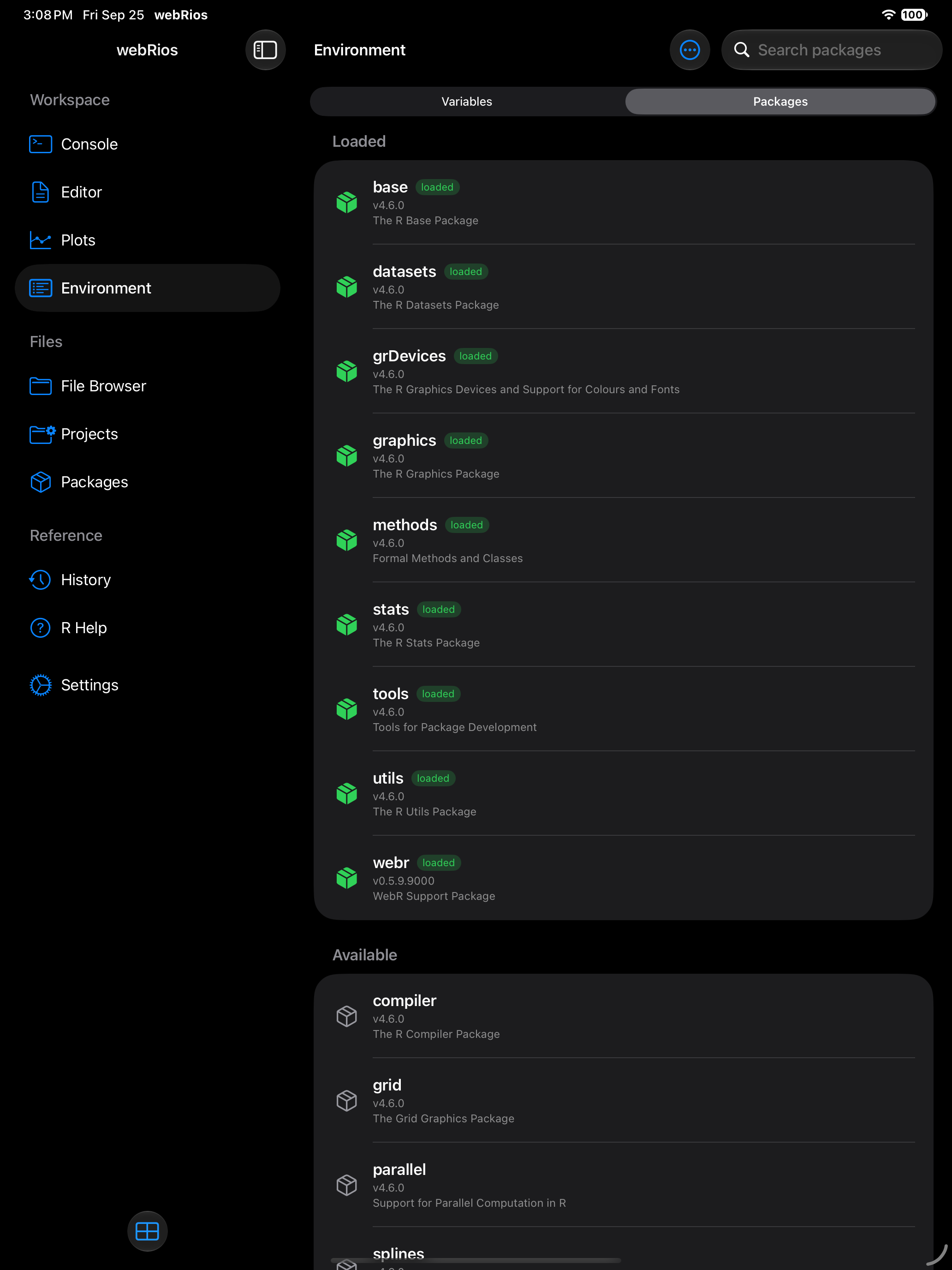
Loading a package is a per-session action. If you restart R or relaunch the app, you will need to load your packages again. Consider putting your library() calls at the top of your R scripts so they run automatically.
Searching installed packages
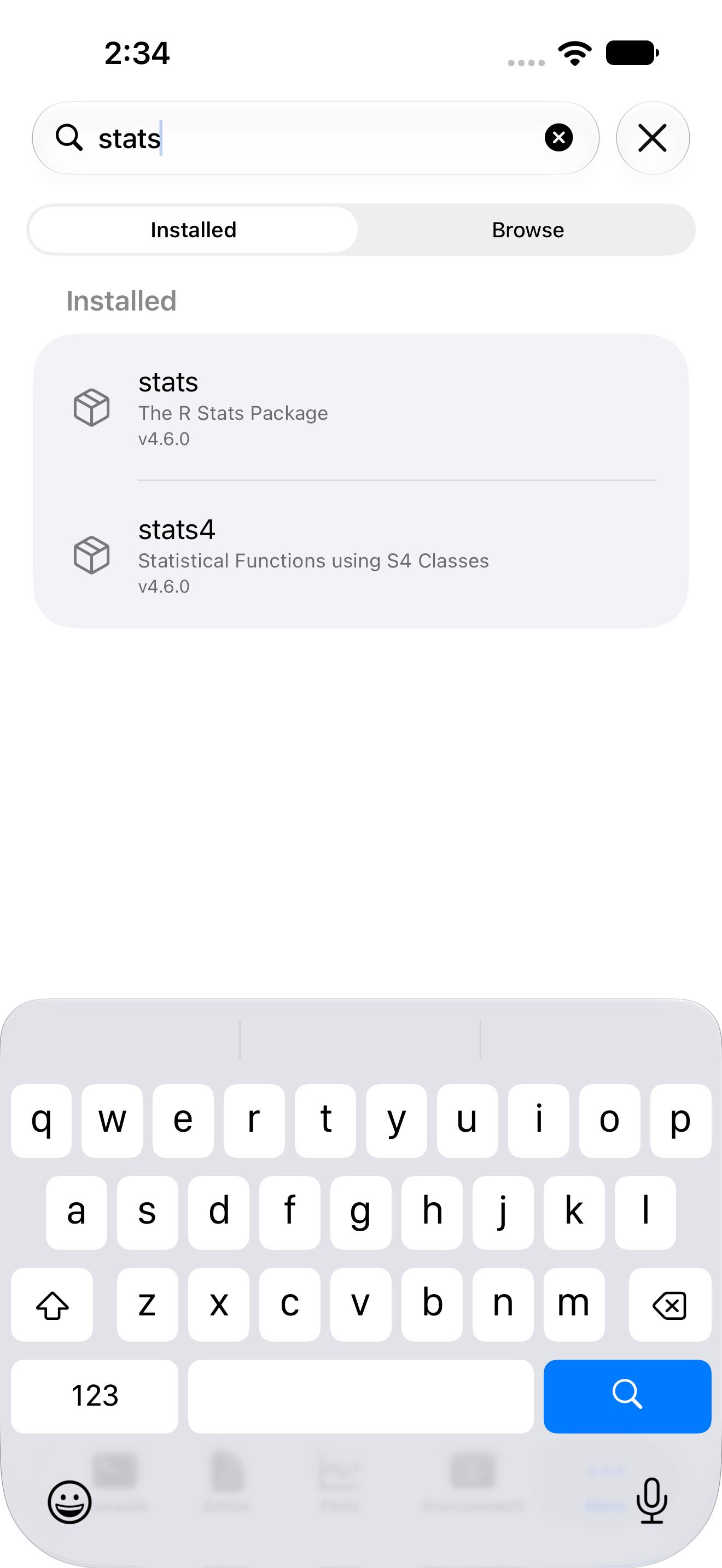
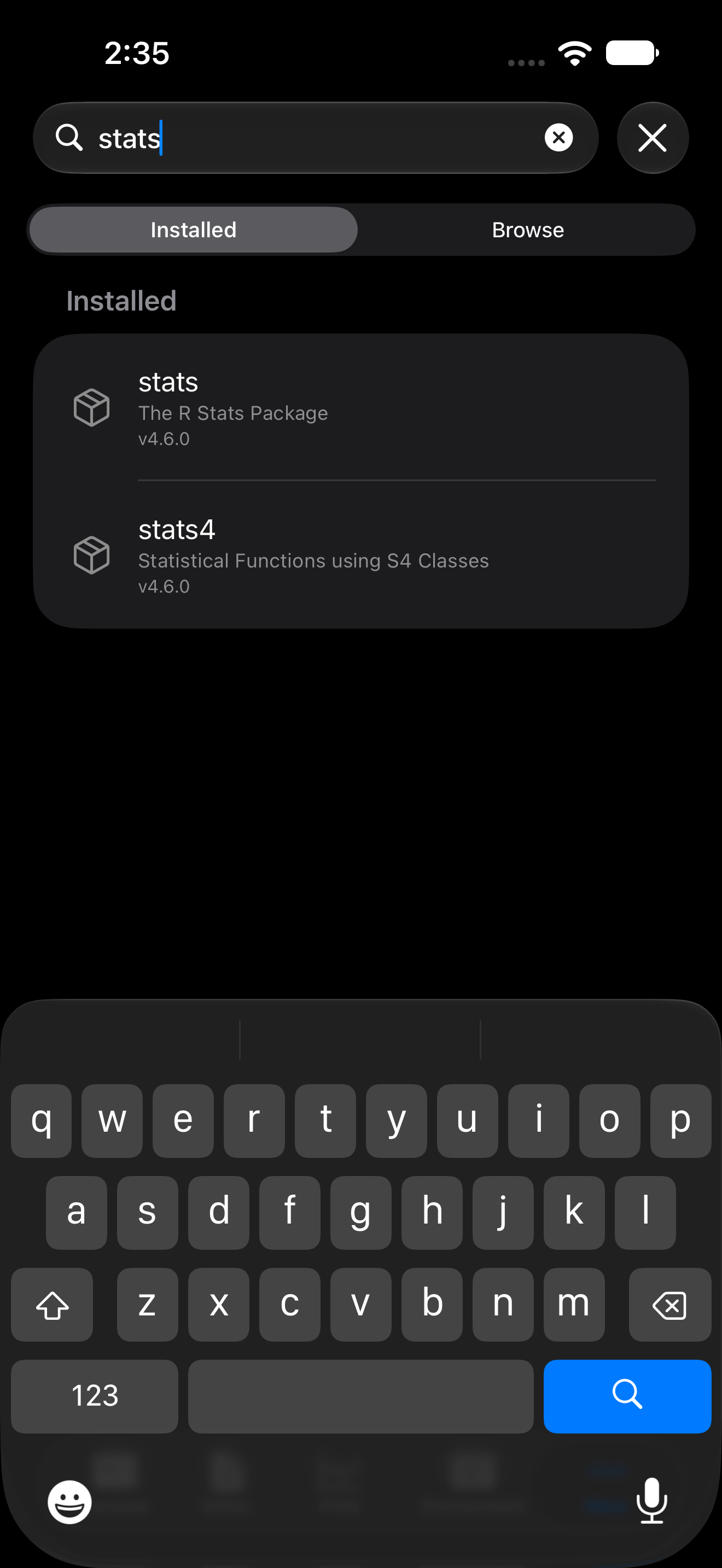
The search bar filters installed packages by name or description.
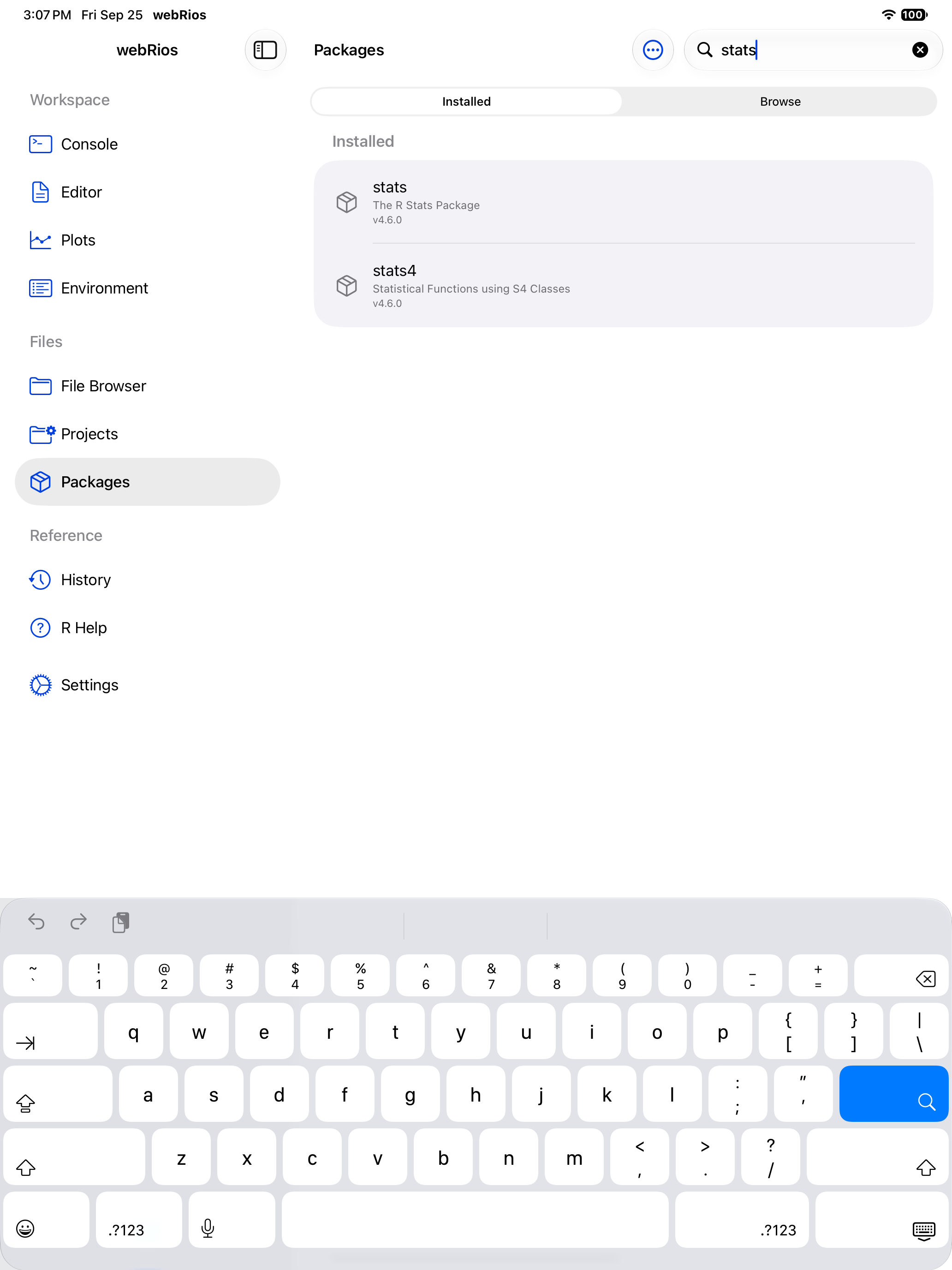
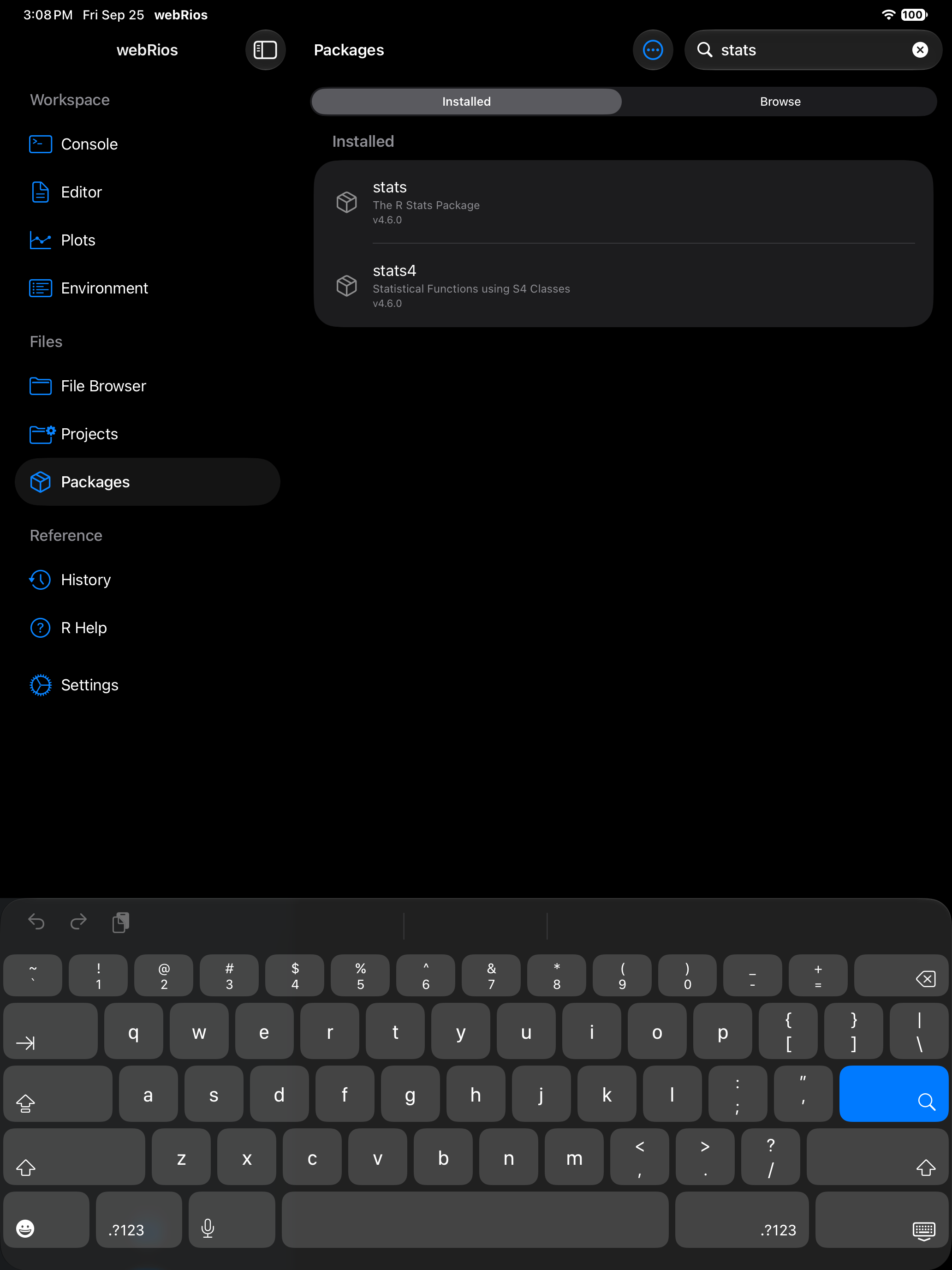
Removing packages
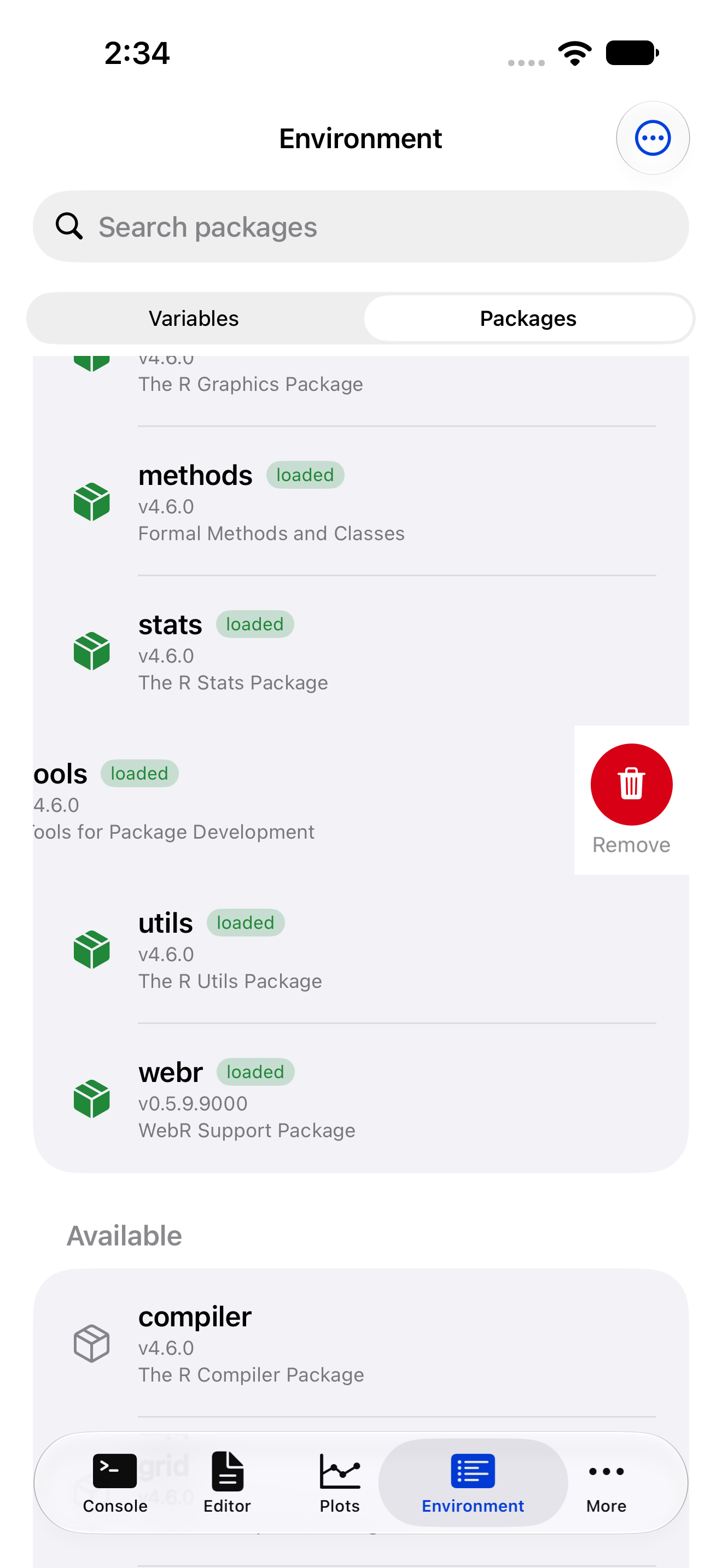
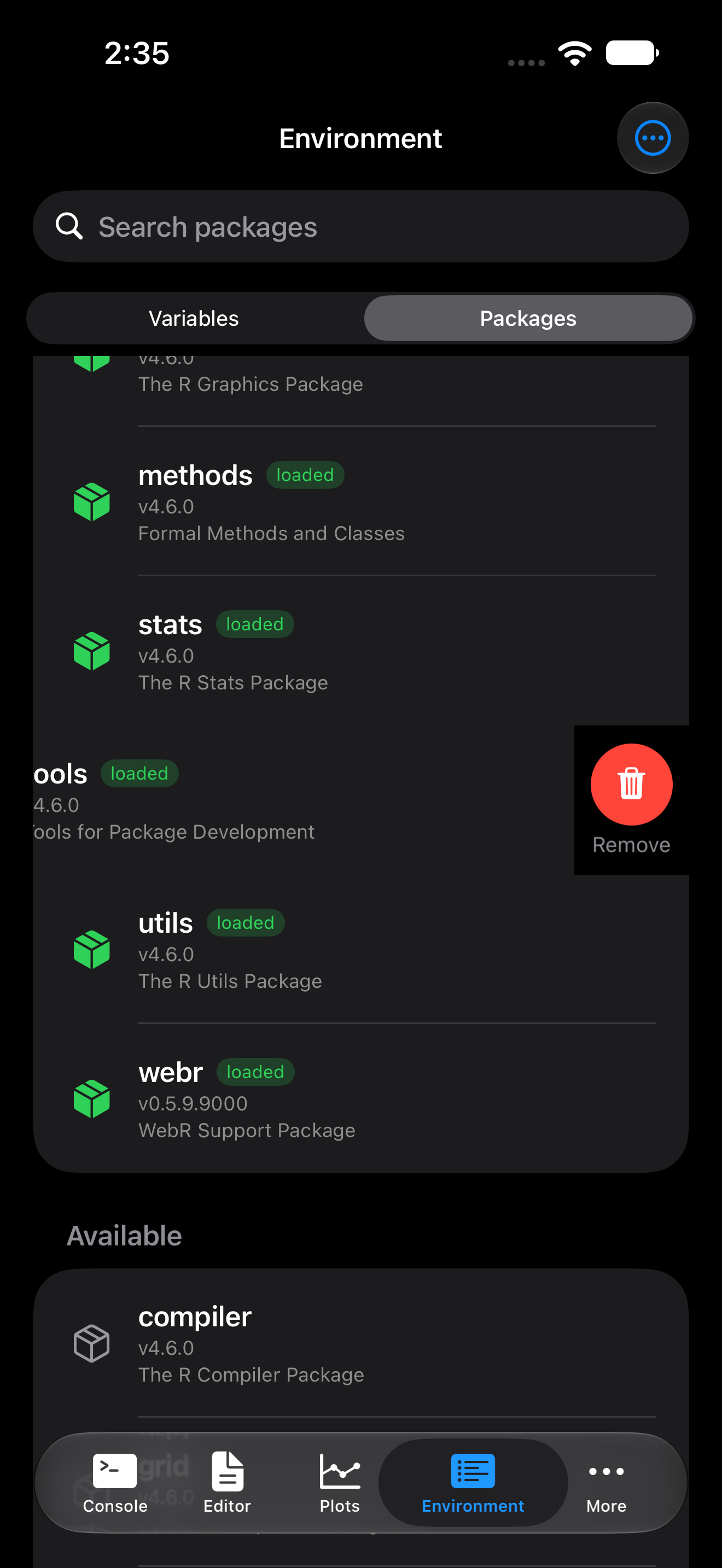
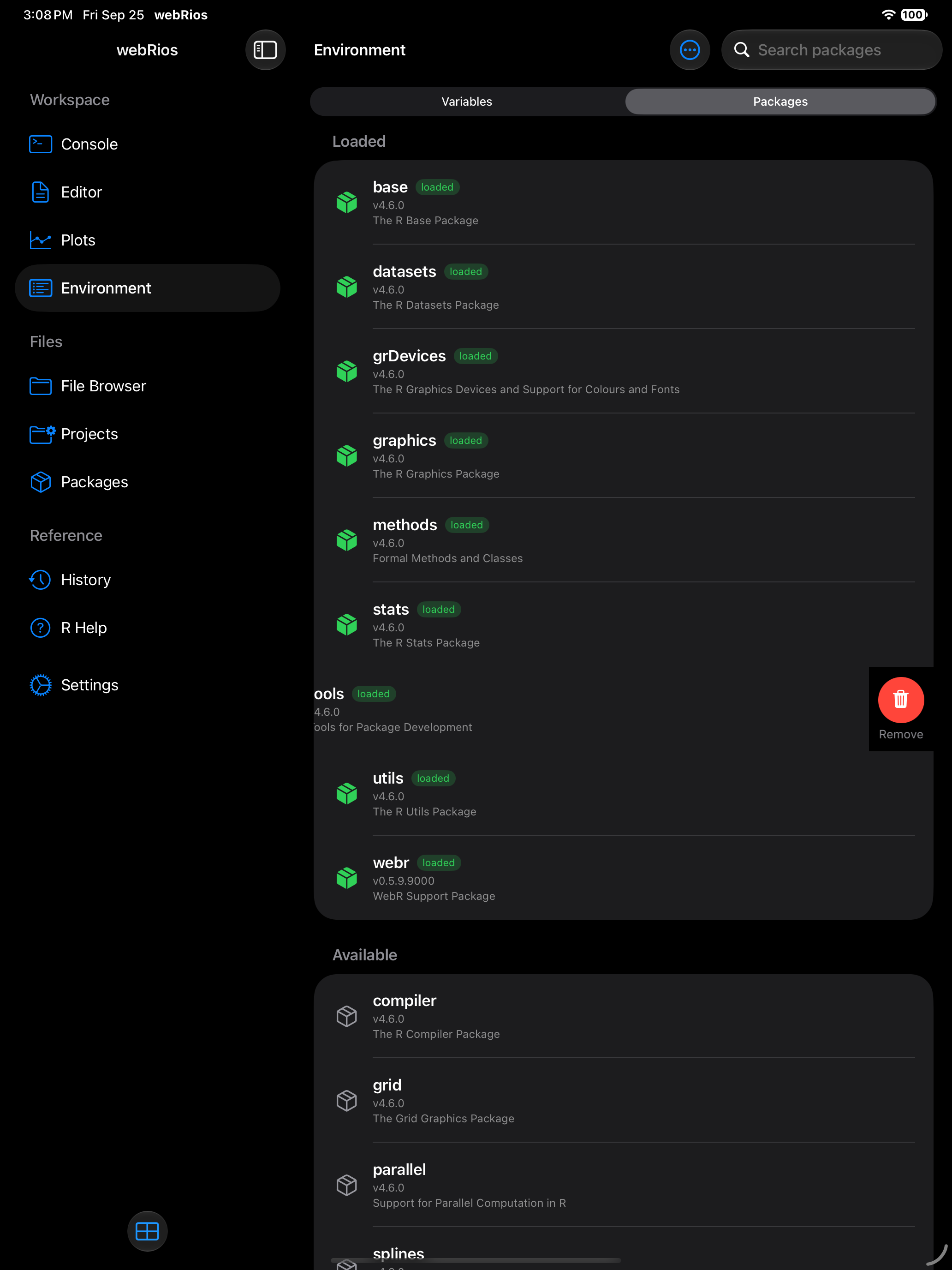
Swipe left on a package in the Environment tab’s Packages segment and tap Remove. webRios asks first, and deletes the saved copy too, so it doesn’t come back at the next launch.
remove.packages("name") in the Console does the same and prints “Removed name from saved packages”. A package installed this session stays usable until R restarts; the Console says so, and it won’t come back at the next launch.
Saving packages for offline use
With Restore on Startup on (Settings > R Session), saved packages come back at every launch, offline too. It’s quick: 25 packages, stringi among them, take a few seconds.
A package is saved whole or not at all. An install.packages() says what it installed and that it is saving them (“Installed 11 packages: …”, “Saving 11 packages for the next launch…”), then “Saved gapminder for the next launch” for each. A failed save says “Couldn’t save package for the next launch” with the reason, and keeps any earlier saved copy.
Packages are saved in dependency order, so if webRios closes mid-save, every saved package has what it needs. At launch a copy with a file missing or cut short is skipped: “Couldn’t restore package: 1 of 47 files is missing. Install it again to use it.” Installing again puts it right, since an install adds every missing dependency, even beneath packages you already have.
After an update
Saved packages are built for one version of webR, the WebAssembly R that webRios runs, and don’t work with another. When an update brings a new webR, often with a new R, the first launch removes the old packages. Once R is ready, a notice lists them and names what changed:
- Packages Removed for R 4.6 after webRios 1.2.0, which moved R from 4.5 to 4.6
- Packages Removed for webR 0.6.1, say, when only webR changes
Reinstall downloads them again. The Console shows “Reinstalling packages removed for R 4.6”, then what came back, and names any package not yet built for the new version. Not Now leaves them removed; the notice appears once.
A note about package availability
Not every CRAN package is available. R runs via WebAssembly, so packages must be compiled for this platform. The webR project maintains the supported list.
Most popular data science, statistics, and visualization packages are available. Packages that depend on external system libraries (database drivers, specialized C++ libraries) are the most likely to be absent.
Packages are downloaded from repo.r-wasm.org and require an internet connection to install. Once installed, they work offline.
Pull down on the package list to refresh it at any time.